---
title: "Clipboard"
description: "Copy and paste plain text."
---

`@ink/clipboard` reads and writes plain text through Android's clipboard.

## Copy text

<p>Place this component inside a <code>Screen</code>.</p>

<div className="pattern-example">
<div>

```tsx
import { Button, Text, useAction } from "ink";
import { clipboard } from "@ink/clipboard";

export function CopyReference({ value }: { value: string }) {
  const copy = useAction(() => clipboard.writeText(value));
  return <>
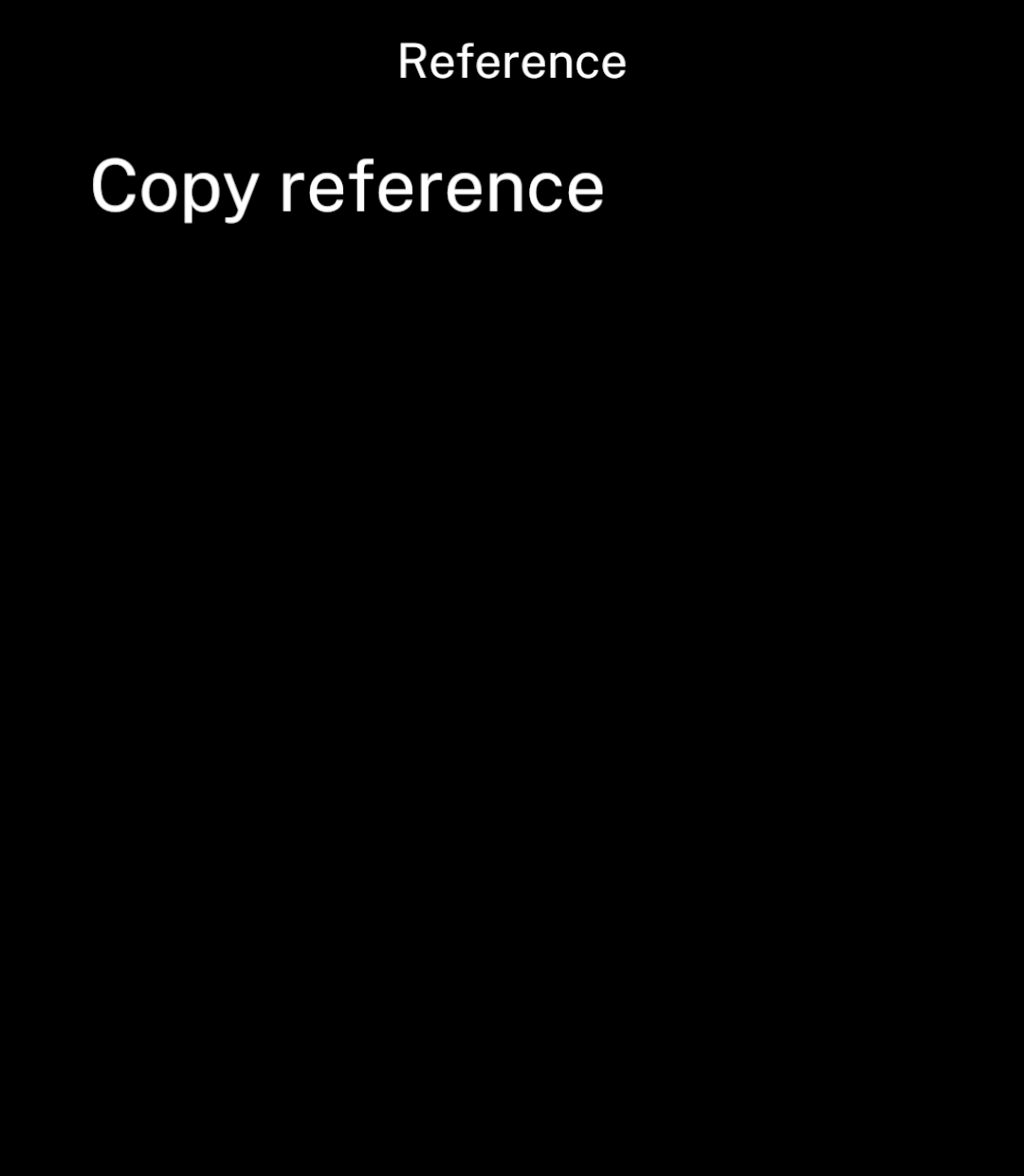
    <Button onPress={() => copy.run()}>Copy reference</Button>
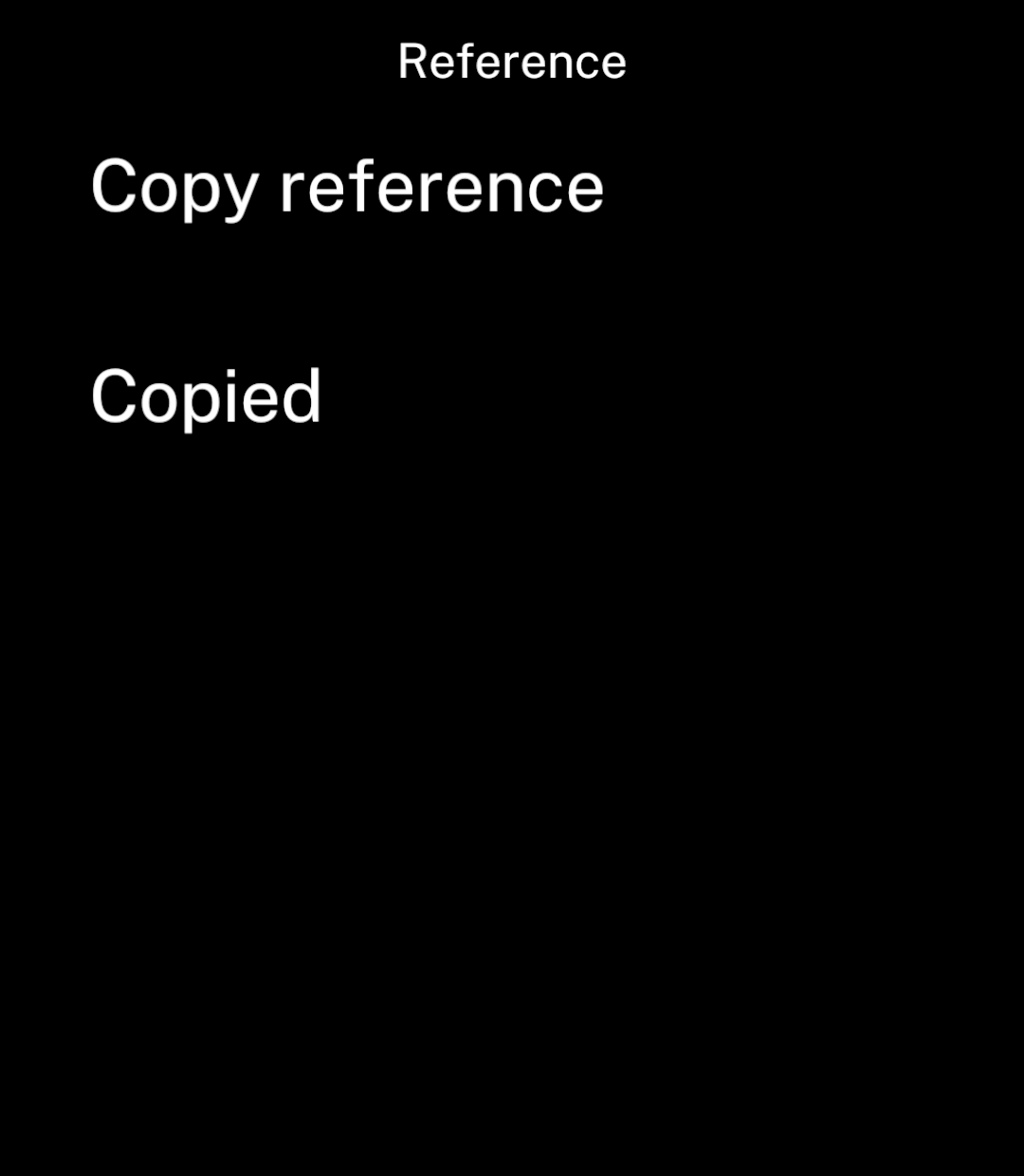
    {copy.status === "success" && <Text>Copied</Text>}
    {copy.status === "error" && <Text>Could not copy reference</Text>}
  </>;
}
```

</div>
<div className="pattern-preview">
**Before**

<img src="/images/patterns/clipboard.png" alt="A Copy reference button." width="1080" height="1240" />

**After**

<img src="/images/patterns/clipboard-copied.png" alt="Copied confirmation below the button." width="1080" height="1240" />

</div>
</div>

## Paste text

```ts
import { clipboard } from "@ink/clipboard";

const text = await clipboard.readText();
```

The result is text, or `null` if none is available.

### Privacy

Repeated background reads can trigger Android privacy notices.

Validate pasted URLs, codes and records before using them. Avoid copying credentials.