---
title: "Codes"
description: "Display QR codes and barcodes."
---

## Example

<div className="pattern-example">
<div>

<p>Install <code>@ink/barcode</code>.</p>

```tsx app/index.tsx
import { Screen } from "ink";
import { Barcode } from "@ink/barcode";

export default function Code() {
  return <Screen title="QR code" centered>
    <Barcode format="qr" value="Hello World!" size={240} />
  </Screen>;
}
```

</div>
<div className="pattern-preview">
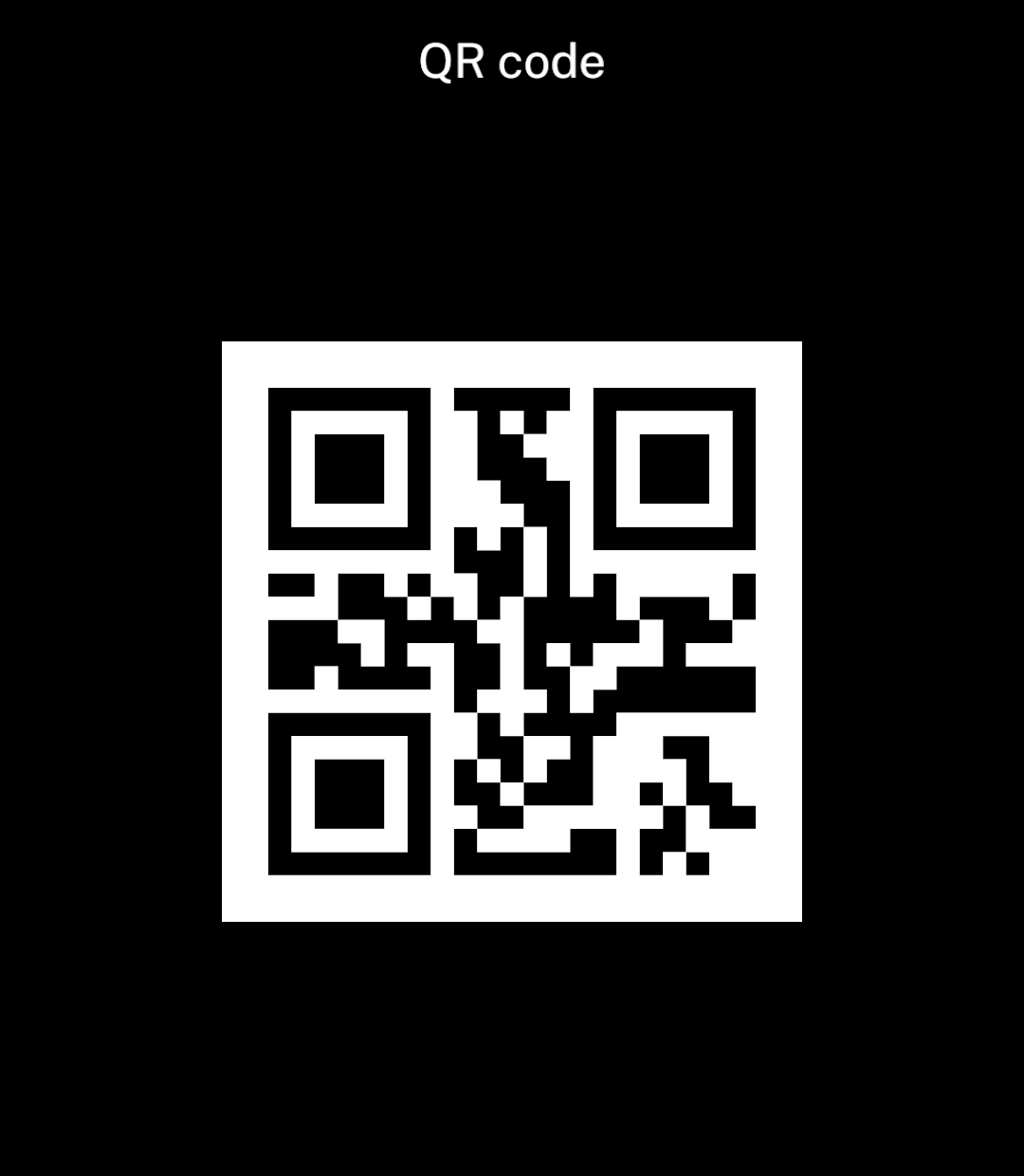
<img src="/images/patterns/code-qr.png" alt="A centred QR code encoding Hello World!" width="1080" height="1240" />
</div>
</div>

## Formats

<div className="pattern-example">
<div>

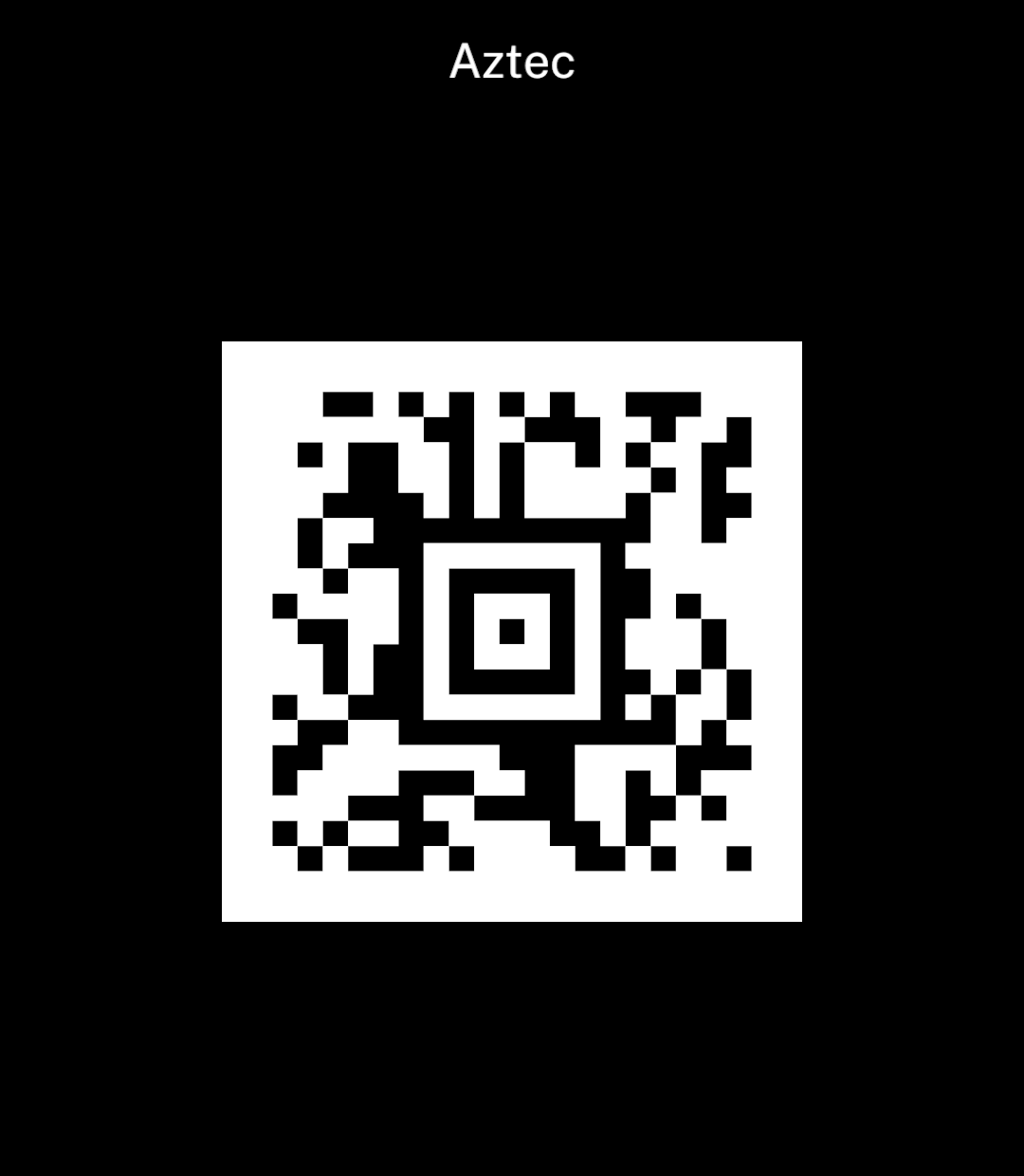
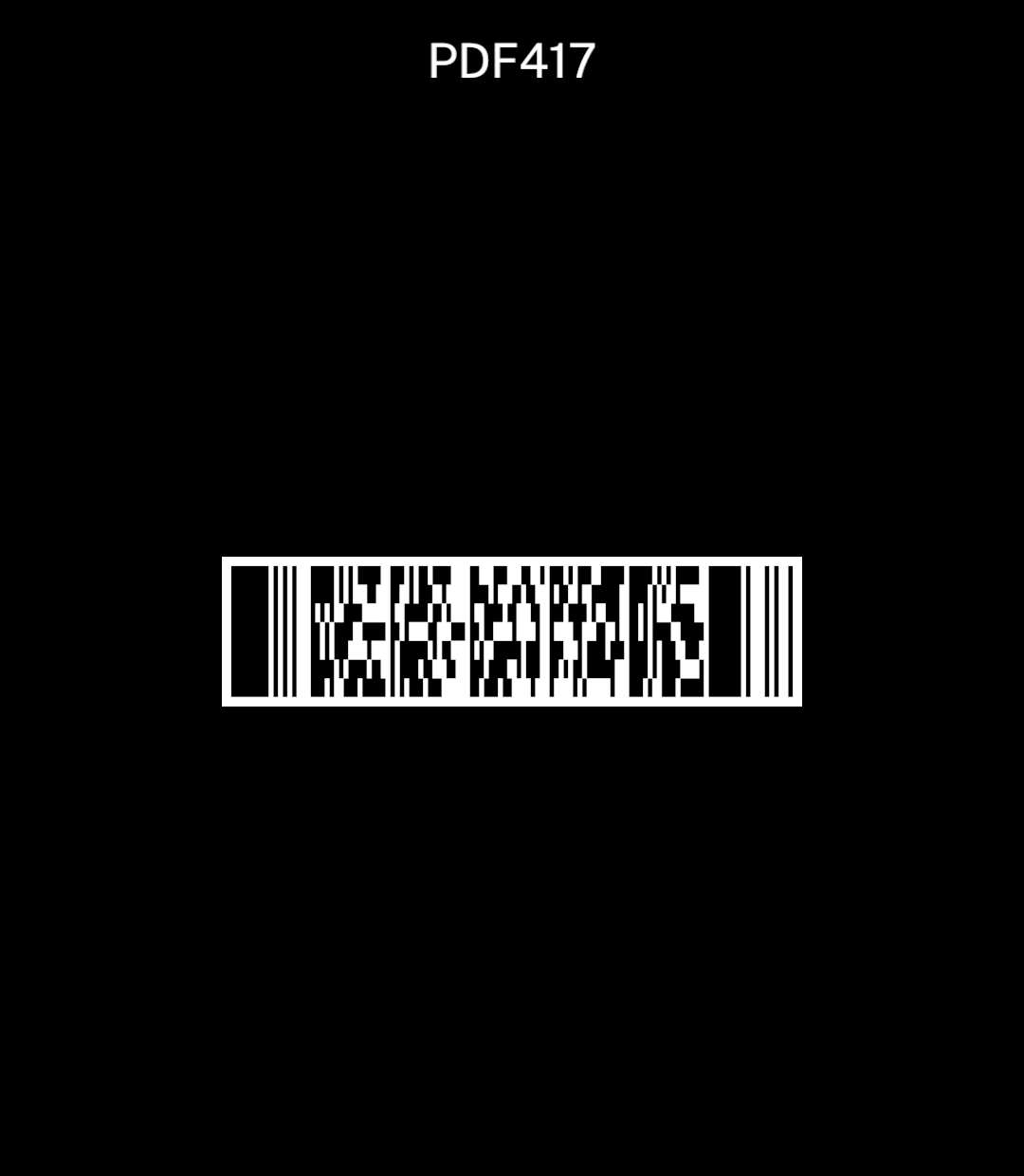
<p><code>format</code> chooses the code type. <code>size</code> sets its width; the height follows the format.</p>

```tsx
<Barcode format="pdf417" value="Hello World!" size={240} />
```

</div>
<div className="pattern-preview">
**QR**

<img src="/images/patterns/code-qr.png" alt="A square QR code." width="1080" height="1240" />

**Aztec**

<img src="/images/patterns/code-aztec.png" alt="A square Aztec code with a white border." width="1080" height="1240" />

**PDF417**

<img src="/images/patterns/code-pdf417.png" alt="A wide PDF417 code with a compact height." width="1080" height="1240" />

</div>
</div>

Supported formats: `qr`, `aztec`, `data-matrix`, `pdf417`, `ean-13`, `ean-8`, `upc-a`, `upc-e`, `code-39`, `code-93`, `code-128`, `itf` and `codabar`.

Preserve the payload exactly, including leading zeros and letter case. Ink generates the code natively and includes its white border. See [Barcodes and passes](/barcode) for scanning.

## Barcode values

Use `showValue` to print the value beneath a linear barcode. QR and other two-dimensional codes remain unchanged.

```tsx
<Barcode format="code-128" value="001234567890" size={320} showValue />
```