---
title: "Confirmation"
description: "Confirm an action."
---

## Example

<div className="pattern-example">
<div>

```tsx
import { Confirmation } from "ink";

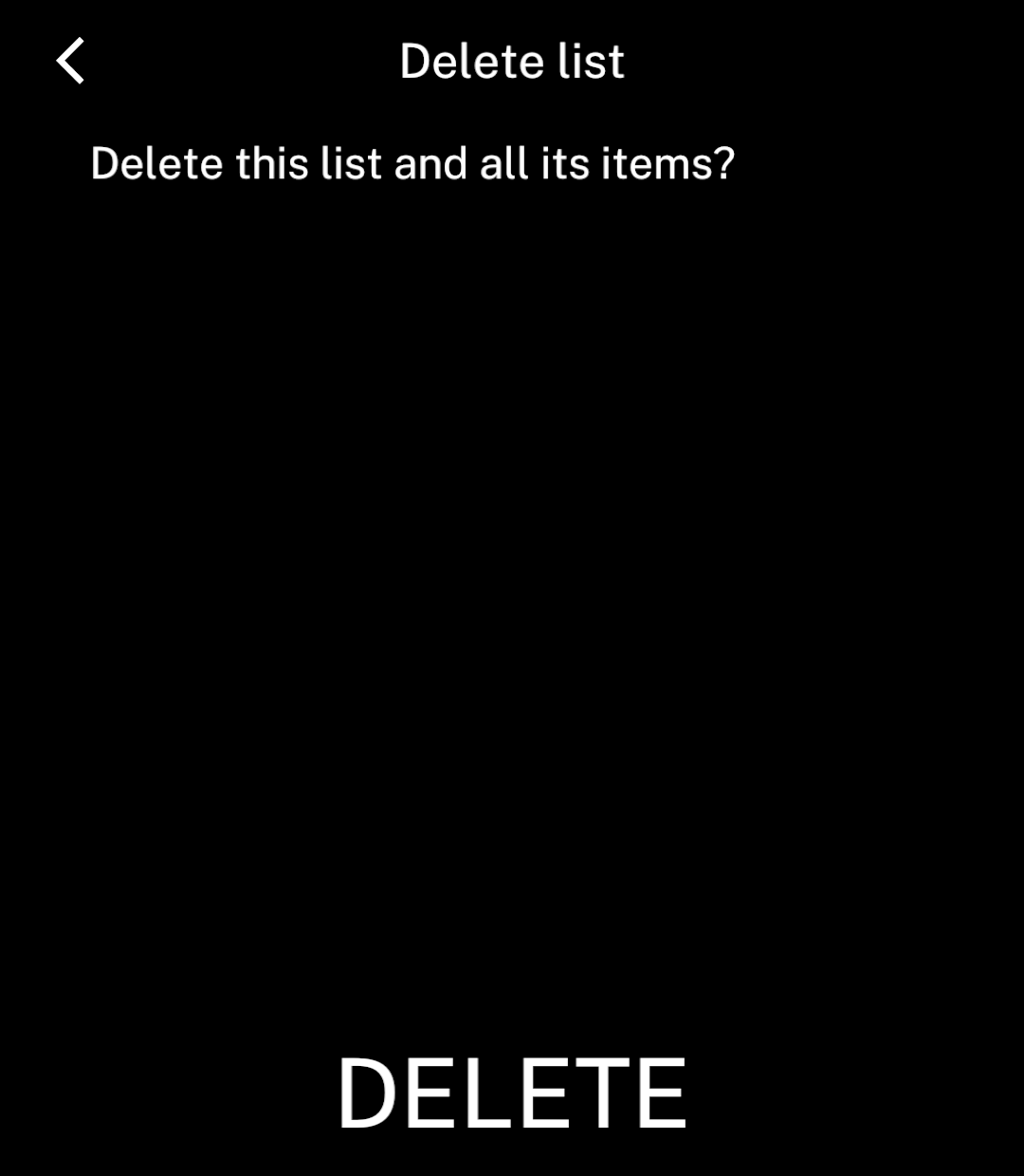
<Confirmation title="Delete list"
  confirmLabel="Delete" onConfirm={deleteList}>
  Delete this list and all its items?
</Confirmation>
```
<p><code>deleteList</code> is your handler. <code>Confirmation</code> provides the whole screen, with one action at the bottom.</p>

</div>
<div className="pattern-preview">
<img src="/images/patterns/confirmation.png" alt="Delete list confirmation with small text and a bottom Delete action." width="1080" height="1240" />
</div>
</div>

## Pending

<div className="pattern-example">
<div>

<p><code>pending</code> disables the action. Use <code>pendingLabel</code> to change its text.</p>

```tsx
<Confirmation title="Delete list"
  confirmLabel="Delete" onConfirm={deleteList}
  pending={deleting} pendingLabel="Deleting…">
  Delete this list and all its items?
</Confirmation>
```

</div>
<div className="pattern-preview">
<img src="/images/patterns/confirmation-pending.png" alt="A disabled Deleting action while deletion is pending." width="1080" height="1240" />
</div>
</div>