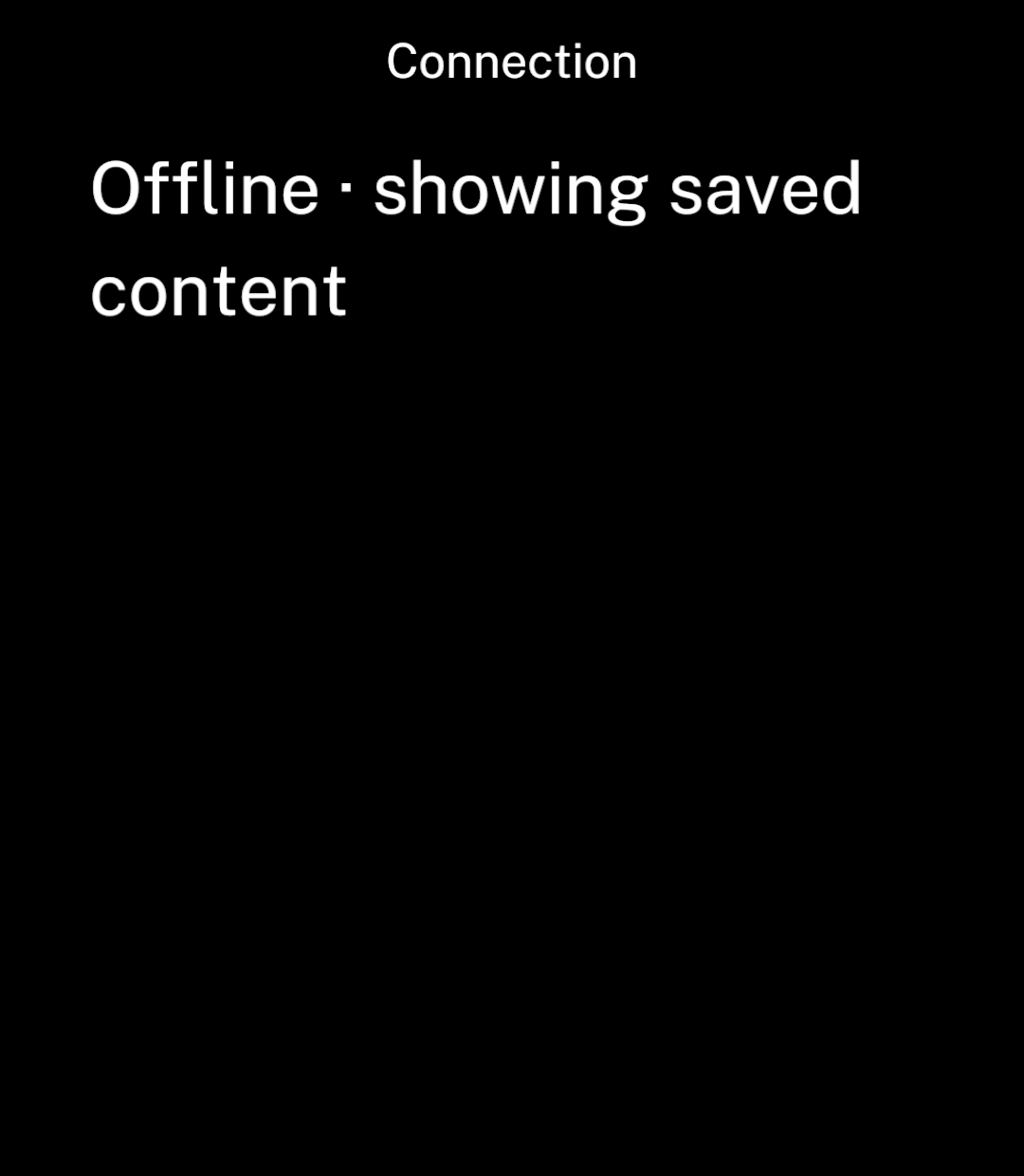
```tsx
import { Text, useSnapshot } from "ink";
import { connectivity } from "@ink/network/connectivity";
export function ConnectionNotice() {
const connection = useSnapshot(connectivity);
return connection.status === "ready" && connection.data.status === "offline"
? Offline · showing saved content
: null;
}
```
The snapshot is `loading`, `ready` or `error`. Ready data includes:
- `status`: `unknown`, `offline` or `connected`.
- The connection type and whether it is metered, when available.
Ink watches connection changes while the screen is visible and refreshes when it returns.
## Check once
Read the current connection in a worker or command:
```ts
import { connectivity } from "@ink/network/connectivity";
const connection = await connectivity.get();
```
## Handle connection failures
Handle request errors even when connected. Wi-Fi may need a sign-in, a server may be unavailable or an account may have expired.
Use metered state for download preferences. Set network constraints on [downloads](/downloads) or [background tasks](/background) themselves: the connection can change after you check it.