---
title: "Fields"
description: "Show a labelled value."
---

## Example

<div className="pattern-example">
<div>

```tsx app/index.tsx
import { Field, Screen } from "ink";

export default function Settings() {
  return <Screen title="Settings">
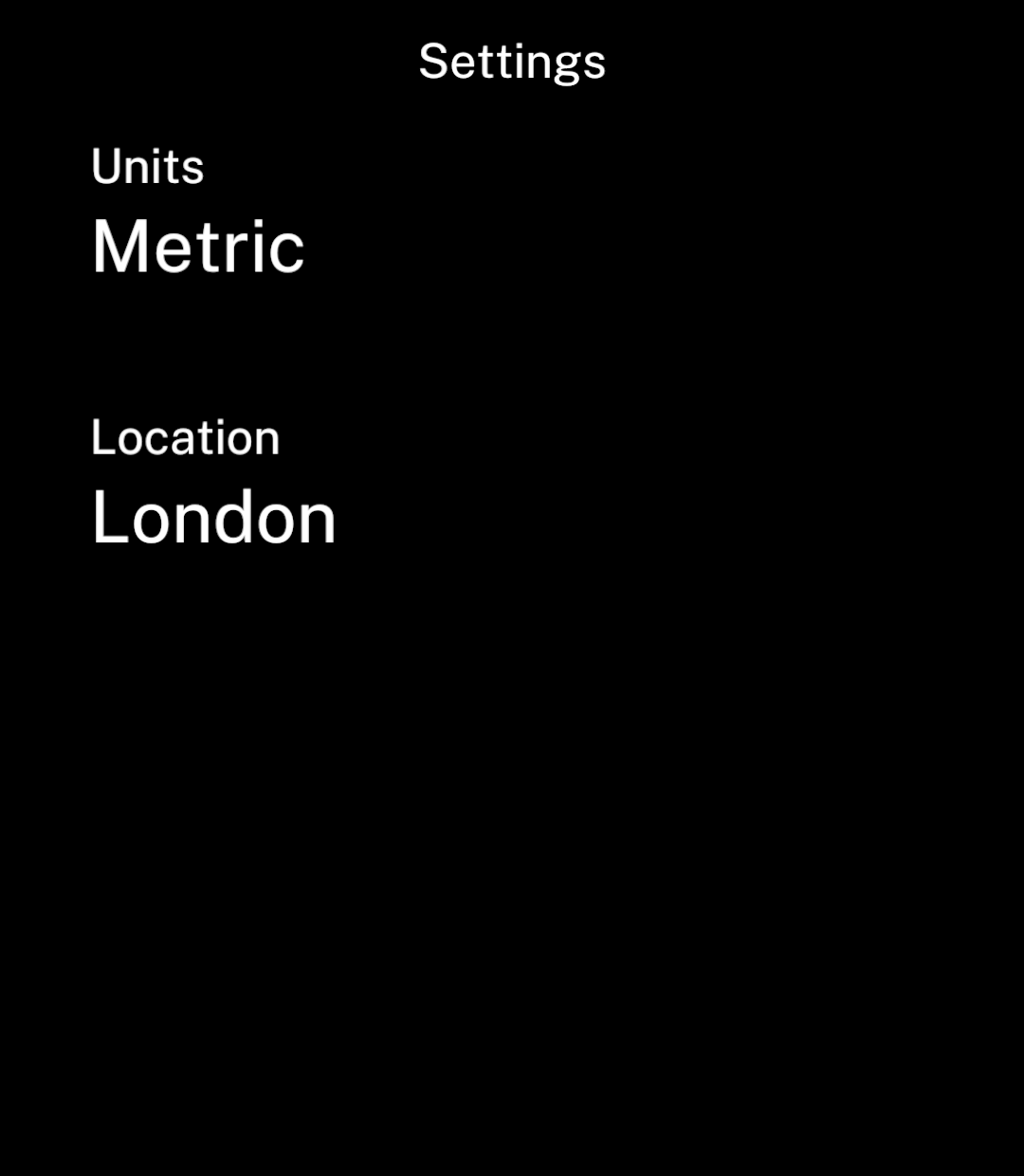
    <Field label="Units" href="/units">Metric</Field>
    <Field label="Location">London</Field>
  </Screen>;
}
```
<p>Use <code>href</code> to open an editing page, or <code>onPress</code> for an action. Place the input on the editing page.</p>

</div>
<div className="pattern-preview">
<img src="/images/patterns/field.png" alt="Units and Location fields with their current values." width="1080" height="1240" />
</div>
</div>

## Long values

<div className="pattern-example">
<div>

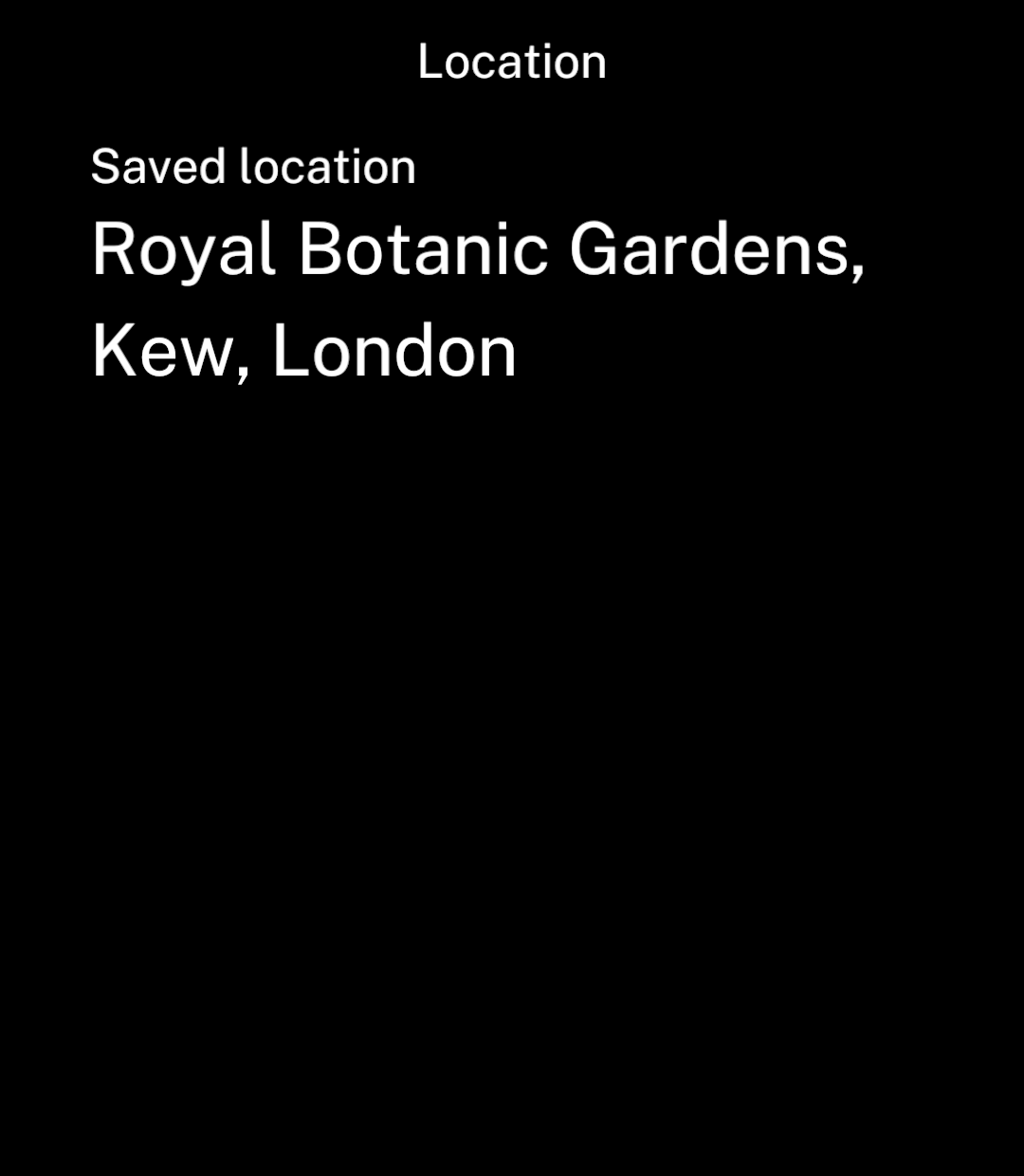
<p>Values wrap automatically.</p>

</div>
<div className="pattern-preview">
<img src="/images/patterns/field-wrap.png" alt="A saved location value wrapping over multiple lines." width="1080" height="1240" />
</div>
</div>