---
title: "Images"
description: "Display artwork and photos."
---

## Example

<div className="pattern-example">
<div>

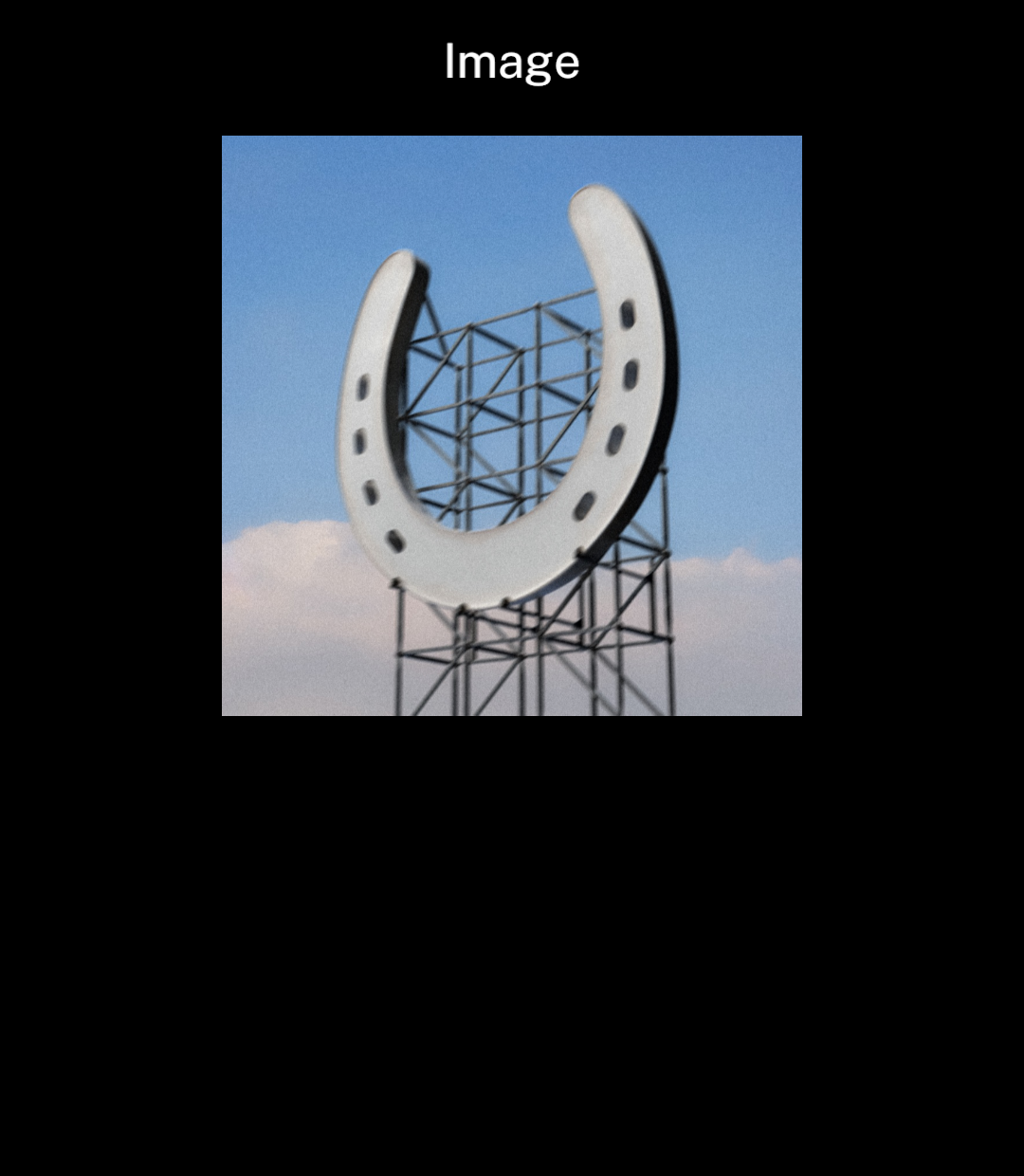
<p>Import the image from your assets folder. Set its width and height.</p>

```tsx app/index.tsx
import { Image, Screen, Stack } from "ink";
import artwork from "../assets/wallsocket.jpg";

export default function Artwork() {
  return <Screen title="Image">
    <Stack align="center">
      <Image src={artwork} width={240} height={240} />
    </Stack>
  </Screen>;
}
```

</div>
<div className="pattern-preview">
<img src="/images/patterns/image.png" alt="Wallsocket artwork centred on the page." width="1080" height="1240" />
</div>
</div>

## Fitting

<div className="pattern-example">
<div>

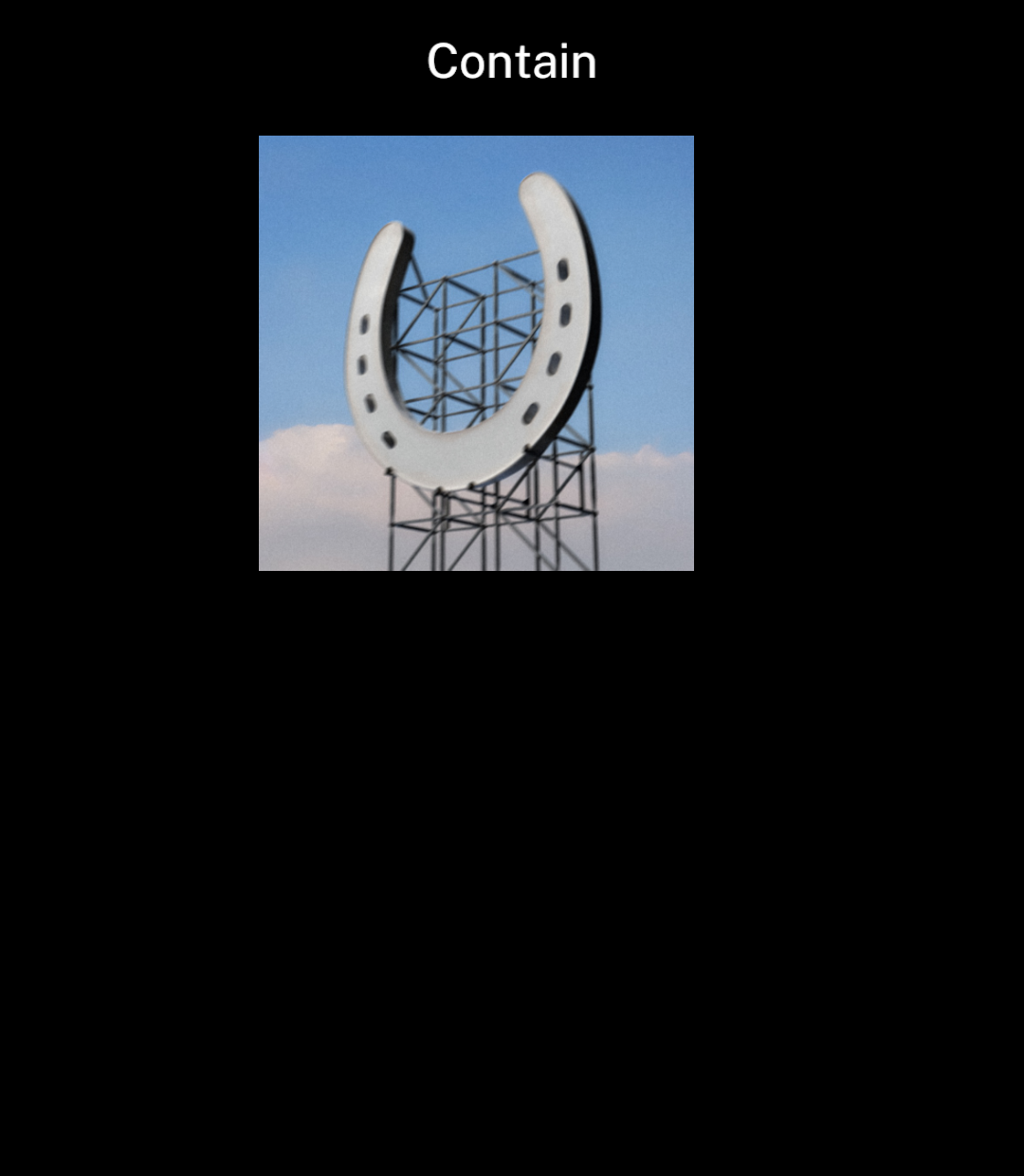
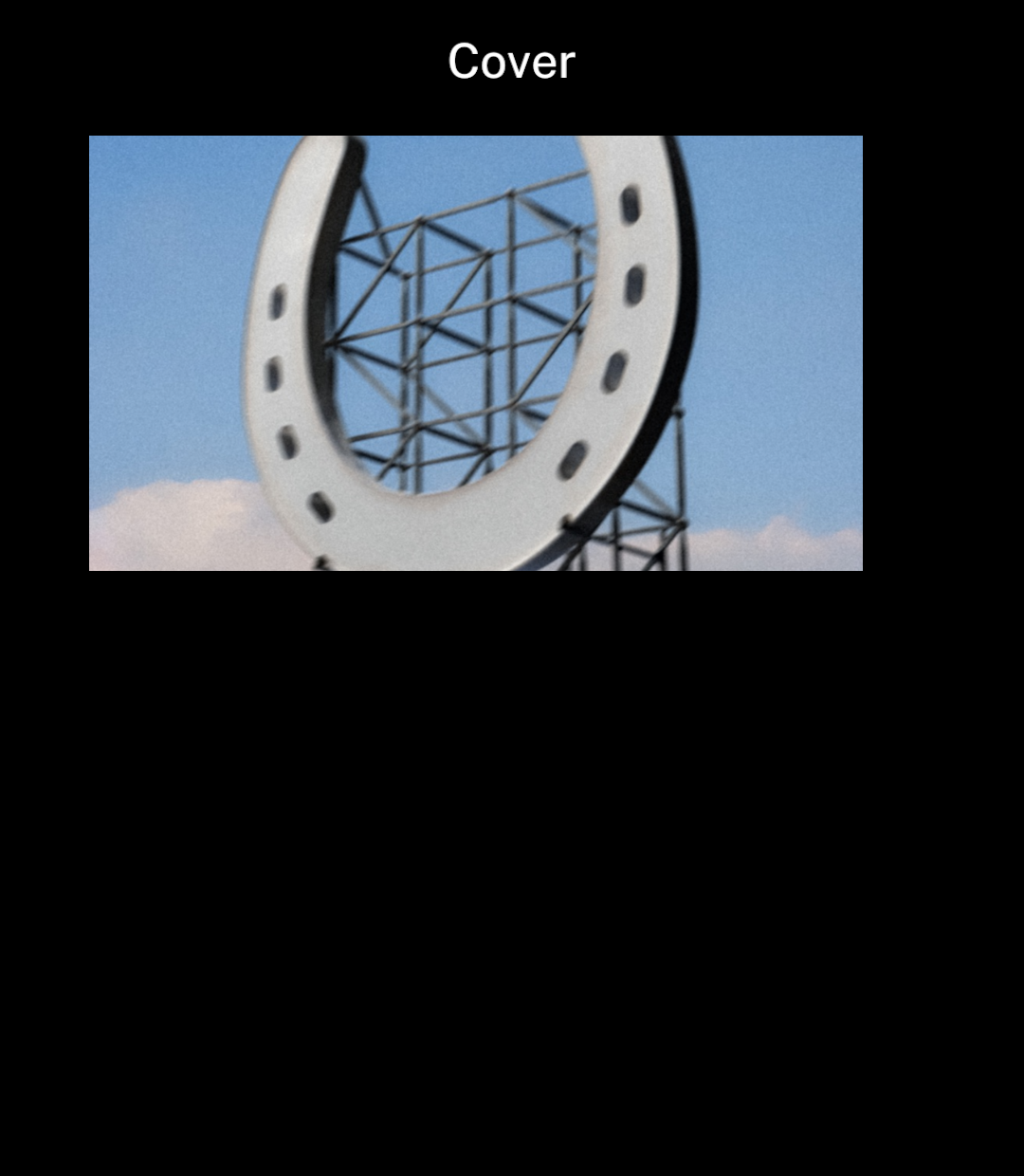
<p><code>contain</code> shows the whole image. <code>cover</code> crops it to fill the supplied dimensions.</p>

```tsx
<Image src={artwork} width={320} height={180} fit="cover" />
```

</div>
<div className="pattern-preview">
**Contain**

<img src="/images/patterns/image-contain.png" alt="Square artwork fitted inside a wide image area." width="1080" height="1240" />

**Cover**

<img src="/images/patterns/image-cover.png" alt="Artwork cropped to fill a wide image area." width="1080" height="1240" />

</div>
</div>

## Full width

<div className="pattern-example">
<div>

<p><code>bleed</code> extends the image to the screen edges.</p>

```tsx
<Image src={photo} width={320} height={200} fit="cover" bleed />
```

</div>
<div className="pattern-preview">
<img src="/images/patterns/image-bleed.png" alt="A harbour photo extending to both screen edges." width="1080" height="1240" />
</div>
</div>

## Full content area

<div className="pattern-example">
<div>

```tsx
<Screen title="Wallsocket" centered>
  <Image src={artwork} width={349} height={349}
    fit="contain" bleed zoomable />
</Screen>
```

</div>
<div className="pattern-preview">
<img src="/images/patterns/image-full-content.png" alt="Wallsocket artwork filling the content area below the header." width="1080" height="1240" />
</div>
</div>

## Zoom

<div className="pattern-example">
<div>

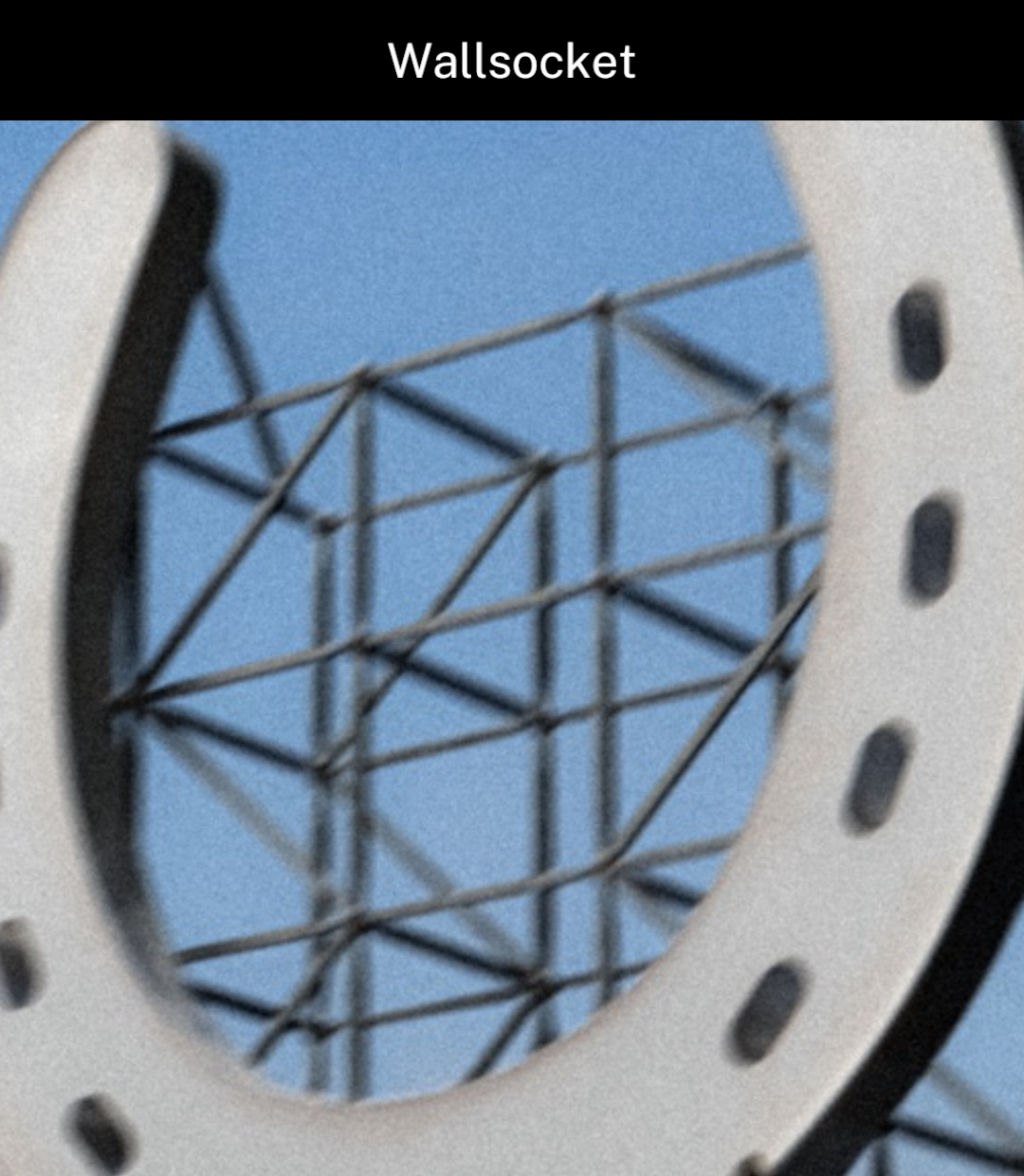
<p><code>zoomable</code> enables zooming and panning. Double-tap to cycle through zoom levels.</p>
<p>Ink shows loading and error states automatically.</p>

```tsx
<Screen title="Wallsocket" centered>
  <Image src={artwork} width={349} height={349}
    fit="contain" bleed zoomable />
</Screen>
```

</div>
<div className="pattern-preview">
**Fitted**

<img src="/images/patterns/image-zoom.png" alt="Artwork at its fitted size." width="1080" height="1240" />

**Zoomed**

<img src="/images/patterns/image-zoomed.png" alt="Artwork enlarged after a double-tap." width="1080" height="1240" />

</div>
</div>

## Sources

`src` accepts imported assets, HTTPS URLs and Ink-managed image sources from Camera or Files. Arbitrary `file://` paths are not supported. Width and height must be positive.

Recently displayed images are cached in memory, so returning to a page can reuse them. Change the URL when remote image content changes.

Animated GIF and WebP images play natively while visible. Imported `.gif` assets are supported. `Image` respects the file's repeat count by default; set `loop` to repeat continuously. Images in `Message` and `ConversationScreen` always loop. Animation pauses when the image is off-screen.