---
title: "Rows"
description: "Display a title, subtitle and optional image."
---

## Example

<div className="pattern-example">
<div>

```tsx app/index.tsx
import { Row, Screen } from "ink";
import artwork from "../assets/wallsocket.jpg";

export default function Albums() {
  return <Screen title="Albums">
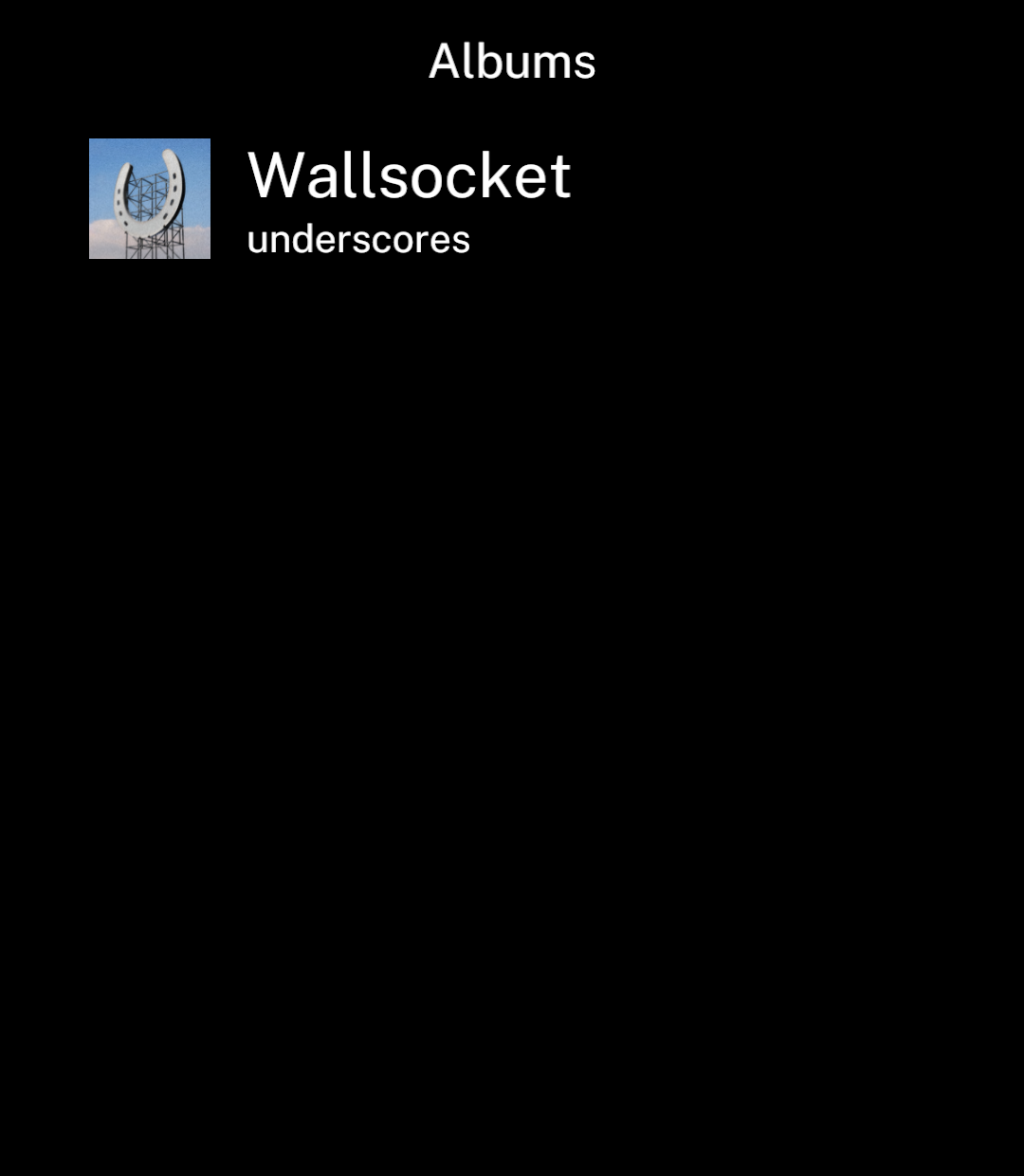
    <Row
      image={artwork}
      title="Wallsocket"
      subtitle="underscores"
      href="/album"
    />
  </Screen>;
}
```
<p>Create <code>app/album.tsx</code> for the destination. For actions, use <code>onPress</code> instead of <code>href</code>, or <code>onLongPress</code> for a long press.</p>

</div>
<div className="pattern-preview">
<img src="/images/patterns/row.png" alt="An album row with artwork, Wallsocket and underscores." width="1080" height="1240" />
</div>
</div>

## Subtitle icons

<div className="pattern-example">
<div>

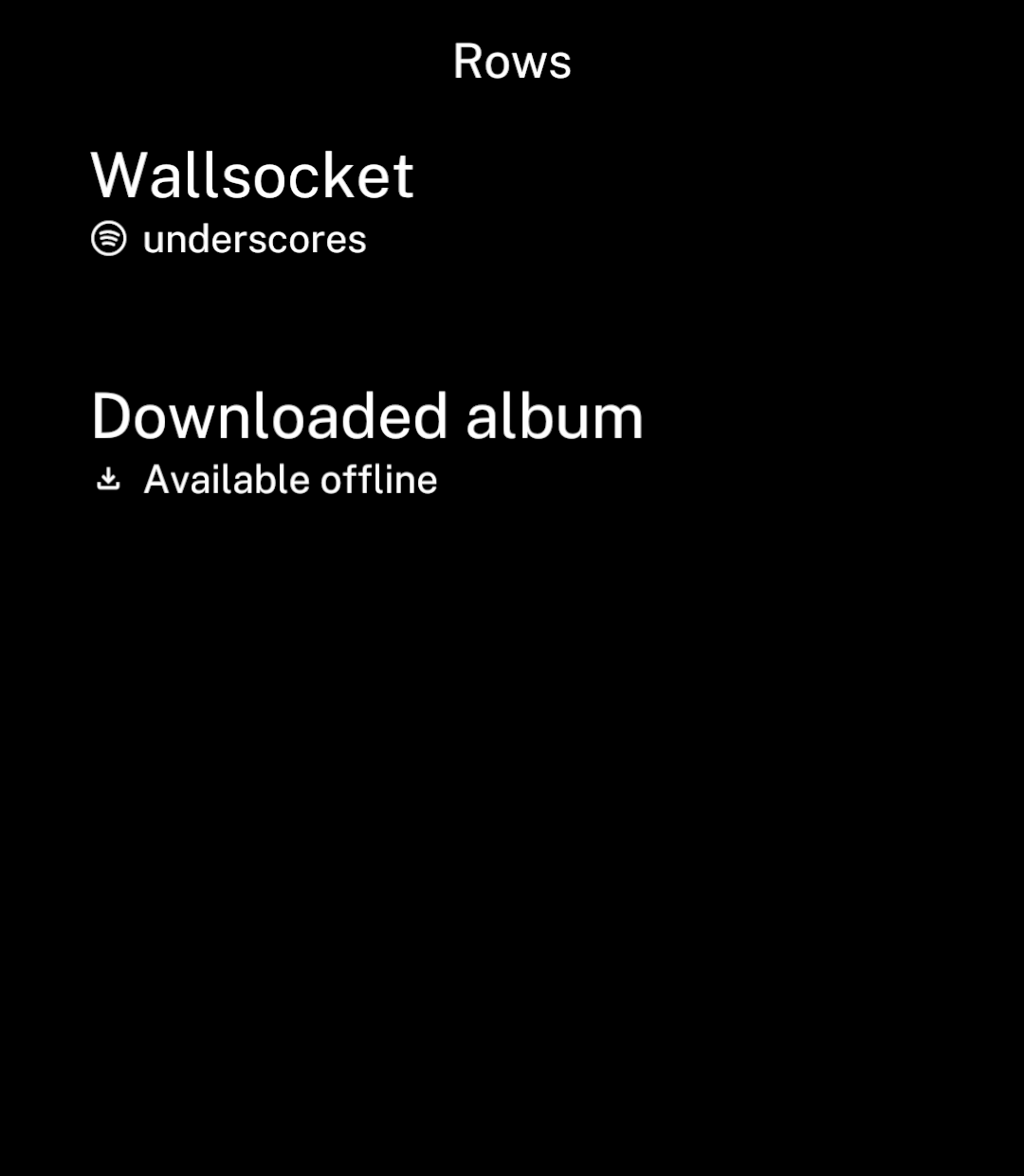
<p>Use a Material icon or <a href="/icons#custom-svgs">custom SVG</a> beside the subtitle.</p>

```tsx
import { Row } from "ink";
import { download } from "ink/icons";
import spotify from "./assets/spotify.svg";

<Row title="Wallsocket" subtitle="underscores" subtitleIcon={spotify} />
<Row title="Downloaded album" subtitle="Available offline" subtitleIcon={download} />
```

</div>
<div className="pattern-preview">
<img src="/images/patterns/rows-subtitle-icons.png" alt="Album rows with Spotify and download icons beside their subtitles." width="1080" height="1240" />
</div>
</div>

## Long titles

<div className="pattern-example">
<div>

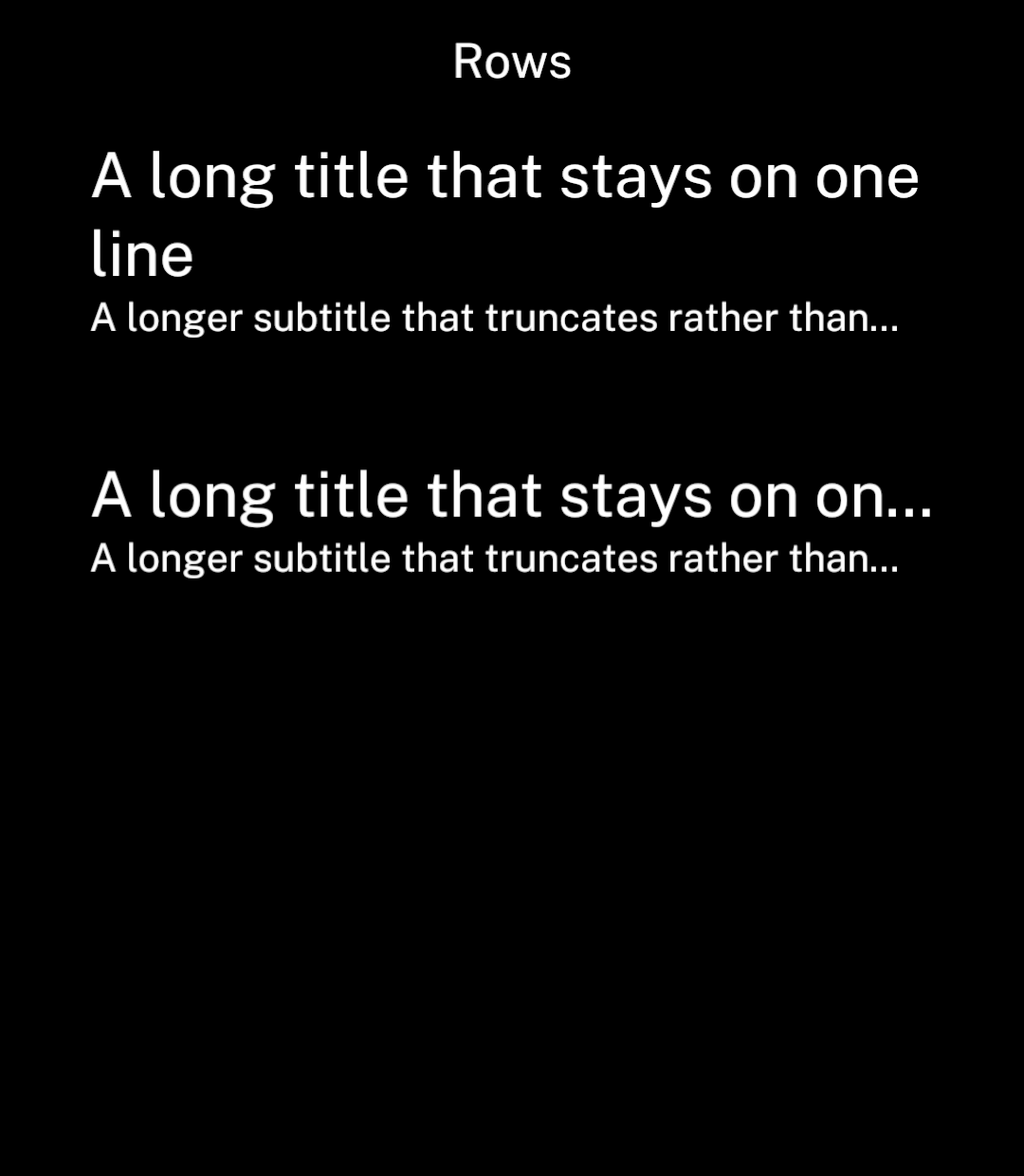
<p>Titles wrap by default. Set <code>titleMaxLines={1}</code> to truncate them. Subtitles always truncate to one line.</p>

```tsx
<Row
  title="A long title that stays on one line"
  titleMaxLines={1}
  subtitle="A longer subtitle that truncates rather than wrapping onto a second line."
/>
```

</div>
<div className="pattern-preview">
<img src="/images/patterns/rows-long-titles.png" alt="The same long title wrapping on the first row and truncated on the second." width="1080" height="1240" />
</div>
</div>

## Text only

<div className="pattern-example">
<div>

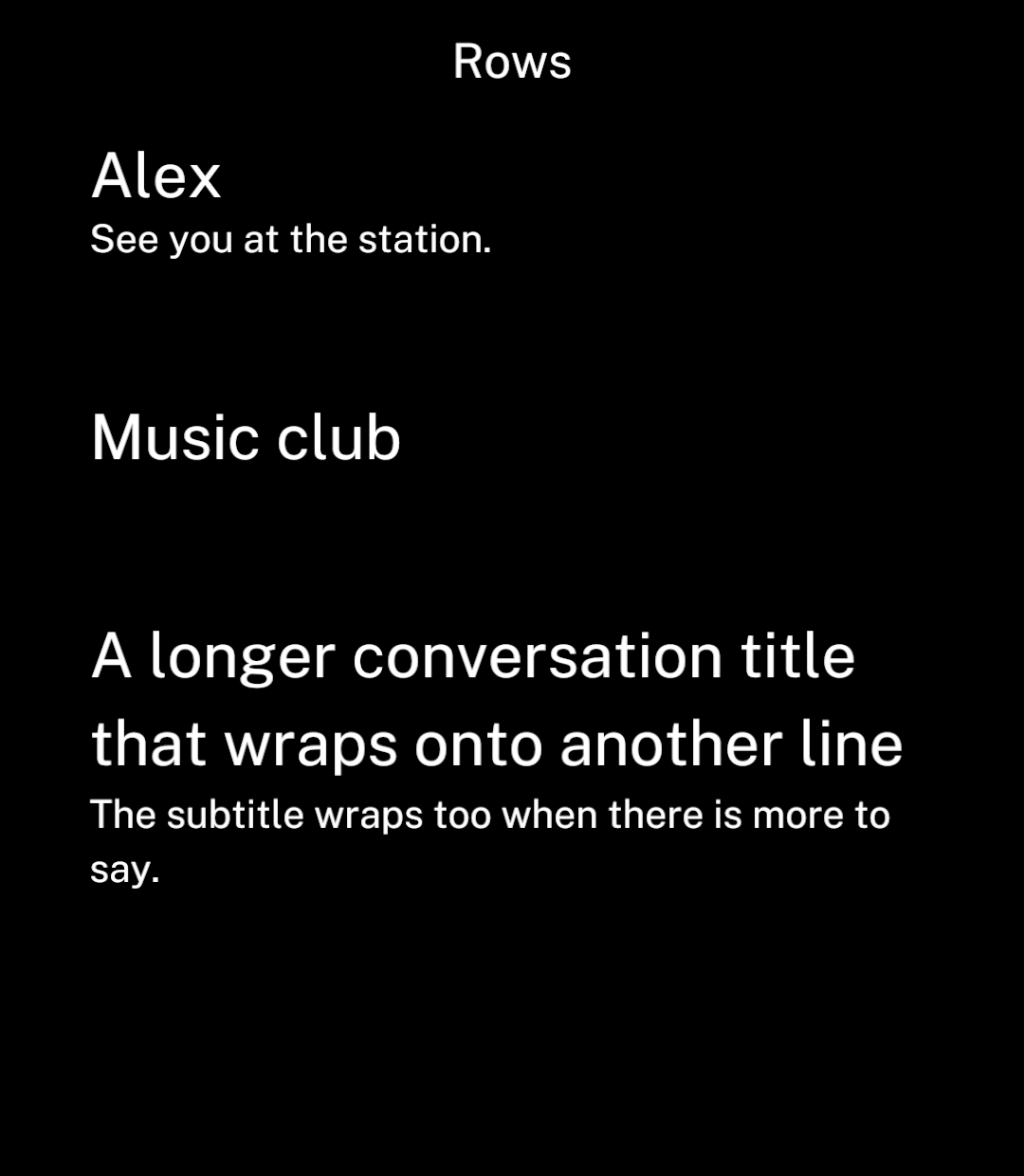
<p>Omit <code>image</code> or <code>subtitle</code> when not needed.</p>

```tsx
<Row title="Alex" subtitle="See you at the station." />
<Row title="Music club" />
```

</div>
<div className="pattern-preview">
<img src="/images/patterns/row-text.png" alt="Rows without images, including a title that wraps." width="1080" height="1240" />
</div>
</div>

## Title icons

<div className="pattern-example">
<div>

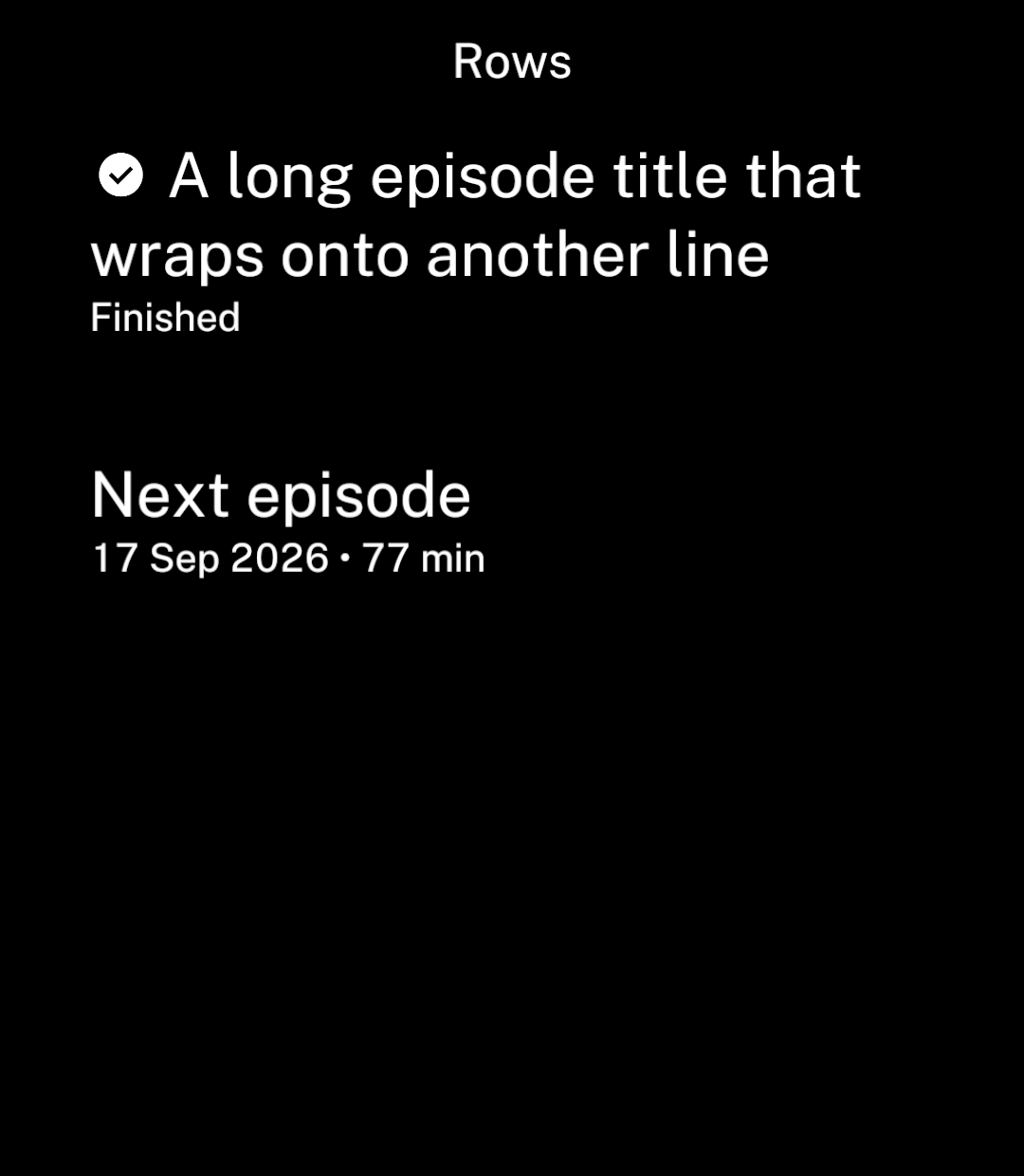
<p>Use <code>titleIcon</code> for a status inline with the title. Wrapped lines use the full row width.</p>

```tsx
import { checkCircleFilled } from "ink/icons";

<Row title="A long episode title that wraps onto another line"
  titleIcon={checkCircleFilled} subtitle="Finished" />
```

<p>Titles use Ink’s standard size of 26. Numbers in subtitles align automatically.</p>

</div>
<div className="pattern-preview">
<img src="/images/patterns/row-title-icon.png" alt="A finished episode with an inline icon and a title wrapping across the full row width." width="1080" height="1240" />
</div>
</div>