---
title: "Screen states"
description: "Show loading, empty and error states."
---

## Loading

<div className="pattern-example">
<div>

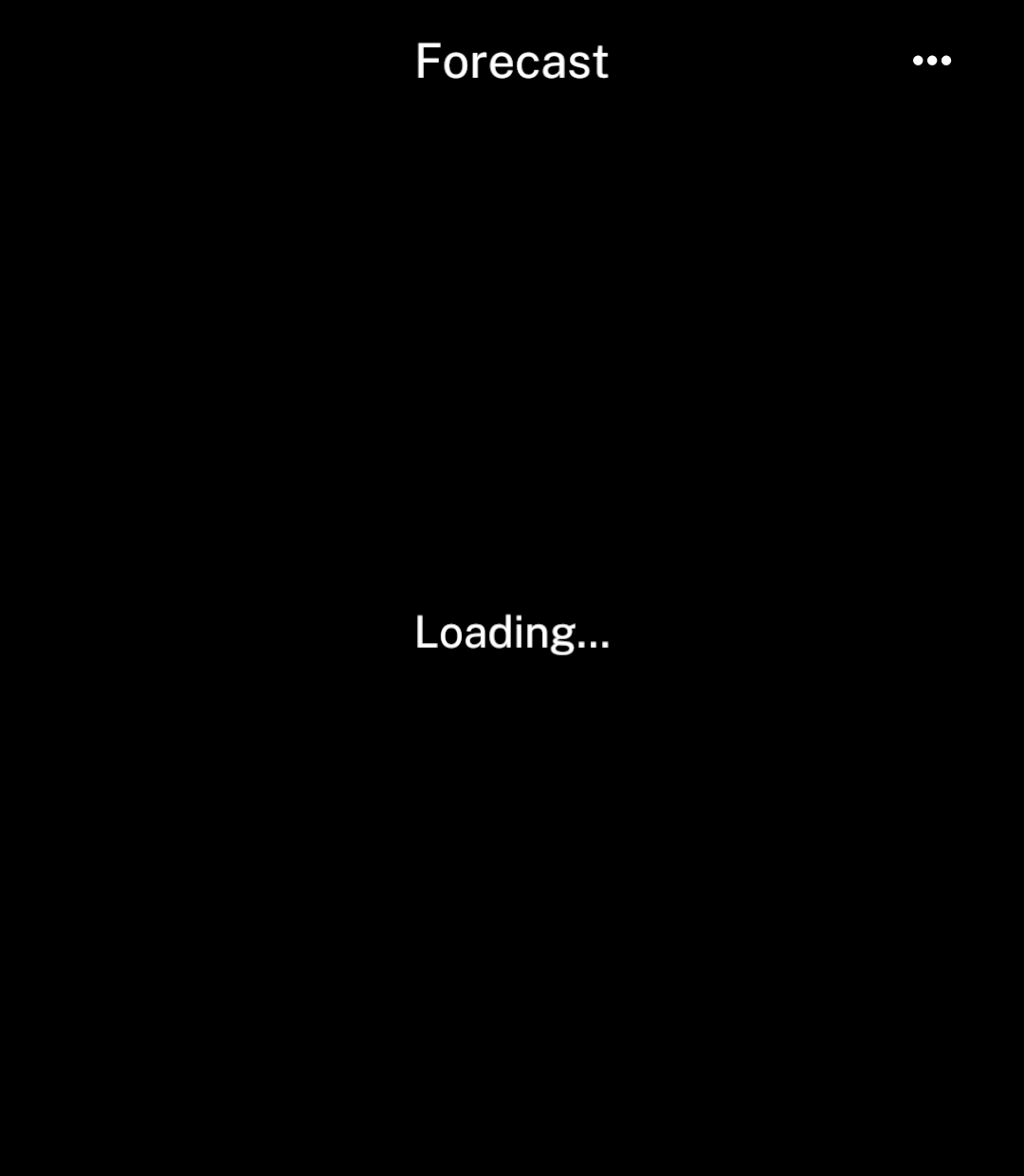
<p>Place <code>LoadingState</code> directly inside <code>Screen</code>.</p>

```tsx
import { LoadingState, Screen, Text } from "ink";

<Screen title="Forecast">
  {loading
    ? <LoadingState />
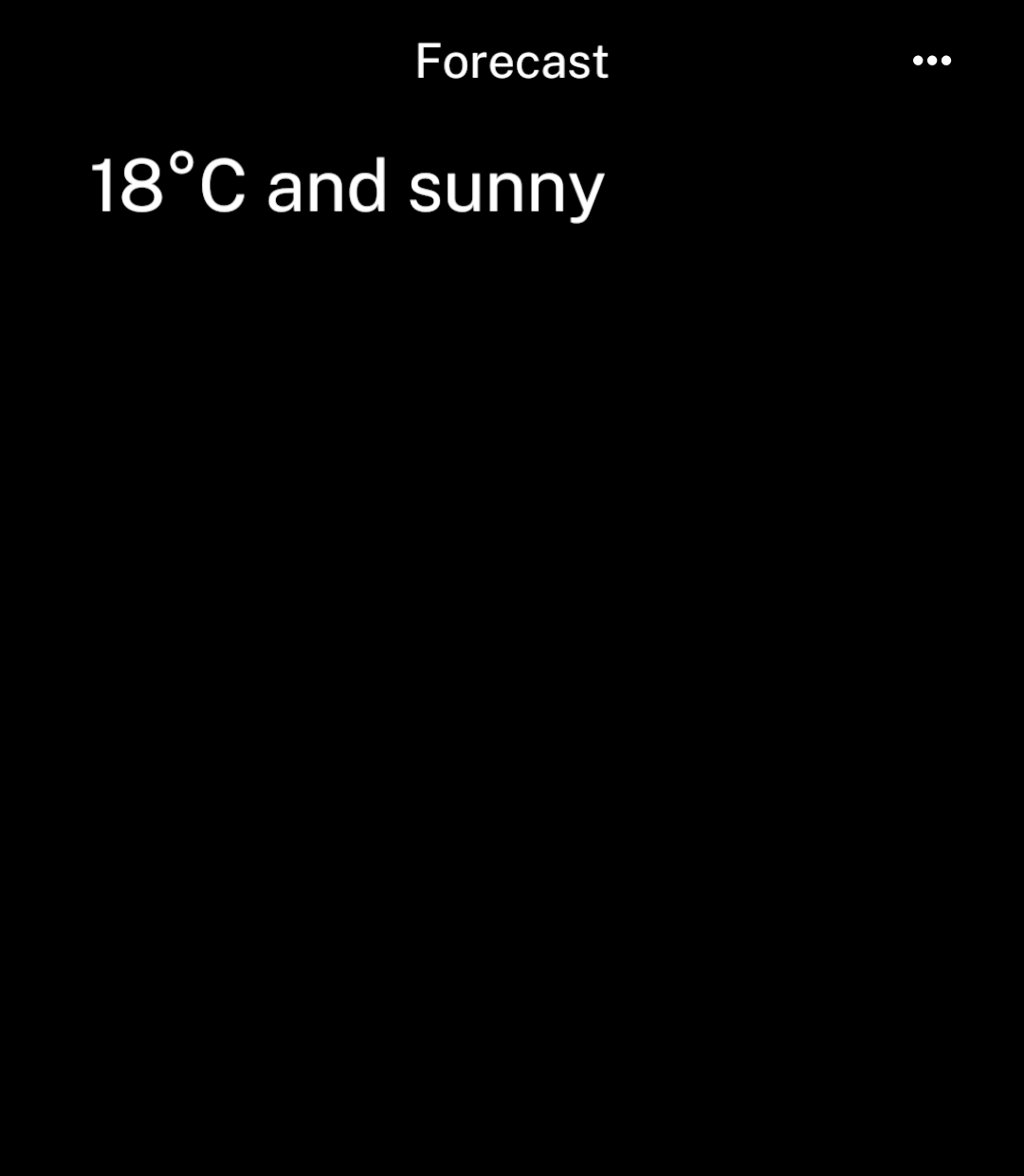
    : <Text>18°C and sunny</Text>}
</Screen>
```

</div>
<div className="pattern-preview">
**Loading**

<img src="/images/patterns/loading.png" alt="Loading centred in the forecast screen." width="1080" height="1240" />

**Loaded**

<img src="/images/patterns/loaded.png" alt="The forecast replaces the loading message." width="1080" height="1240" />

</div>
</div>

## Custom message

<div className="pattern-example">
<div>

```tsx
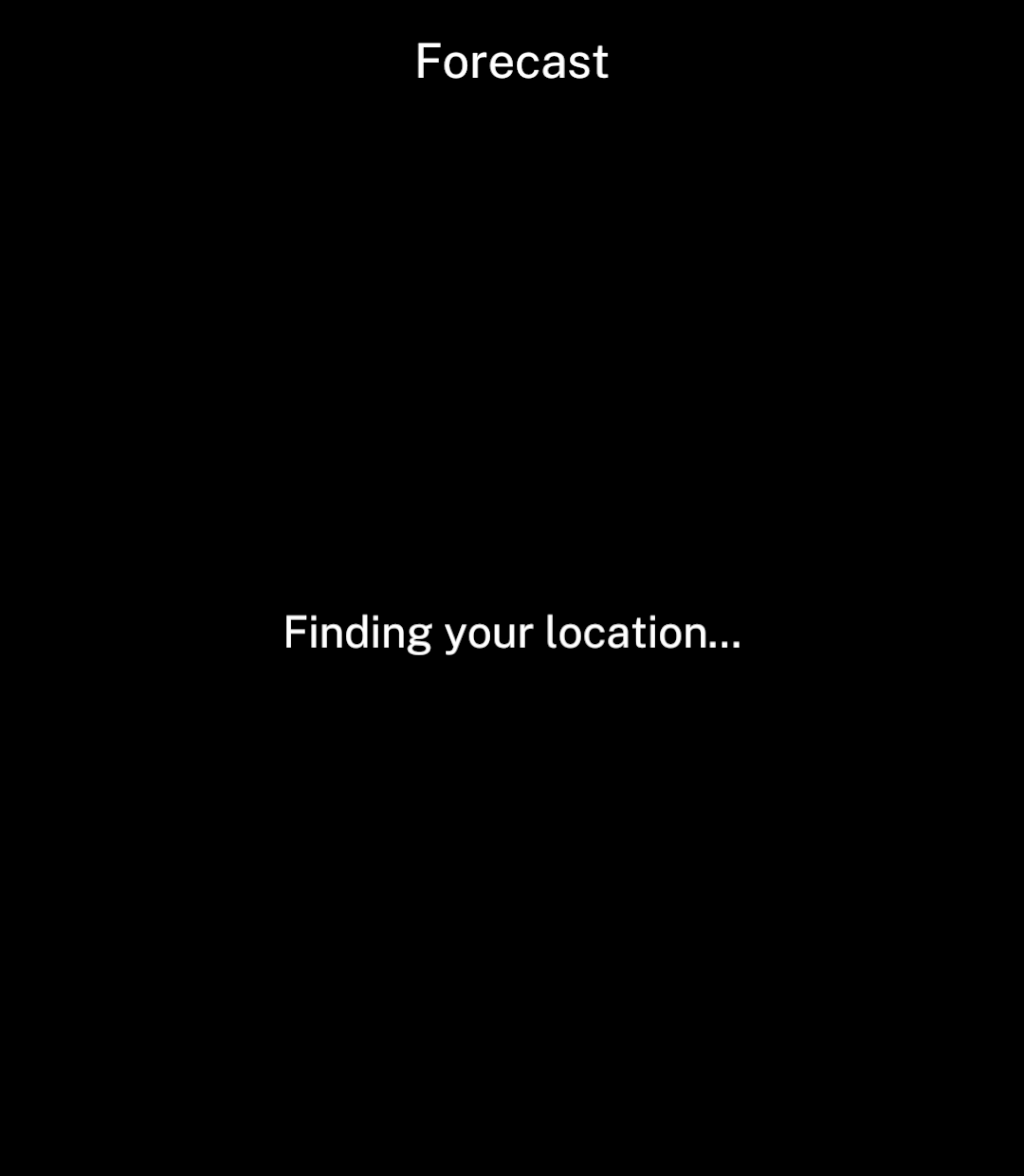
<LoadingState label="Finding your location…" />
```

</div>
<div className="pattern-preview">
<img src="/images/patterns/loading-custom.png" alt="Finding your location centred on the page." width="1080" height="1240" />
</div>
</div>

## Error

<div className="pattern-example">
<div>

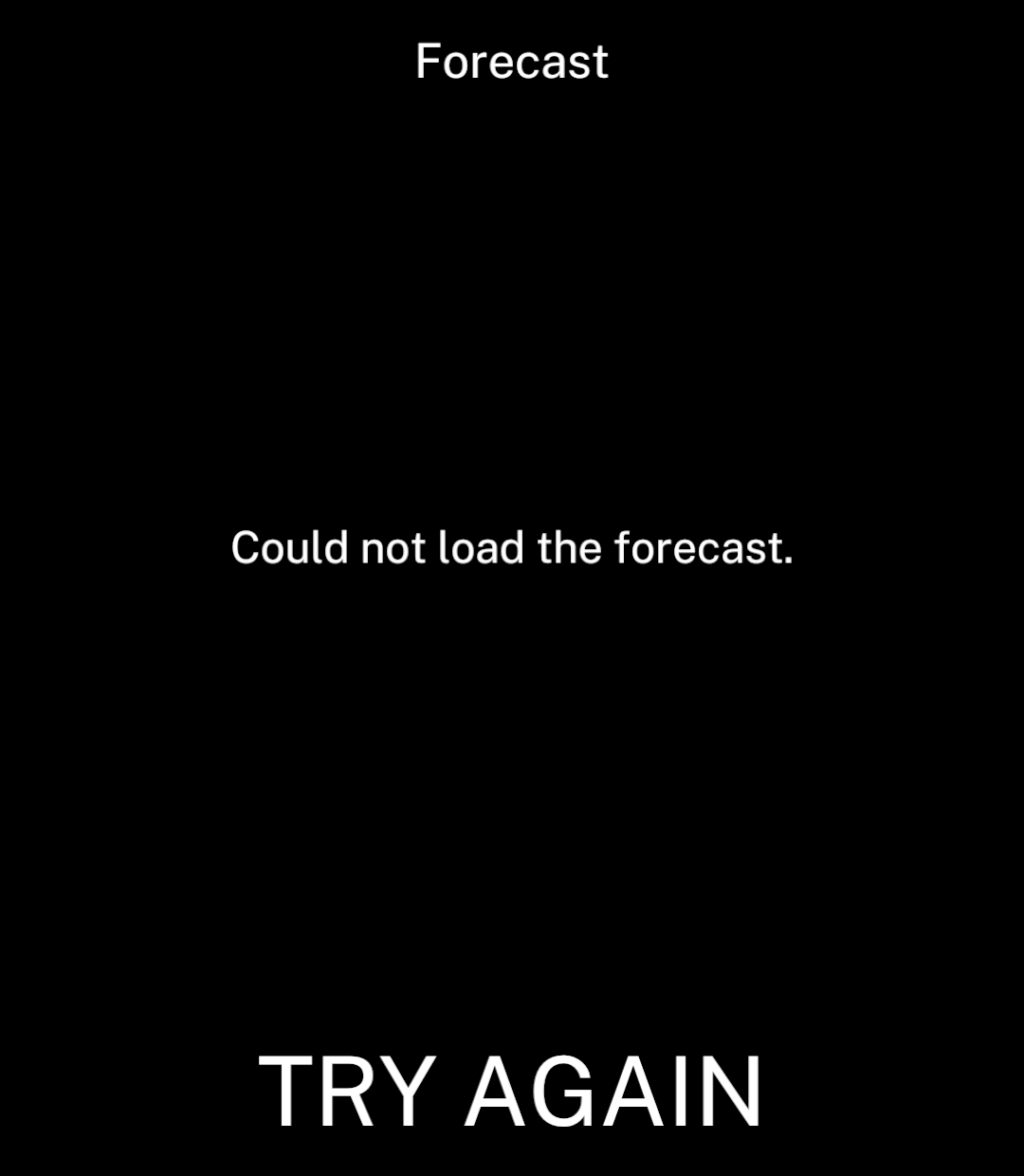
<p><code>ErrorState</code> places a retry action at the bottom.</p>

```tsx
<Screen title="Forecast">
  <ErrorState message="Could not load the forecast."
    onRetry={reload} />
</Screen>
```

</div>
<div className="pattern-preview">
<img src="/images/patterns/error.png" alt="A centred forecast error with Try again at the bottom." width="1080" height="1240" />
</div>
</div>

## Empty

<div className="pattern-example">
<div>

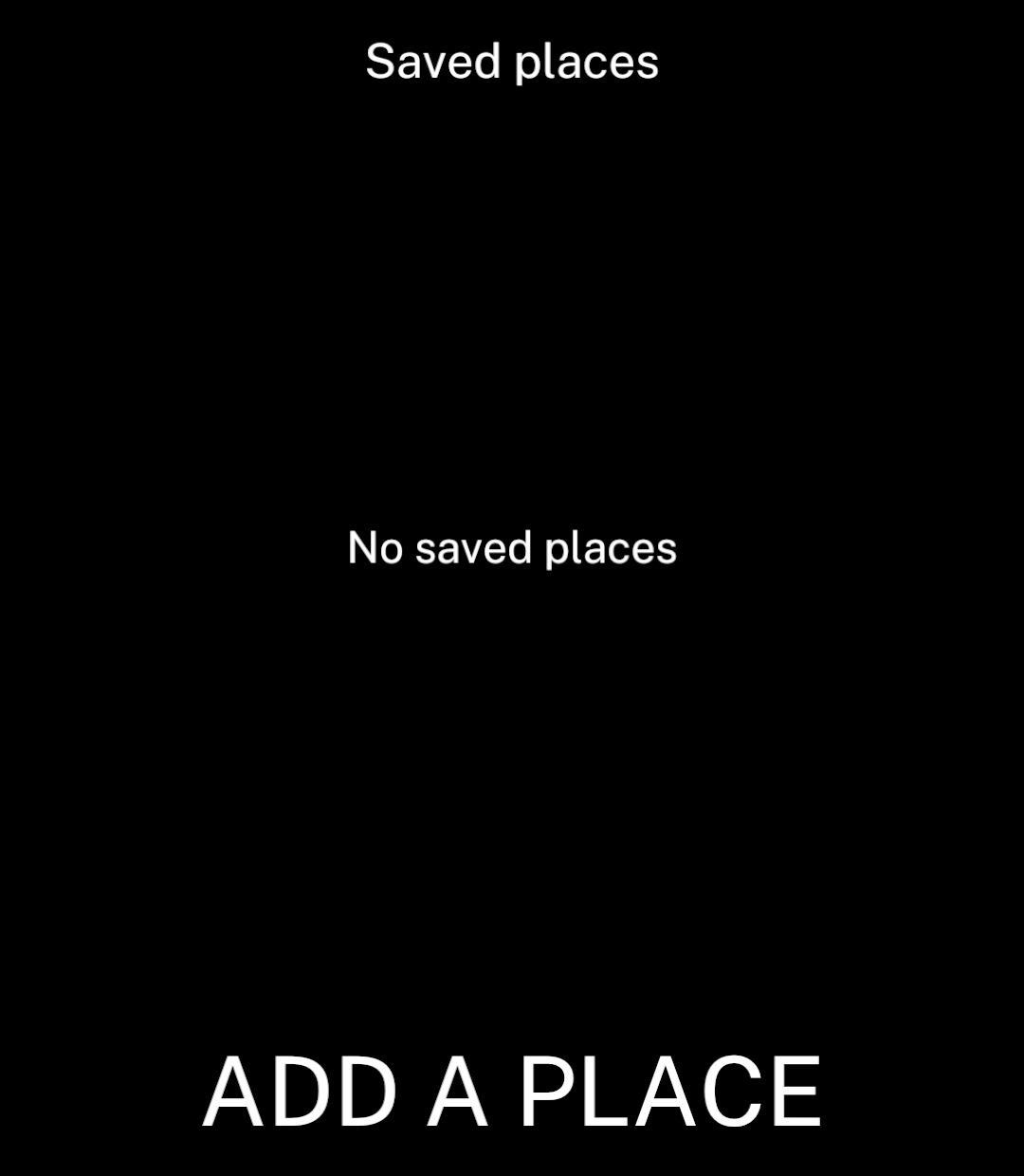
```tsx
<Screen title="Saved places">
  <EmptyState title="No saved places"
    action={{ label: "Add a place", onPress: addPlace }} />
</Screen>
```

</div>
<div className="pattern-preview">
<img src="/images/patterns/empty.png" alt="No saved places with an Add a place action." width="1080" height="1240" />
</div>
</div>

Place loading, empty and error states directly inside `Screen`. They replace its content. Keep existing content visible during background refreshes; use [Resources and actions](/data) to track loading and failures.

`ErrorState` accepts `retryLabel` and `disabled`. `EmptyState` accepts an optional `description` and `action`. These components display state; they do not fetch data.