---
title: "Selection"
description: "Choose one option."
---

## Example

<div className="pattern-example">
<div>

```tsx app/index.tsx
import { useState } from "react";
import { Screen, SettingsChoices } from "ink";

export default function Units() {
  const [value, setValue] = useState("metric");

  return <Screen title="Units">
    <SettingsChoices
      value={value}
      onChange={setValue}
      options={[
        { value: "metric", label: "Metric" },
        { value: "imperial", label: "Imperial" },
      ]}
    />
  </Screen>;
}
```

</div>
<div className="pattern-preview">
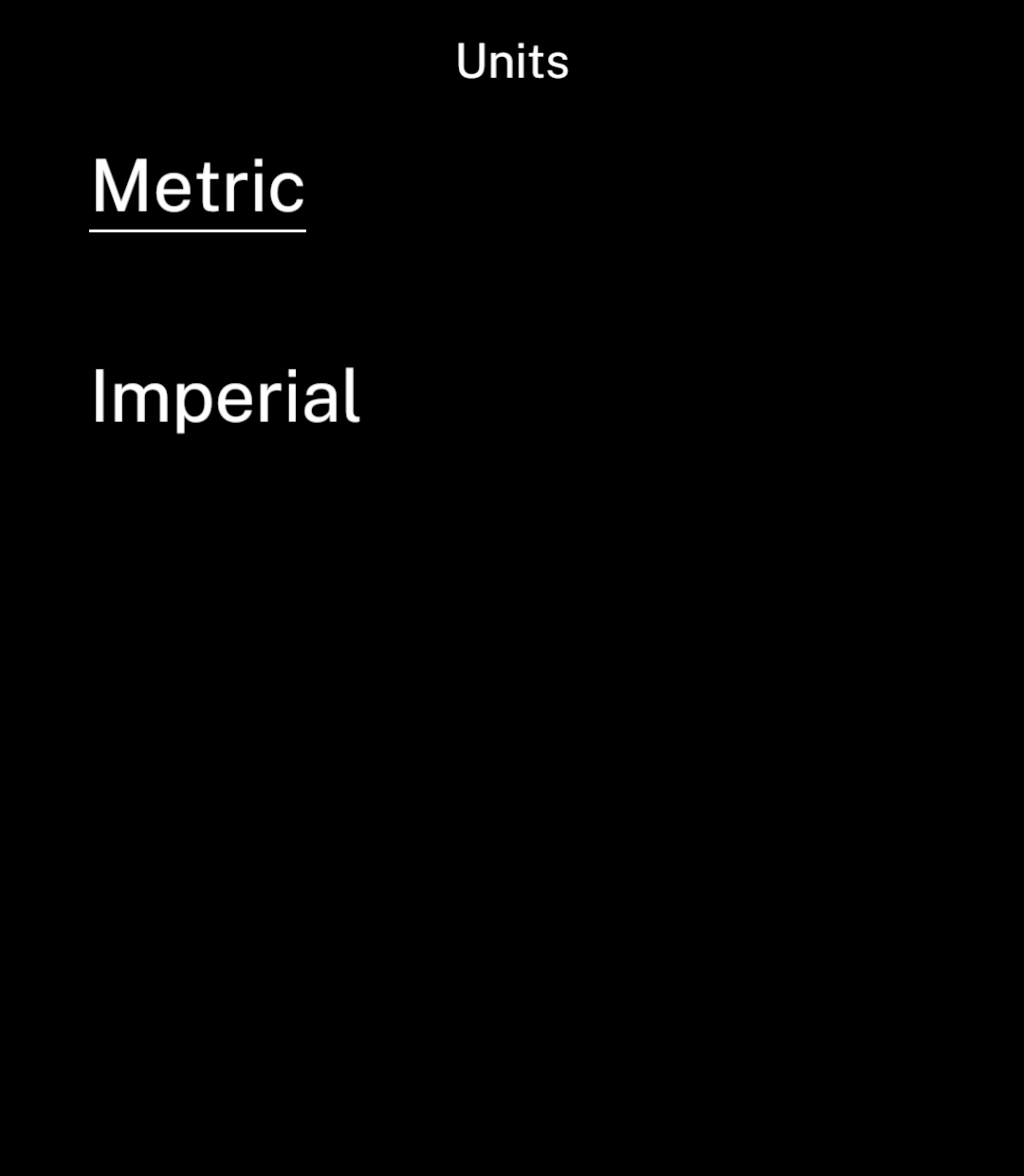
**Metric**

<img src="/images/patterns/selection.png" alt="Metric selected with an underline." width="1080" height="1240" />

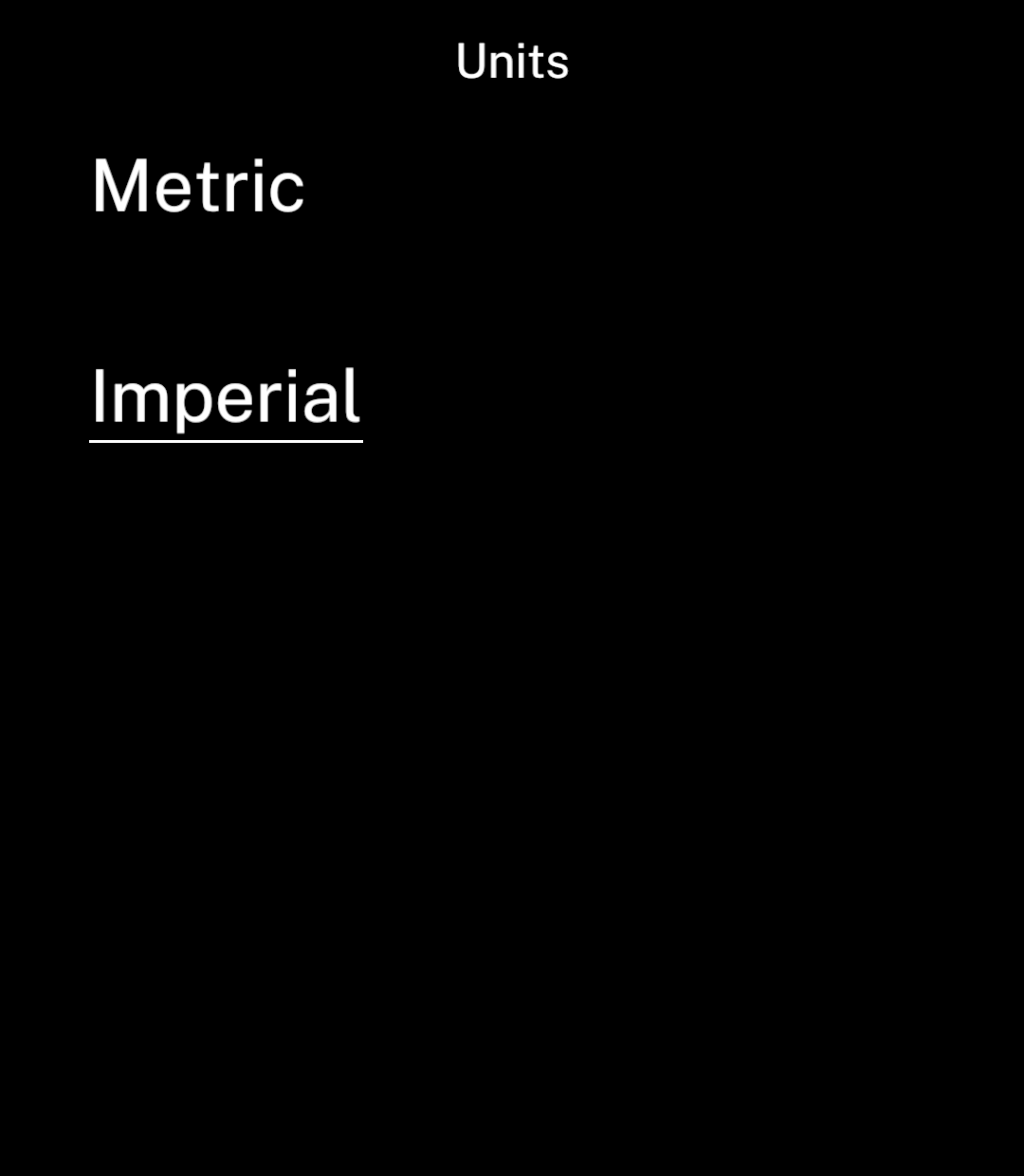
**Imperial**

<img src="/images/patterns/selection-after.png" alt="Imperial selected with an underline." width="1080" height="1240" />

</div>
</div>

## Disabled

<div className="pattern-example">
<div>

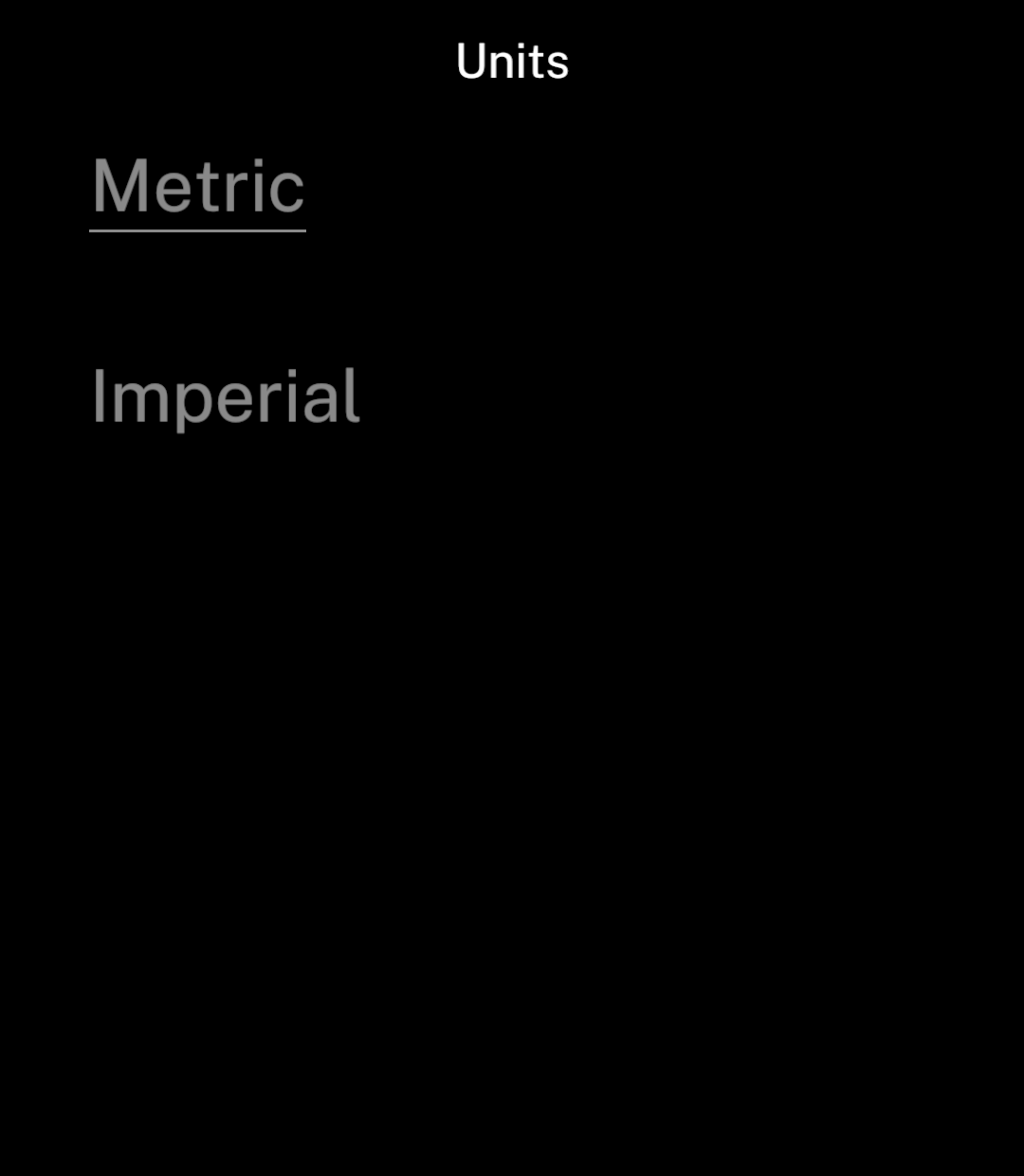
<p>Set <code>disabled</code> while an option cannot be changed.</p>

```tsx
<SettingsChoices options={options} value={value}
  onChange={setValue} disabled />
```

</div>
<div className="pattern-preview">
<img src="/images/patterns/selection-disabled.png" alt="Both unit choices disabled." width="1080" height="1240" />
</div>
</div>

Give each option a unique `value`. Use [save actions](/data#save-and-send-actions) to save the choice and return to the previous page.