---
title: "Text"
description: "Display and format text."
---

Ink uses Public Sans, with device fonts for missing symbols and Japanese characters. No extra font assets are needed.

## Example

<div className="pattern-example">
<div>

```tsx app/index.tsx
import { Screen, Text } from "ink";

export default function Example() {
  return <Screen title="Text">
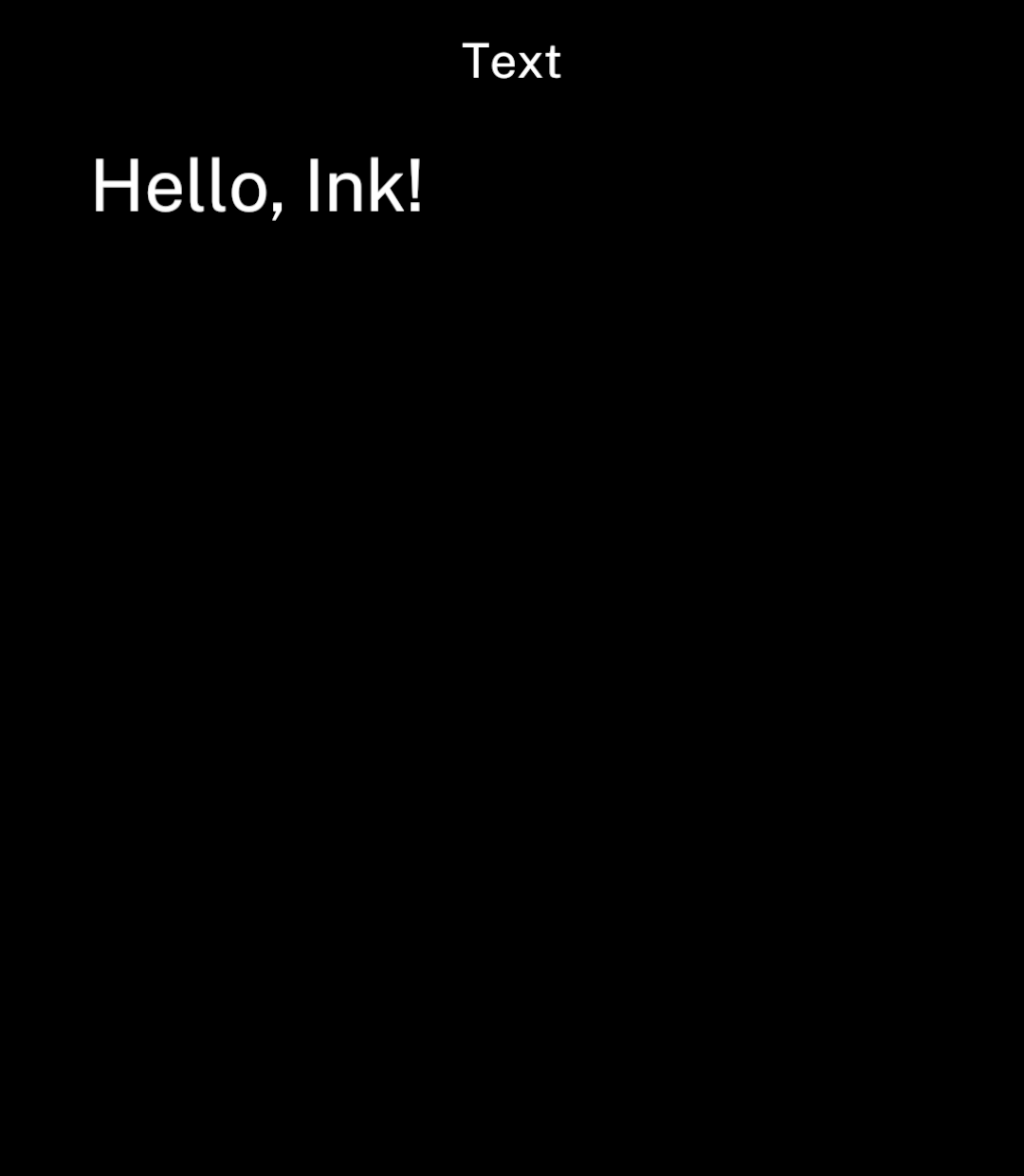
    <Text>Hello, Ink!</Text>
  </Screen>;
}
```

</div>
<div className="pattern-preview">
<img src="/images/patterns/text.png" alt="Hello, Ink! below the Text header." width="1080" height="1240" />
</div>
</div>

## Wrapping and truncation

<div className="pattern-example">
<div>

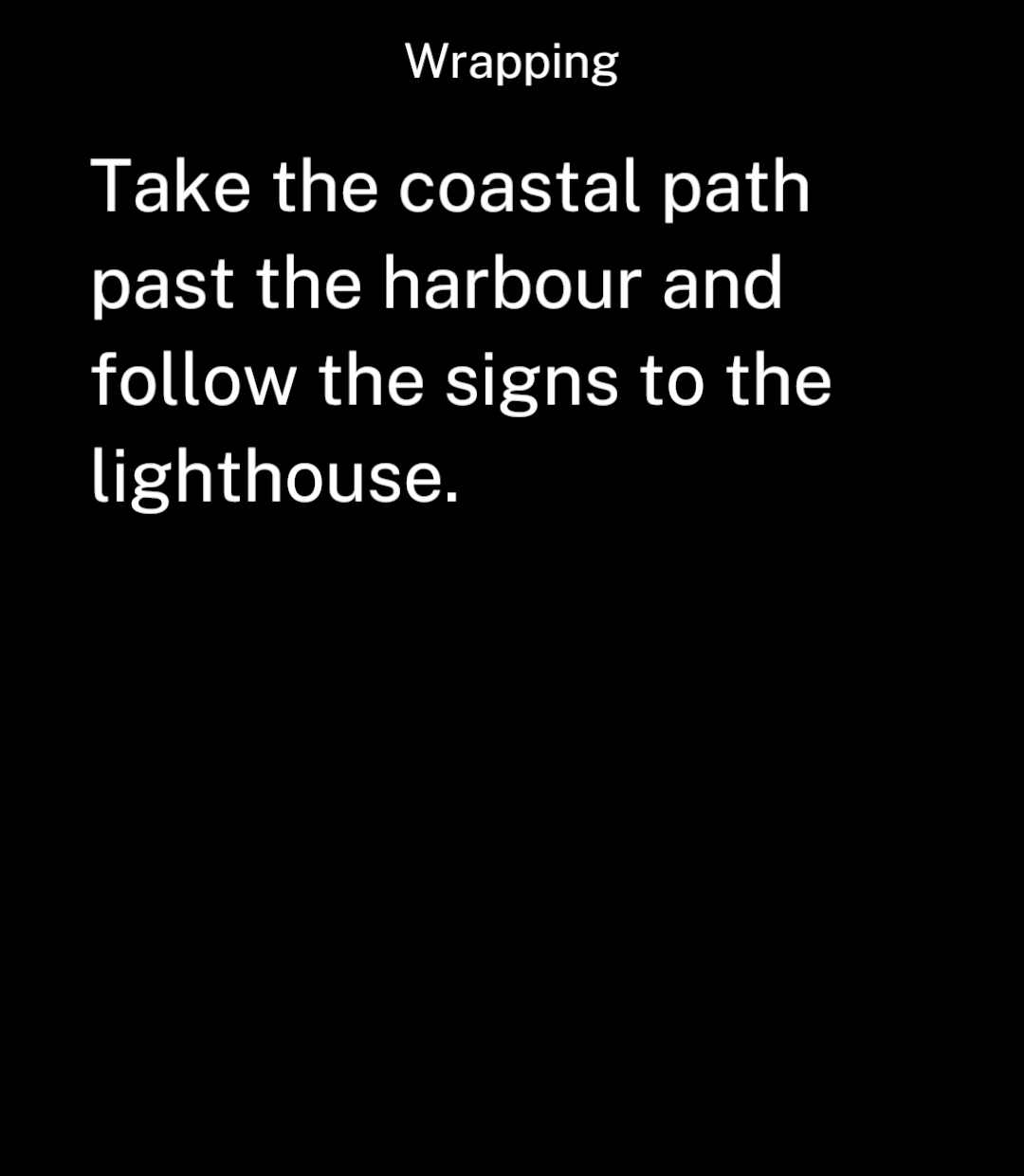
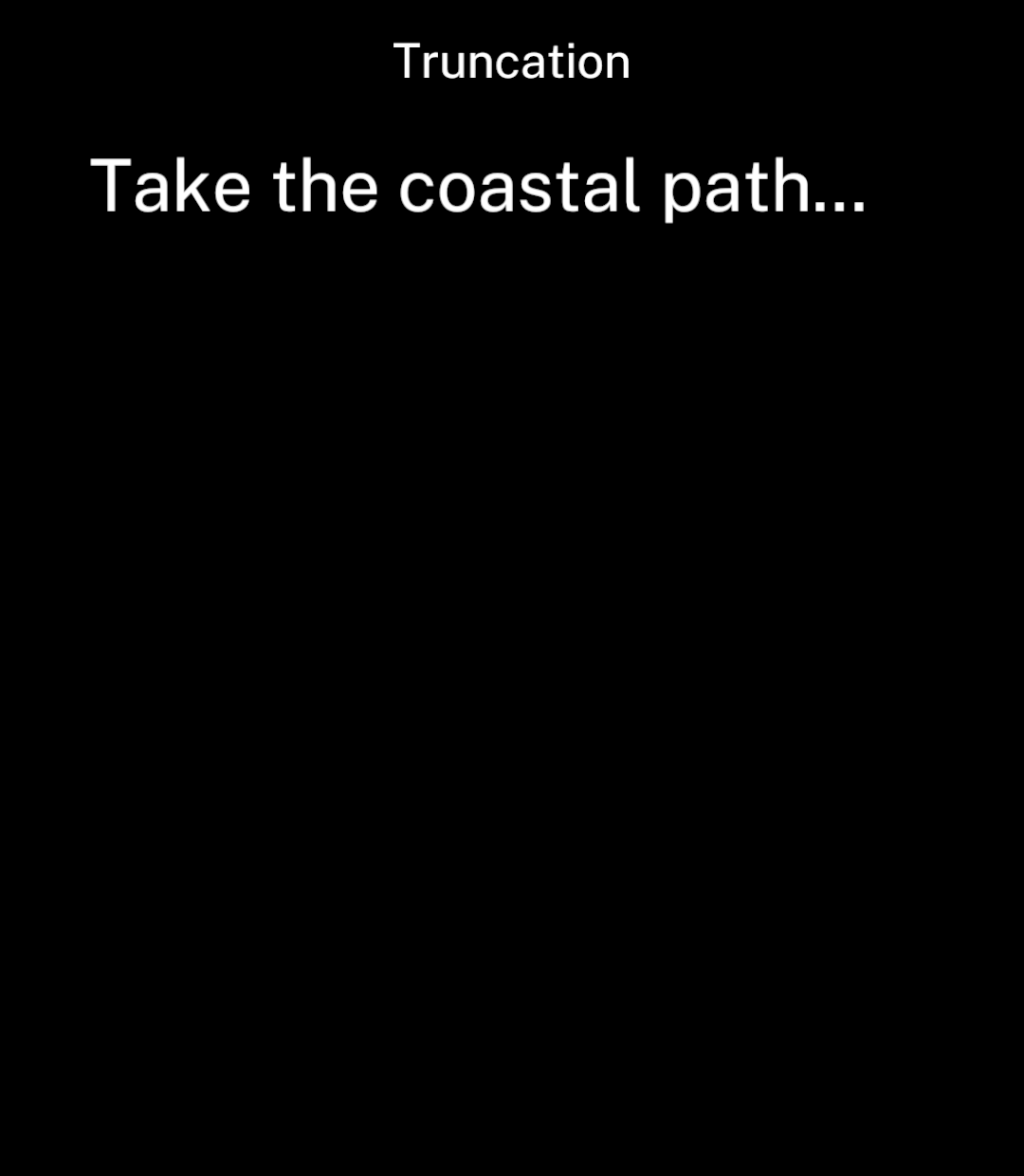
<p>Text wraps automatically. Set <code>maxLines</code> to limit the number of lines.</p>

```tsx
<Text maxLines={1}>
  Take the coastal path past the harbour and follow the signs to the lighthouse.
</Text>
```

</div>
<div className="pattern-preview">
**Wrapping**

<img src="/images/patterns/text-wrap.png" alt="A paragraph wrapping onto several lines." width="1080" height="1240" />

**Truncation**

<img src="/images/patterns/text-truncate.png" alt="The paragraph limited to one line with an ellipsis." width="1080" height="1240" />

</div>
</div>

## Links

<div className="pattern-example">
<div>

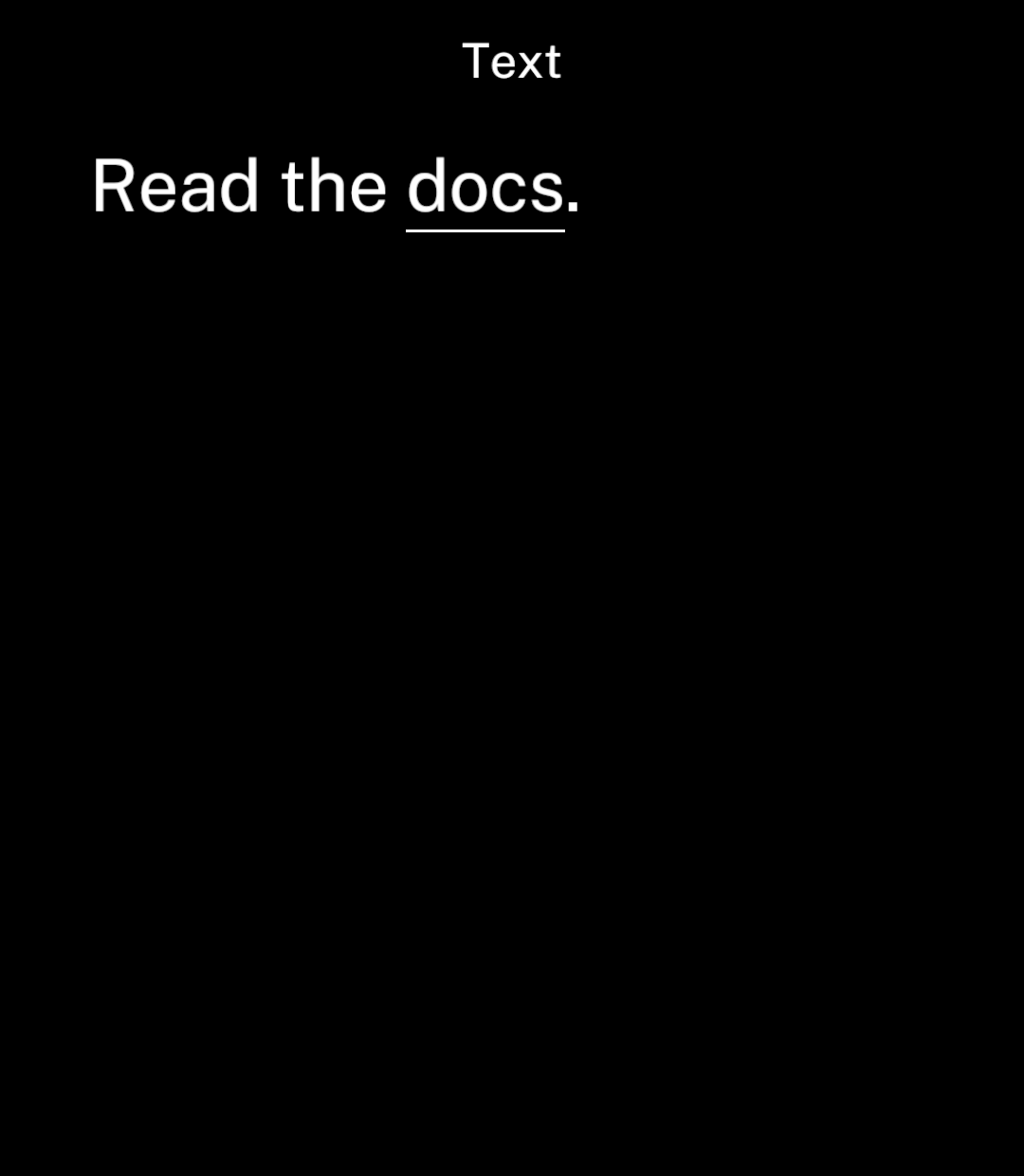
<p>Set <code>url</code> to underline text and open its URL when tapped.</p>

```tsx
import { Text } from "ink";

<Text>
  Read the <Text url="https://ink.noscroll.ing">docs</Text>.
</Text>
```

<p>Use <code>onPress</code> instead for a custom action. Plain text does not detect URLs automatically.</p>

</div>
<div className="pattern-preview">
<img src="/images/patterns/text-link.png" alt="Read the docs, with docs underlined." width="1080" height="1240" />
</div>
</div>

## Alignment

<div className="pattern-example">
<div>

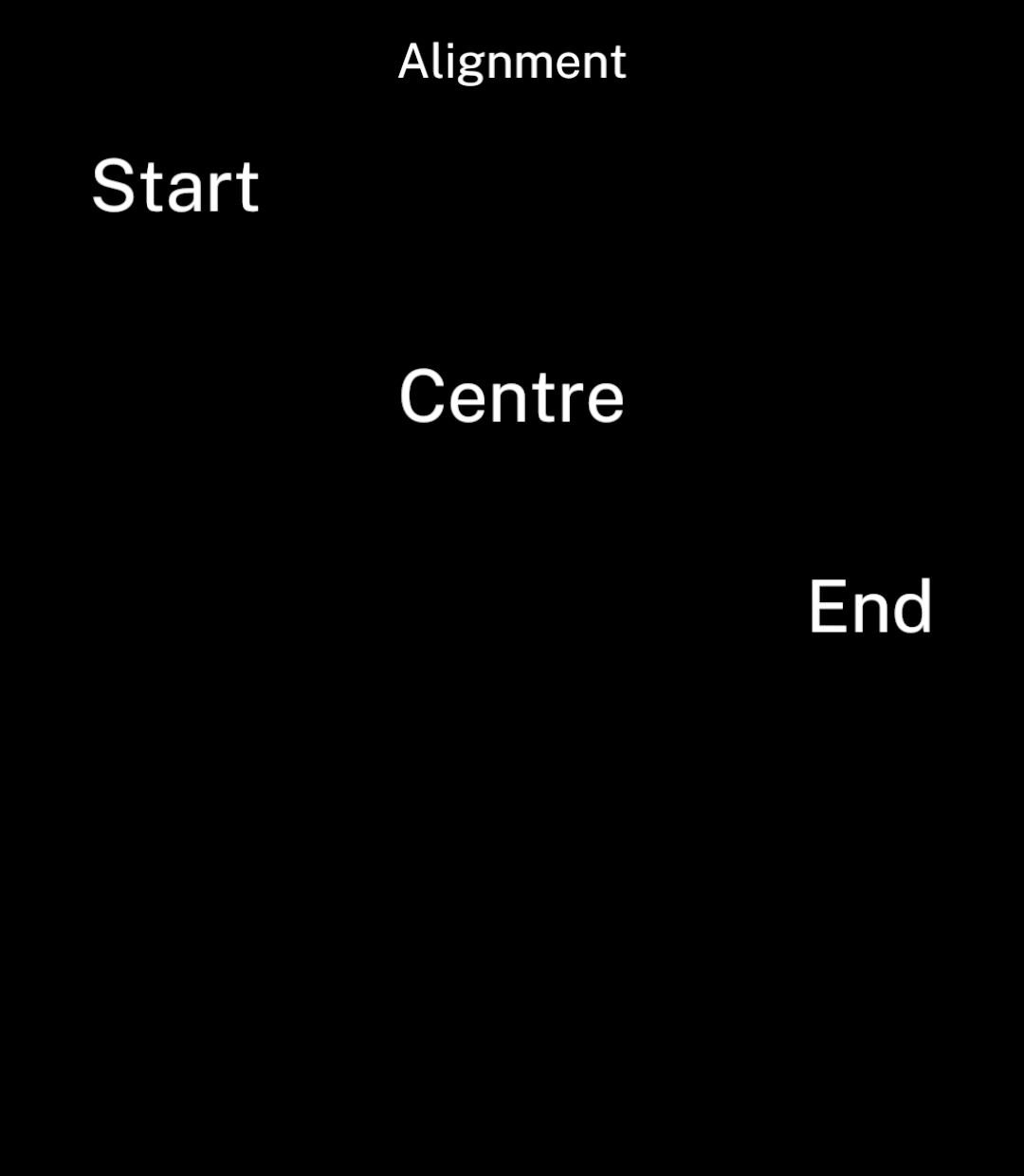
```tsx
<Text align="start">Start</Text>
<Text align="center">Centre</Text>
<Text align="end">End</Text>
```

</div>
<div className="pattern-preview">
<img src="/images/patterns/text-align.png" alt="Text aligned to the start, centre and end." width="1080" height="1240" />
</div>
</div>

## Size

<div className="pattern-example">
<div>

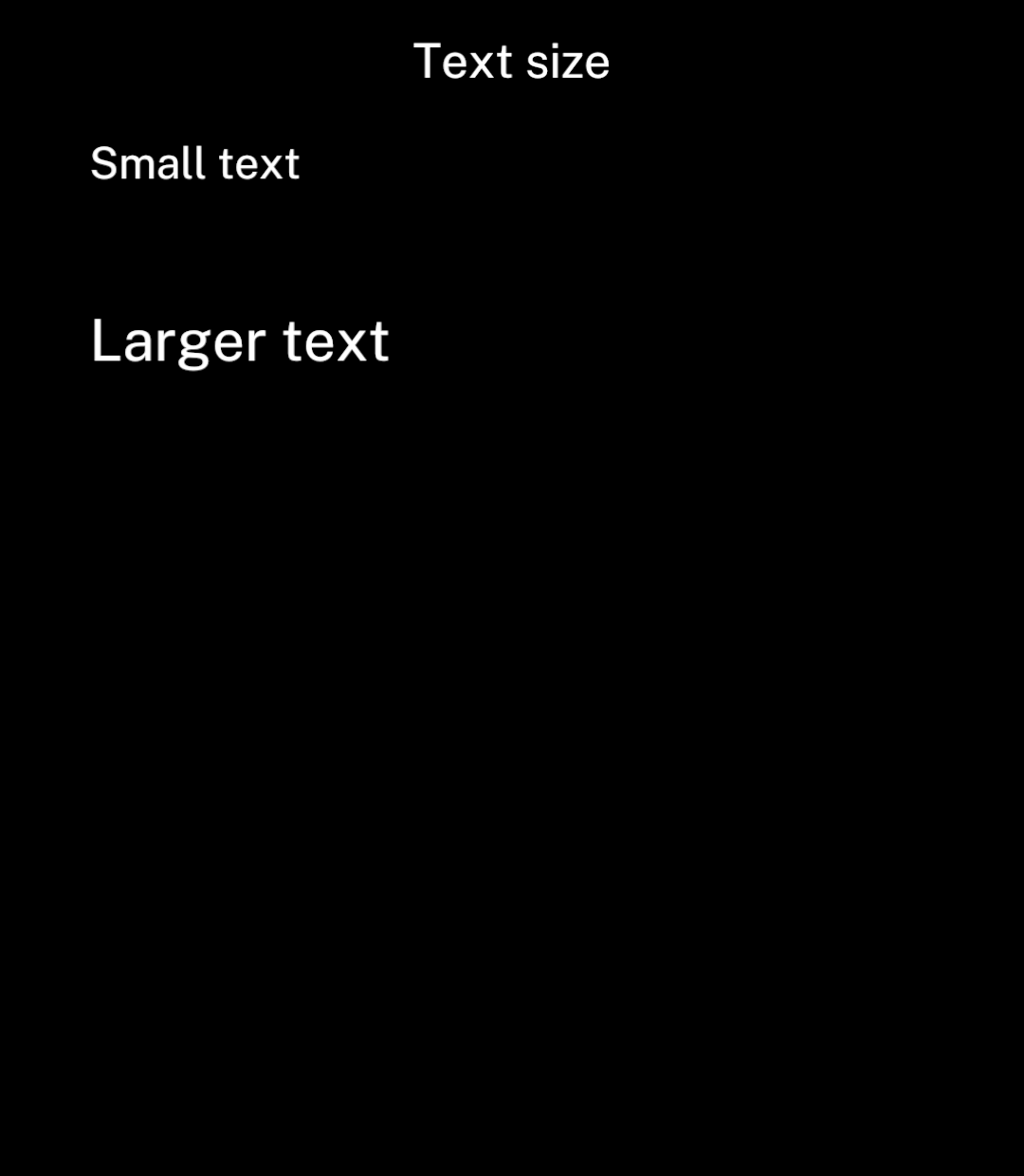
<p><code>size</code> uses logical layout units.</p>

```tsx
<Text size={18}>Small text</Text>
<Text size={24}>Larger text</Text>
```

</div>
<div className="pattern-preview">
<img src="/images/patterns/text-size.png" alt="Text displayed at two sizes." width="1080" height="1240" />
</div>
</div>

## Tabular numbers

<div className="pattern-example">
<div>

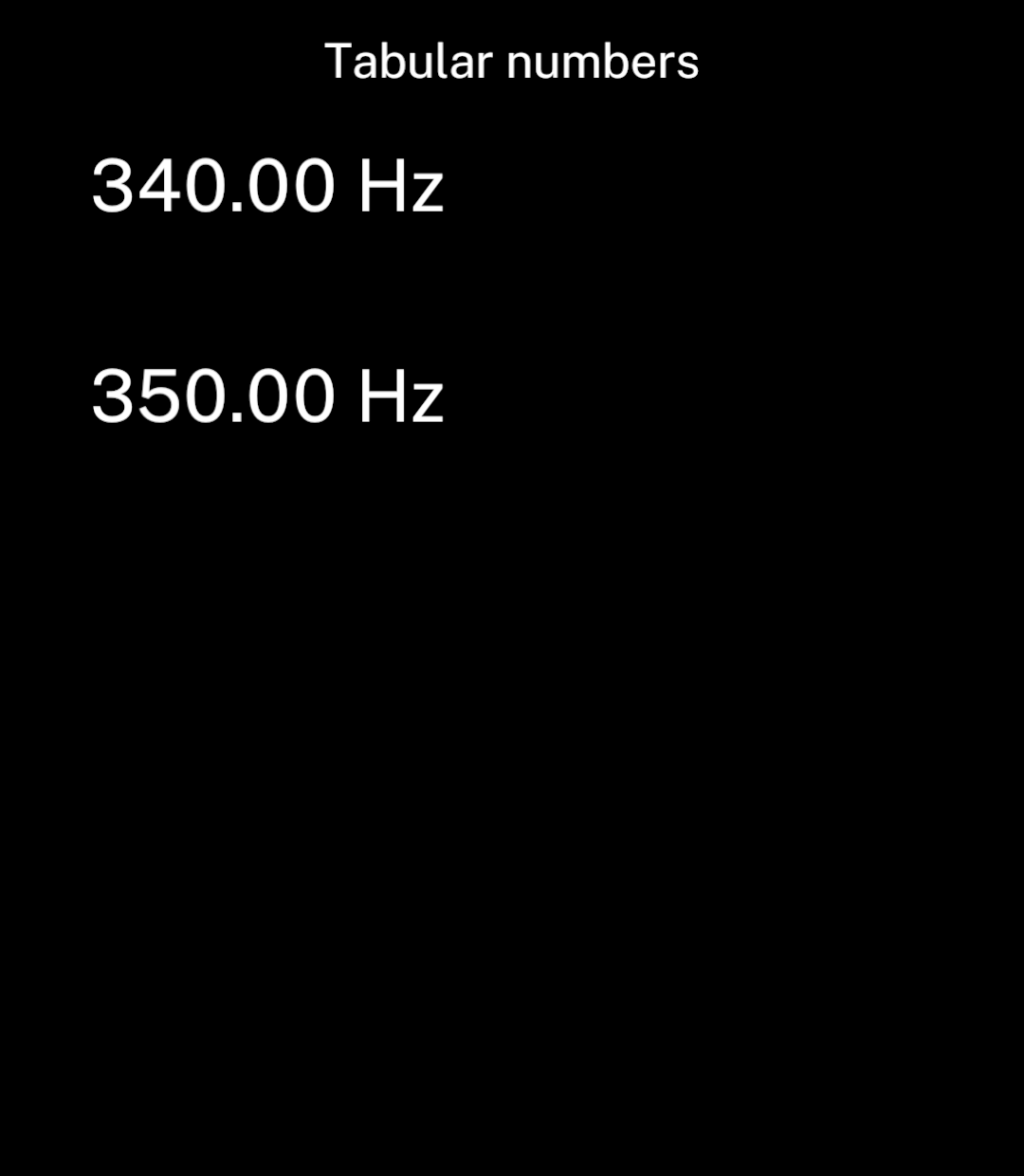
<p><code>tabularNumbers</code> gives digits equal widths so numbers do not shift as they change.</p>

```tsx
<Text tabularNumbers>{frequency.toFixed(2)} Hz</Text>
```

</div>
<div className="pattern-preview">
<img src="/images/patterns/text-numbers.png" alt="340.00 Hz and 350.00 Hz with aligned digits." width="1080" height="1240" />
</div>
</div>

Use `width` for fixed columns. In a horizontal `Stack`, text without a fixed width shrinks to leave room for neighbouring controls. Nested `Text` uses the outer text style.