---
title: "Reordering"
description: "Move items up or down with arrow buttons."
---

<div className="pattern-example">
<div>

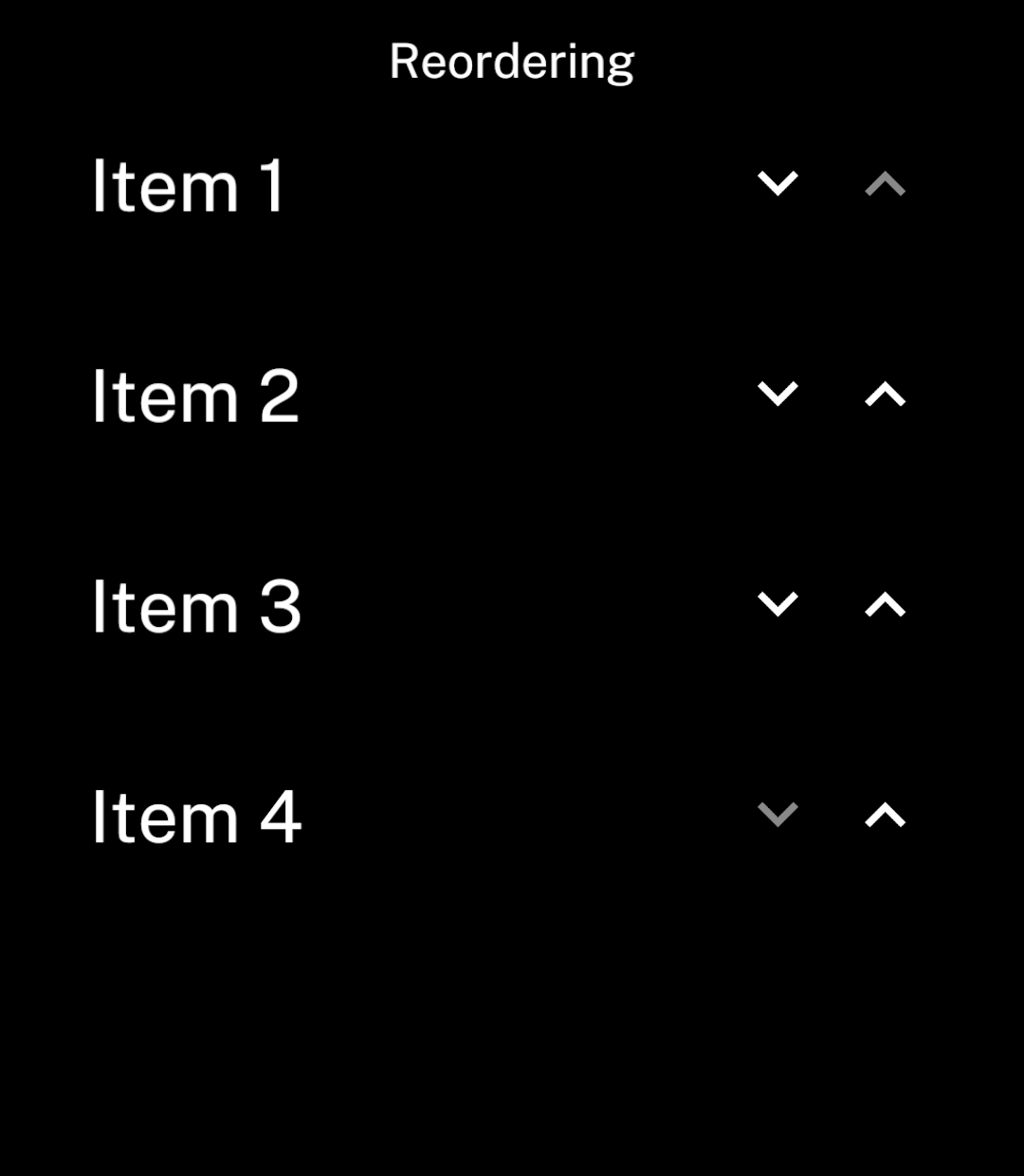
<p><code>ReorderList</code> displays labels with up and down arrows. It handles spacing, scrolling and moving items.</p>

## Example

```tsx app/index.tsx
import { useState } from "react";
import { ReorderList, Screen } from "ink";

export default function Reordering() {
  const [items, setItems] = useState([
    { id: "1", name: "Item 1" },
    { id: "2", name: "Item 2" },
    { id: "3", name: "Item 3" },
    { id: "4", name: "Item 4" },
  ]);

  return <Screen title="Reordering">
    <ReorderList
      items={items}
      keyExtractor={item => item.id}
      getLabel={item => item.name}
      onChange={setItems}
    />
  </Screen>;
}
```

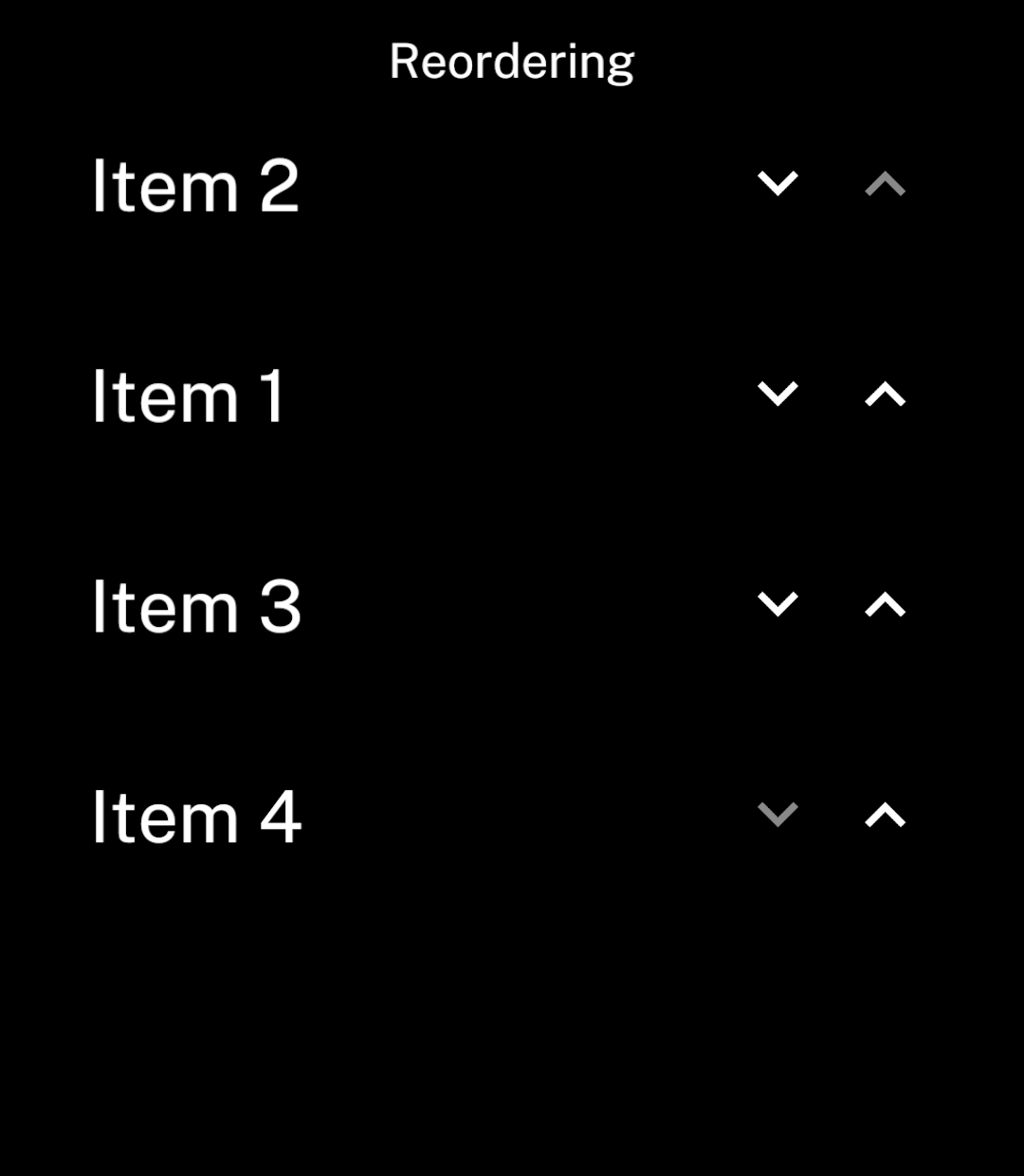
<p>Use a unique, stable ID for each item. <code>onChange</code> receives a new array in the selected order.</p>

<p>This example keeps the order until the app closes. Use <a href="/store">Store</a> to save it between sessions.</p>

</div>
<div className="pattern-preview">

**Before**

<img src="/images/patterns/reordering-before.png" alt="Four items in order, with down and up arrows beside each row. The first up arrow and last down arrow are disabled." width="1080" height="1240" />

**After**

<img src="/images/patterns/reordering-after.png" alt="Item 1 has moved below Item 2. Item 3 and Item 4 keep their positions." width="1080" height="1240" />

</div>
</div>

Use `gap` to set the spacing between rows. It defaults to 47 logical units, matching `List`.

## Scrolling

<div className="pattern-example">
<div>

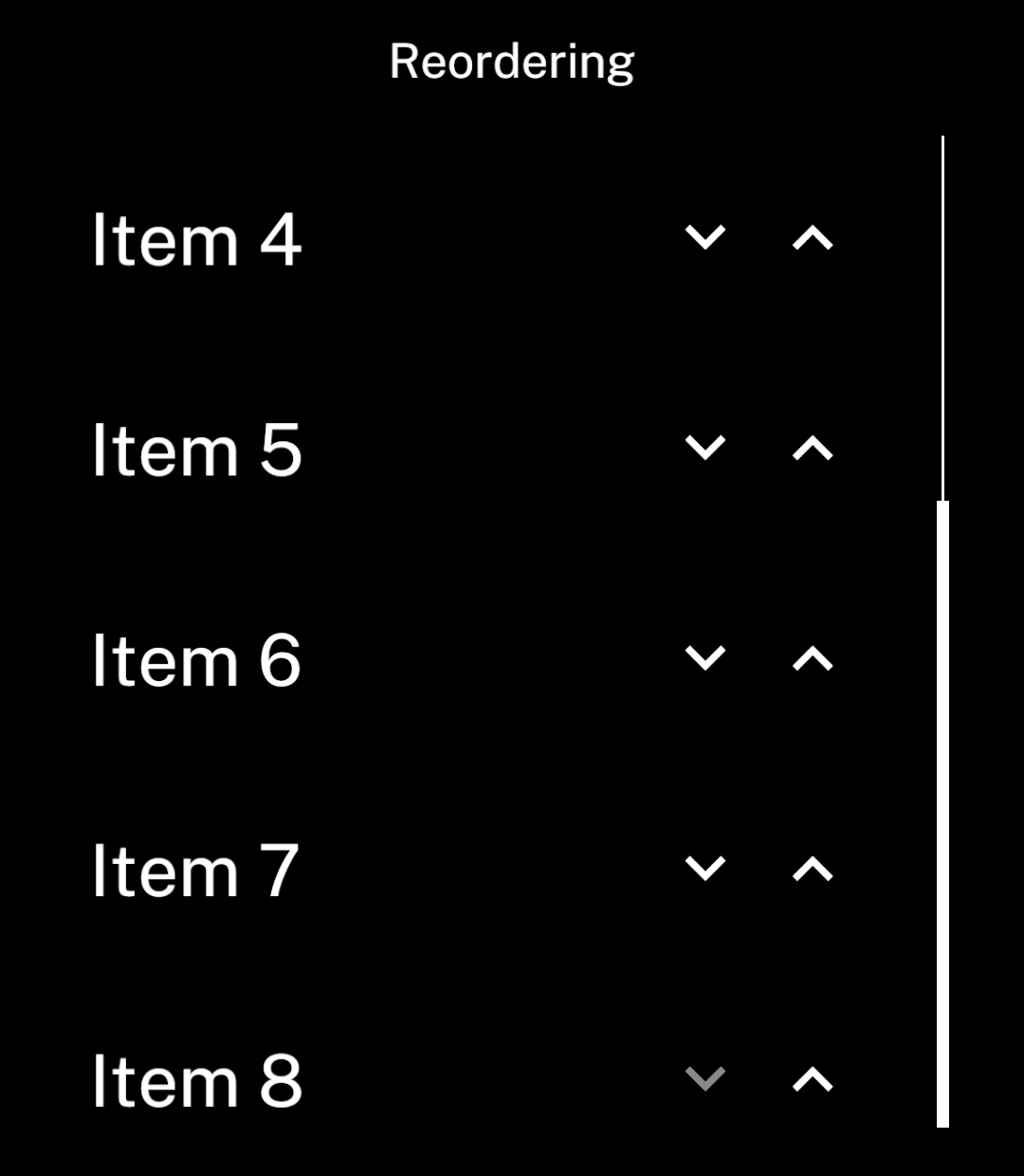
<p>The component automatically shows a scrollbar when items overflow.</p>

</div>
<div className="pattern-preview">

<img src="/images/patterns/reordering-scrolled.png" alt="The bottom of the eight-item list. Item 8 has a disabled down arrow and the scrollbar is at the bottom." width="1080" height="1240" />

</div>
</div>

## Long names

<div className="pattern-example">
<div>

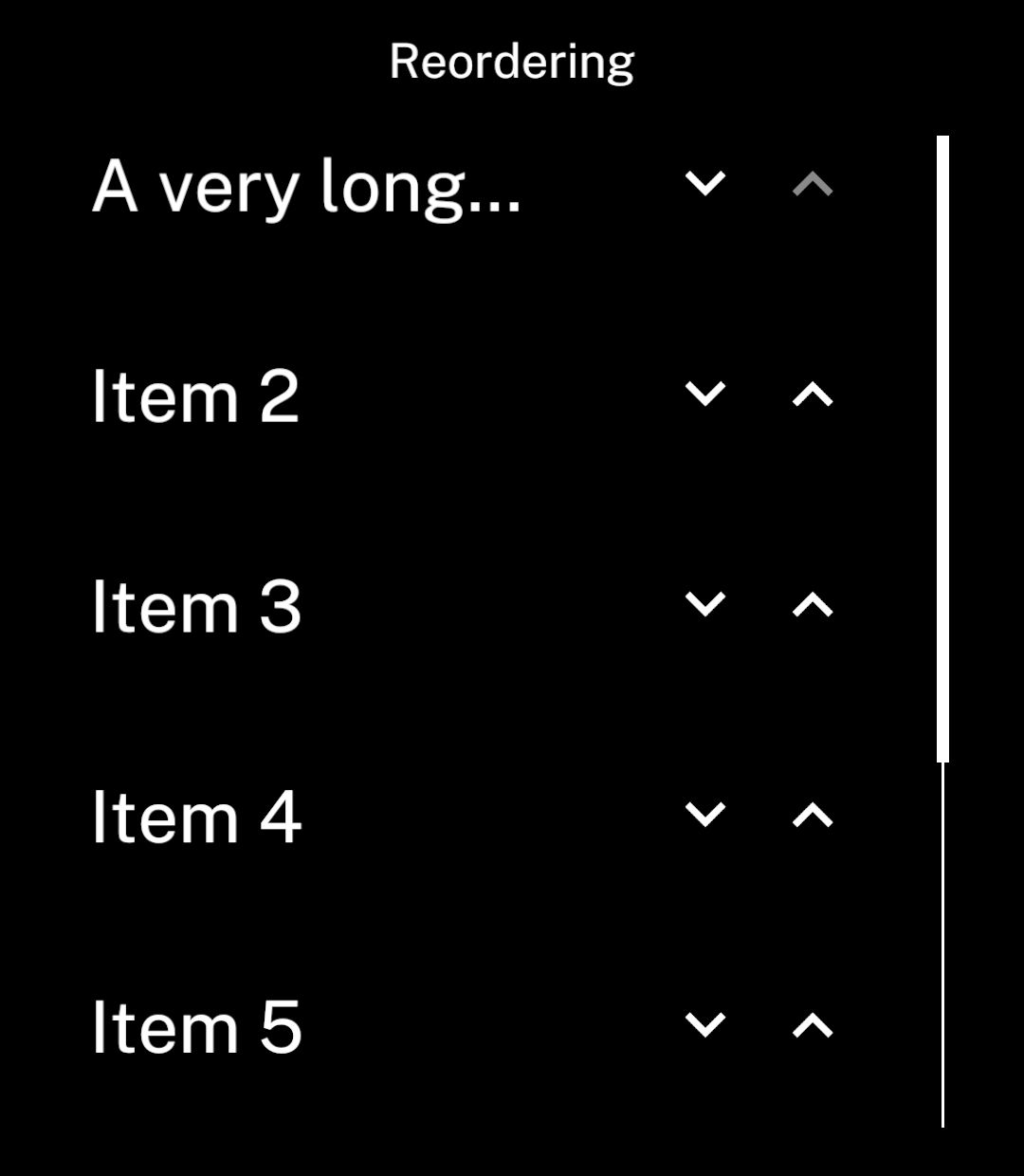
<p>Labels use one line by default. Long names end with an ellipsis, leaving room for both arrows.</p>

</div>
<div className="pattern-preview">

<img src="/images/patterns/reordering-long-names.png" alt="A long name ends with an ellipsis before the arrows. Eight rows make the screen scroll, with a scrollbar on the right." width="1080" height="1240" />

</div>
</div>

## Multiline names

<div className="pattern-example">
<div>

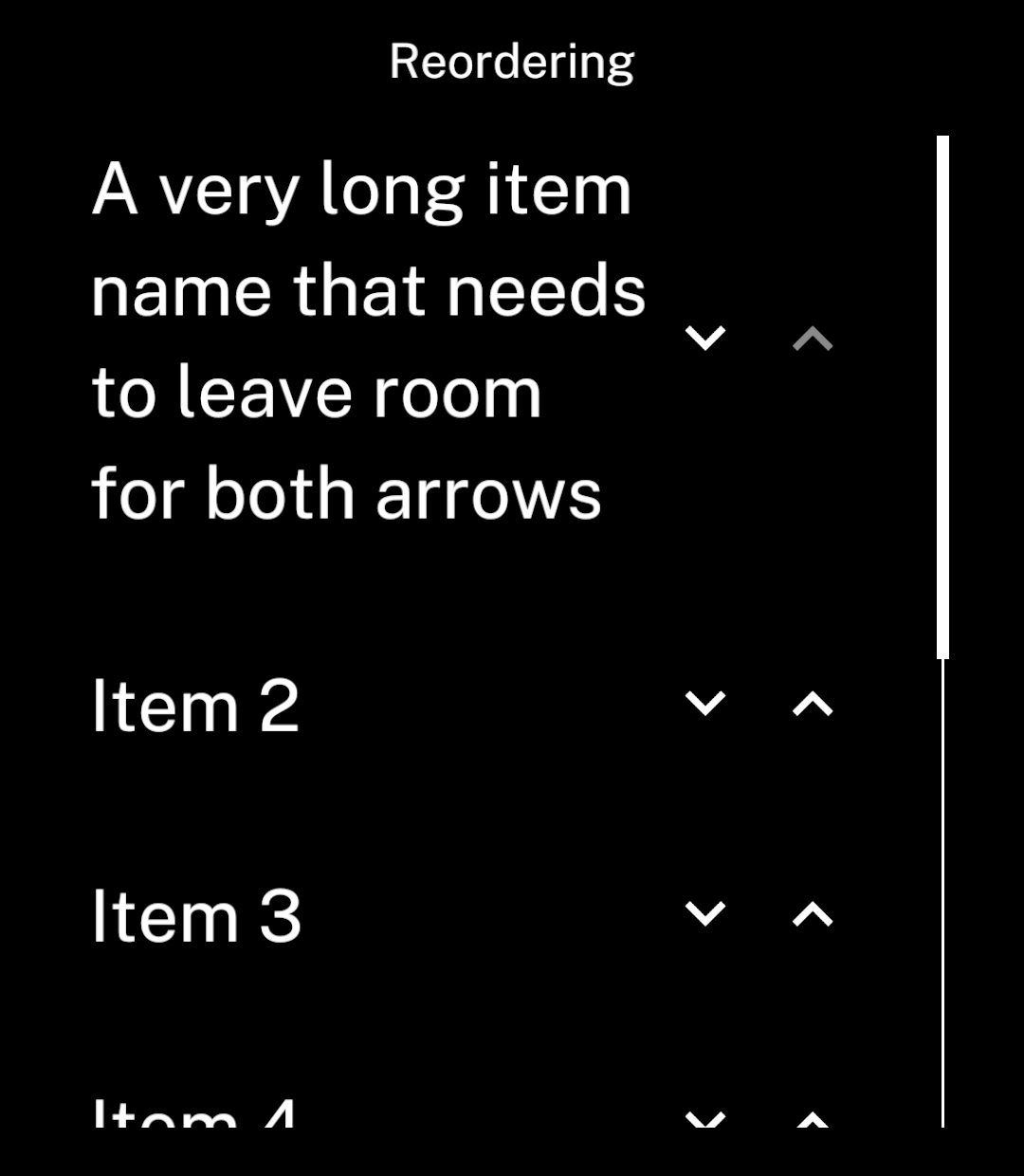
<p>Set <code>multiline</code> to show the full label.</p>

```tsx
<ReorderList
  items={items}
  keyExtractor={item => item.id}
  getLabel={item => item.name}
  onChange={setItems}
  multiline
/>
```

</div>
<div className="pattern-preview">

<img src="/images/patterns/reordering-multiline.png" alt="The full item name wraps across several lines. Both arrows stay visible and vertically centred beside it." width="1080" height="1240" />

</div>
</div>