

Store
Save settings and small collections between app sessions.
Use @ink/store to save settings and small JSON collections. Use Secure store for credentials.
Create a store
In settings.ts, create a store with a key, an initial value and a decoder:
import { createStore } from "@ink/store";

type Settings = { units: "celsius" | "fahrenheit" };

export const settings = createStore<Settings>({
  key: "weather.settings",
  version: 1,
  initial: { units: "celsius" },
  decode(value: unknown): Settings {
    if (typeof value !== "object" || value === null || !("units" in value)) {
      throw new Error("Invalid settings");
    }
    if (value.units !== "celsius" && value.units !== "fahrenheit") {
      throw new Error("Invalid temperature units");
    }
    return { units: value.units };
  },
});

export async function setUnits(units: Settings["units"]) {
  await settings.update(value => ({ ...value, units }));
}
Creating a store does not read disk.
Read and save values
Using the store defined in settings.ts:
import { settings } from "./settings";

const saved = await settings.get();
await settings.set({ units: "fahrenheit" });
get() loads and validates the saved value. set() replaces it and resolves once saved. Readers see either the old value or the complete new value.
set() and reset() do not read the previous value, so they can repair unreadable or invalid data. They reject entries saved by a newer store version. Values must fit the one-megabyte native read response, including JSON escaping and metadata; oversized writes fail before changing the saved entry.
Update part of a value
await settings.update(current => ({ ...current, units: "fahrenheit" }));The transform must be synchronous and free of side effects. Ink may call it again if another write happens first.
Observe a setting
Place this component inside a Screen.
import { Text, useSnapshot } from "ink";
import { settings } from "./settings";

export function Units() {
  const value = useSnapshot(settings);
  if (value.status === "loading") return <Text>Loading settings</Text>;
  if (value.status === "error") return <Text>{value.error.message}</Text>;
  return <Text>{value.data.units}</Text>;
}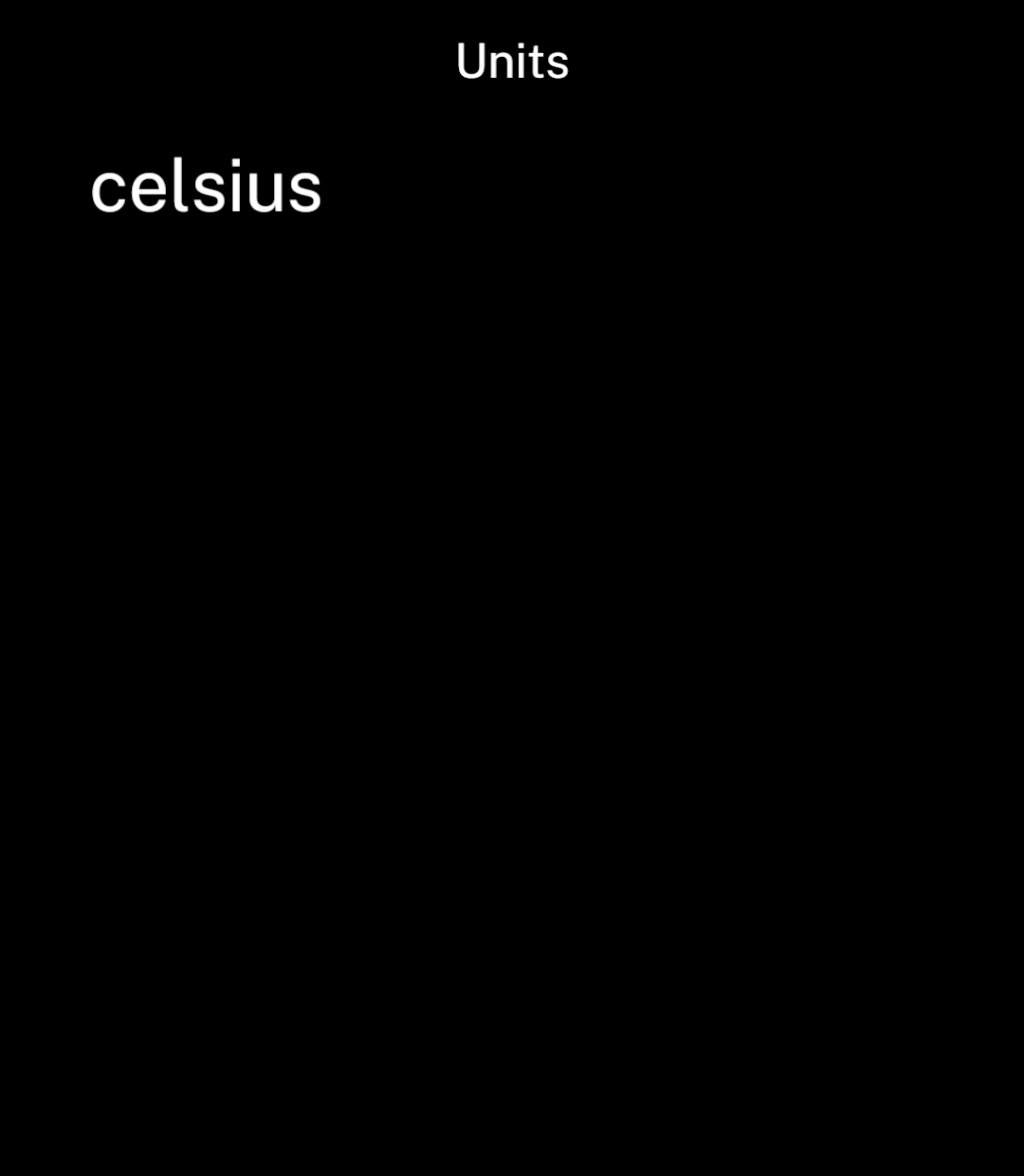
useSnapshot loads when the component mounts. It returns loading, ready with data, or error. Writes from the app or its workers refresh it.
Use get() outside React, including in workers. Use useAction for UI commands that need to show write failures.
Change the data format
Changing a TypeScript type does not update saved data. Increase version and supply migrate(oldValue, oldVersion) to convert it.
Ink validates the result with decode and replaces the saved value in one operation.
If version 1 stored a plain unit string, this function converts it to the settings object above:
function migrateUnits(oldValue: unknown, oldVersion: number) {
  if (oldVersion === 1) return { units: oldValue };
  throw new Error("Unsupported settings version");
}
In createStore, set version to 2 and migrate to migrateUnits. Keep the decoder and initial value for the new format. Adapt the migration to your actual saved data.
Invalid saved data
Corrupt data or an unsupported newer version produces an error. Ink uses defaults only when the key is missing.
Reset a store
Restore the initial value:
await settings.reset();Read a SQLite database
Import a bundled .db file and open it with openDatabase(asset). Close it with db.close() when finished:
import { openDatabase } from "@ink/store";
import stops from "./stops.db";

const database = await openDatabase(stops);
try {
  const rows = await database.query(
    "SELECT id, name FROM stops WHERE name LIKE ? ORDER BY name LIMIT ?",
    ["Central%", 20],
  );
  // Decode rows into the app's stop type.
} finally {
  await database.close();
}
Queries and results
Queries must start with SELECT, WITH or EXPLAIN. The database prevents writes. Pass strings, finite numbers or null as parameters instead of inserting values into SQL text.
Rows contain strings, numbers or null. Binary columns and integers outside JavaScript’s safe range reject; cast large integers to text. Validate rows before using them.
Limits
| Resource | Maximum |
|---|---|
| Open databases per runtime | 8 |
| Rows per result | 10,000 |
| Encoded result size | Approximately 400 kB |
Use SQL limits and pagination for larger results. Pass { signal } to query() to cancel a running query.
App updates can replace the bundled database. Writable SQL databases, transactions and live queries are not supported; use JSON stores for editable settings and small collections.
All code in the app can access its store keys and bundled databases. Use Secure store for credentials.