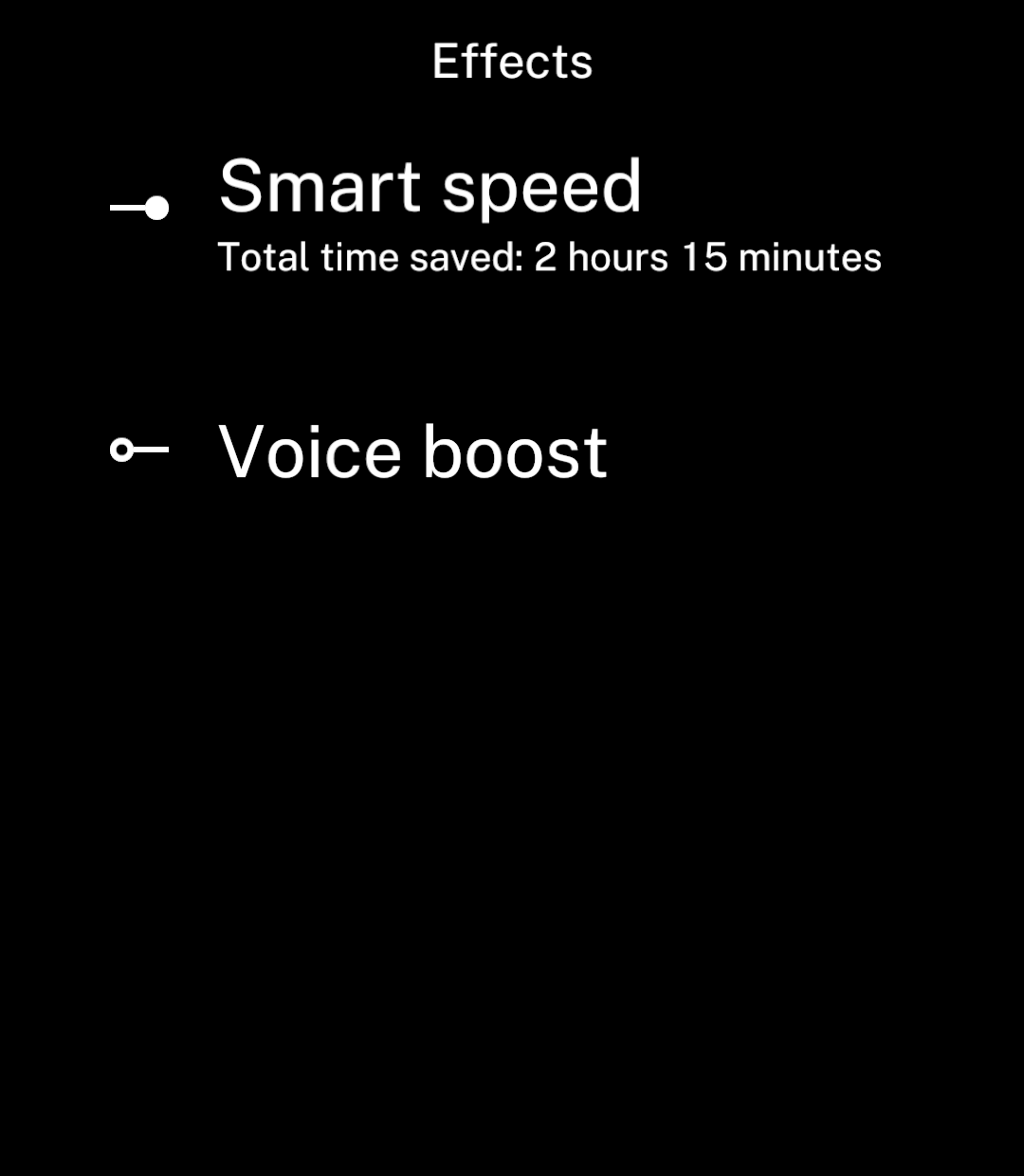
Toggles
Turn a setting on or off.
Example
Long labels wrap. The switch stays centred beside the text.
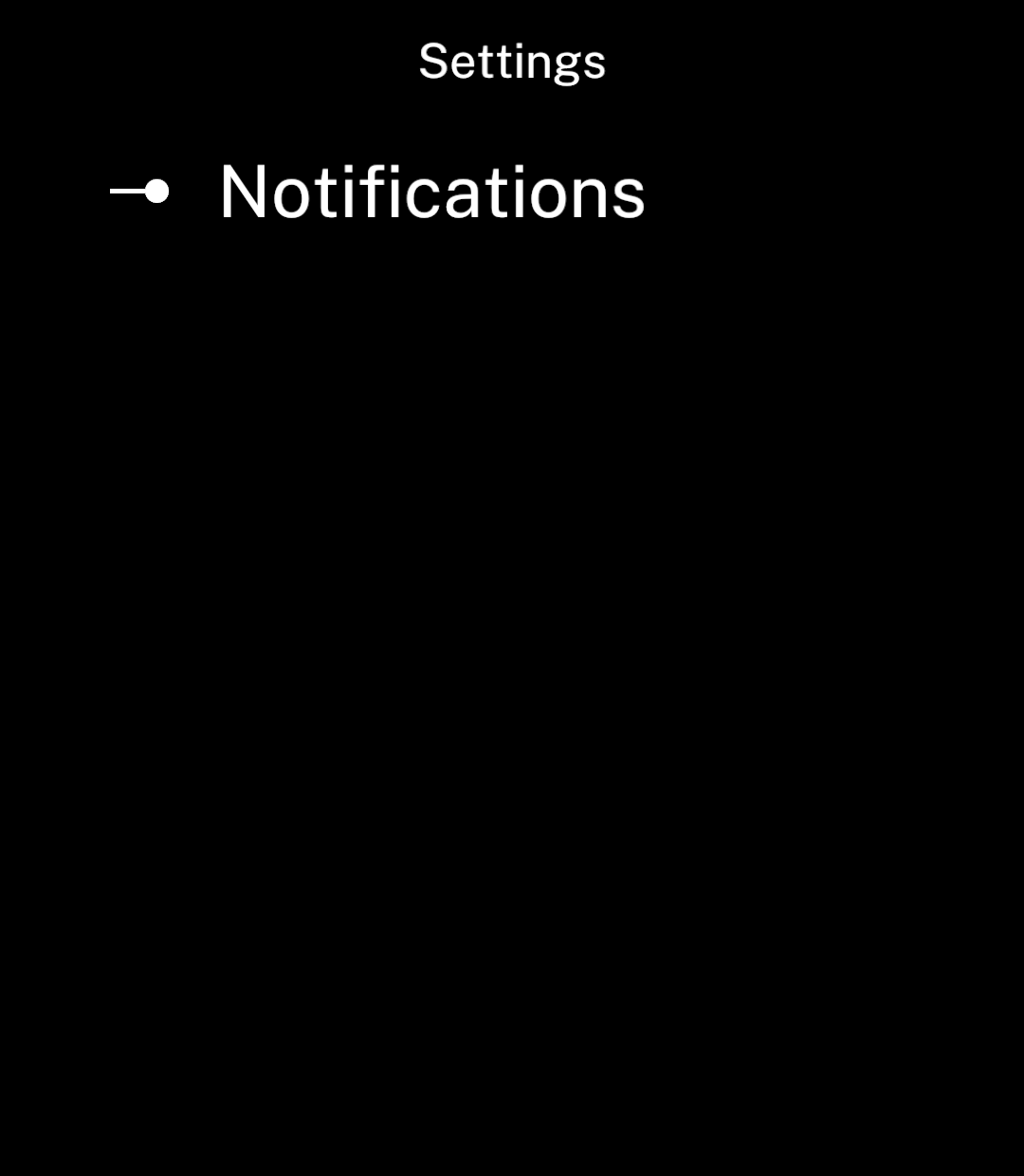
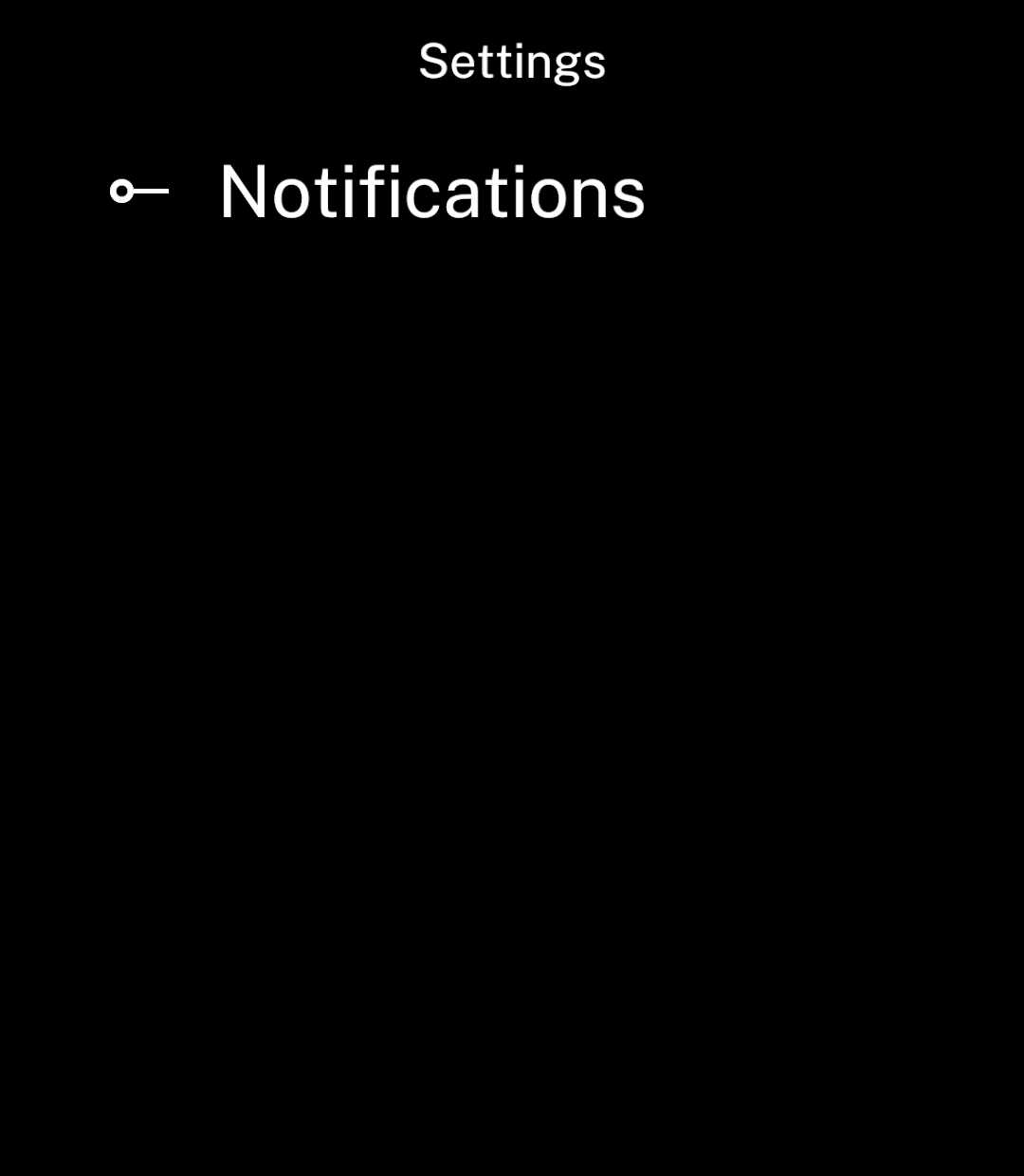
import { useState } from "react";
import { Screen, Toggle } from "ink";

export default function Settings() {
  const [enabled, setEnabled] = useState(true);

  return <Screen title="Settings">
    <Toggle
      label="Notifications"
      value={enabled}
      onChange={setEnabled}
    />
  </Screen>;
}
Disabled
disabled prevents changes.
<Toggle label="Notifications" value={enabled}
  onChange={setEnabled} disabled />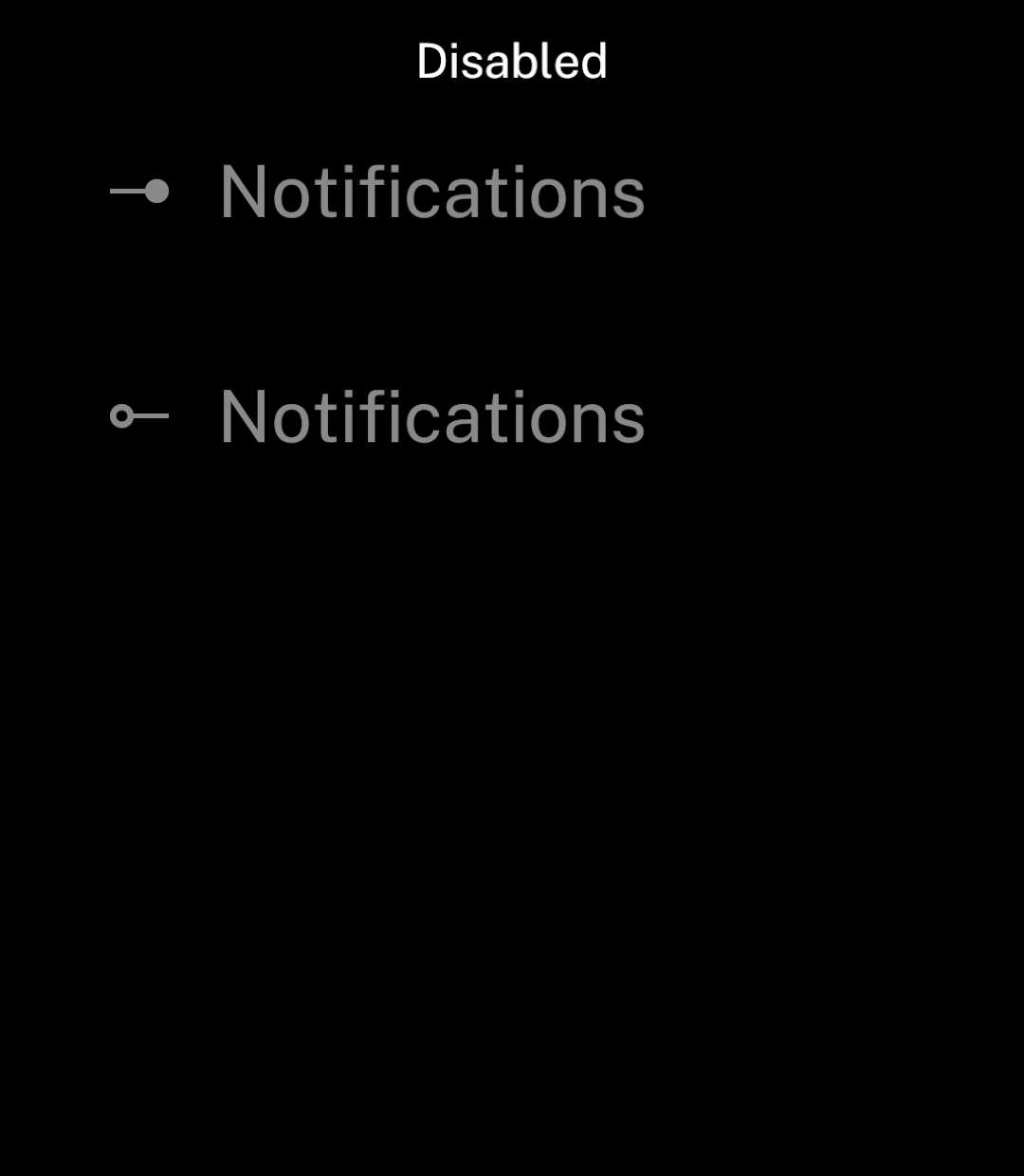
See Store to keep the value between sessions.
Subtitle
Use subtitle for a smaller line beneath the label.
<Toggle label="Smart speed" subtitle="Total time saved: 2 hours 15 minutes"
  value={enabled} onChange={setEnabled} />