

Connectivity
Read and watch the device’s network connection.
Use @ink/network/connectivity to check whether the device is online.
Watch the connection
Place this component inside a Screen.
import { Text, useSnapshot } from "ink";
import { connectivity } from "@ink/network/connectivity";

export function ConnectionNotice() {
  const connection = useSnapshot(connectivity);
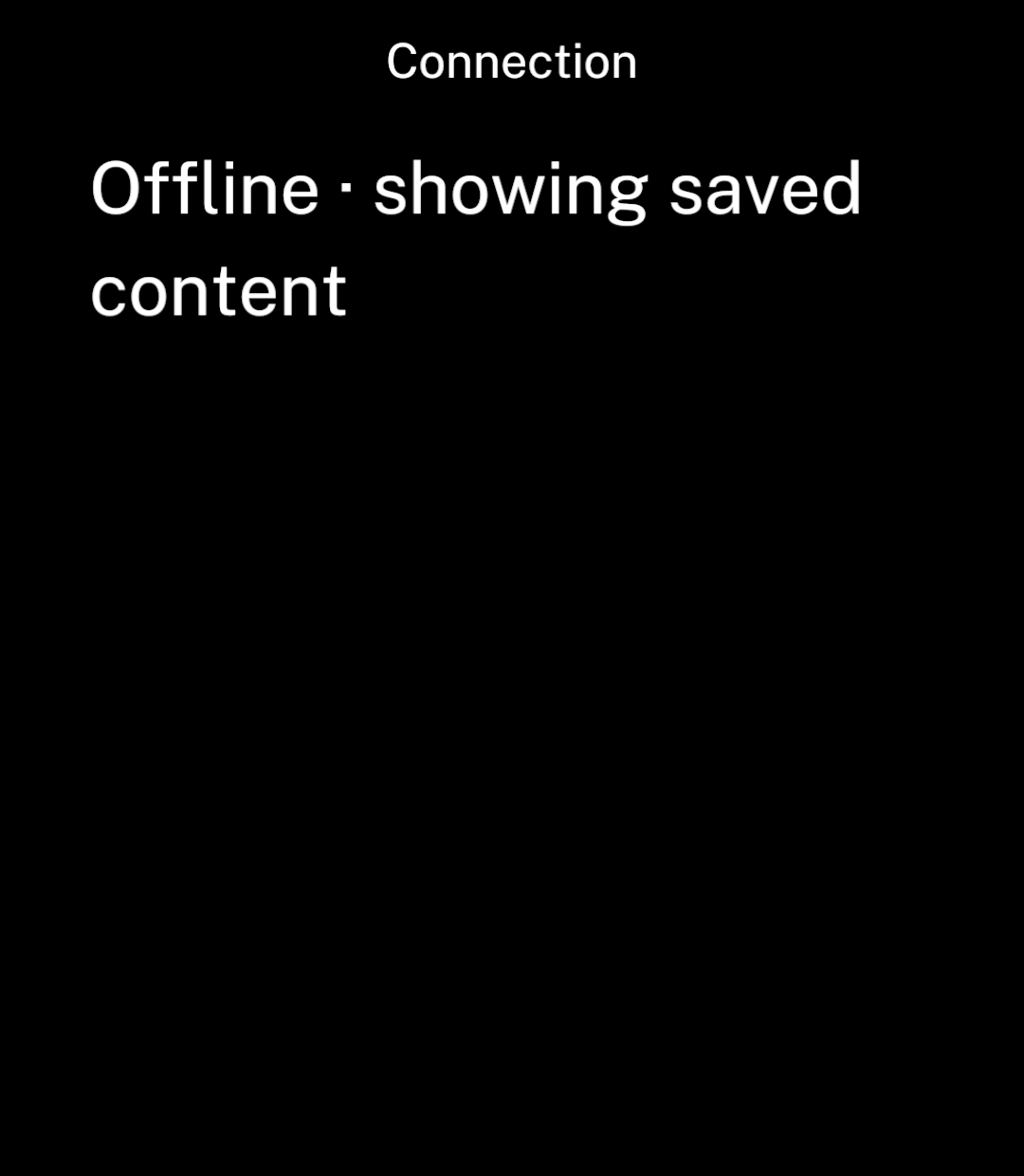
  return connection.status === "ready" && connection.data.status === "offline"
    ? <Text>Offline · showing saved content</Text>
    : null;
}
The snapshot is loading, ready or error. Ready data includes:
status:unknown,offlineorconnected.- The connection type and whether it is metered, when available.
Ink watches connection changes while the screen is visible and refreshes when it returns.
Check once
Read the current connection in a worker or command:
import { connectivity } from "@ink/network/connectivity";

const connection = await connectivity.get();
Handle connection failures
Handle request errors even when connected. Wi-Fi may need a sign-in, a server may be unavailable or an account may have expired.
Use metered state for download preferences. Set network constraints on downloads or background tasks themselves: the connection can change after you check it.