

Images
Display artwork and photos.
Example
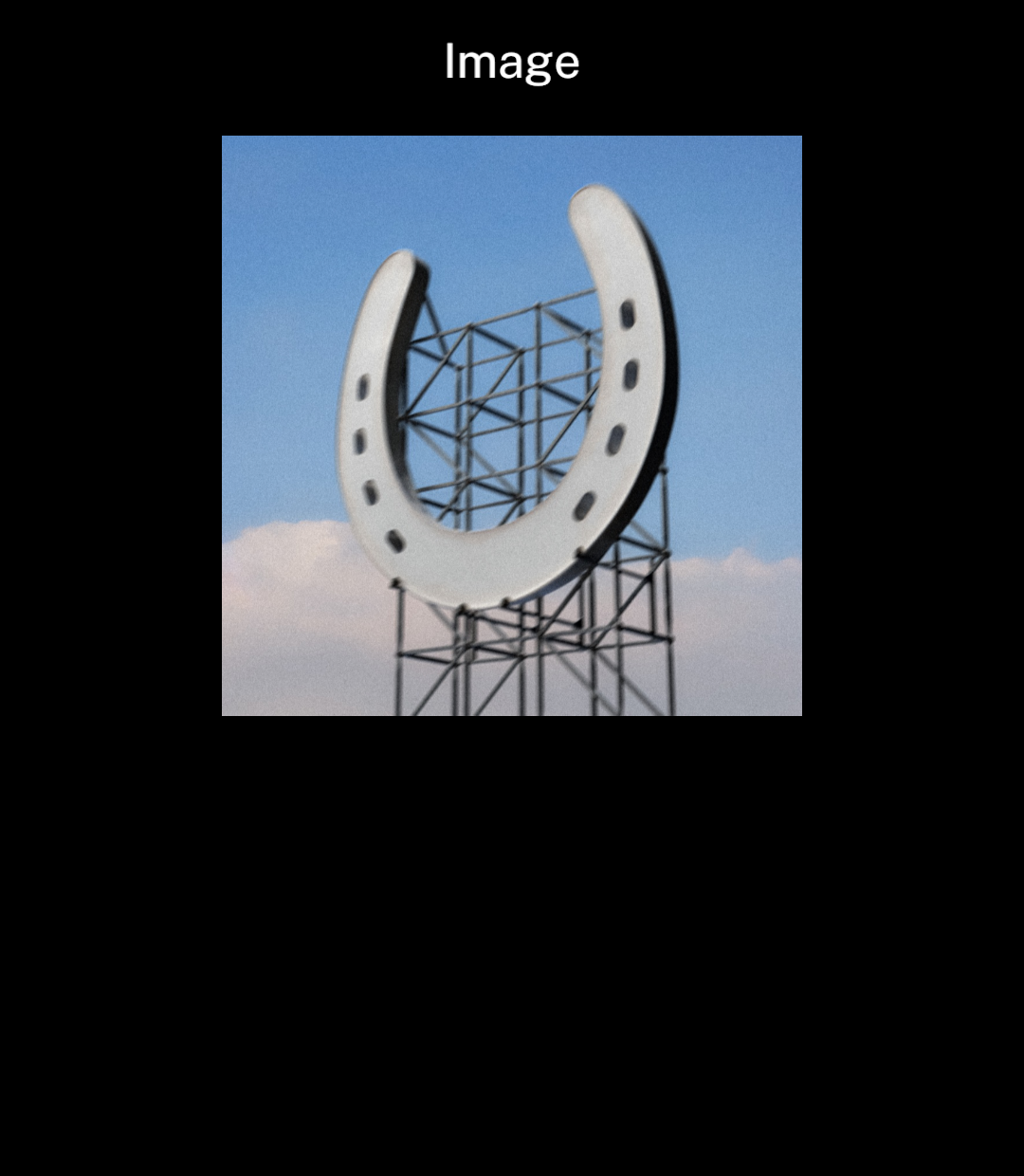
Import the image from your assets folder. Set its width and height.
import { Image, Screen, Stack } from "ink";
import artwork from "../assets/wallsocket.jpg";

export default function Artwork() {
  return <Screen title="Image">
    <Stack align="center">
      <Image src={artwork} width={240} height={240} />
    </Stack>
  </Screen>;
}
Fitting
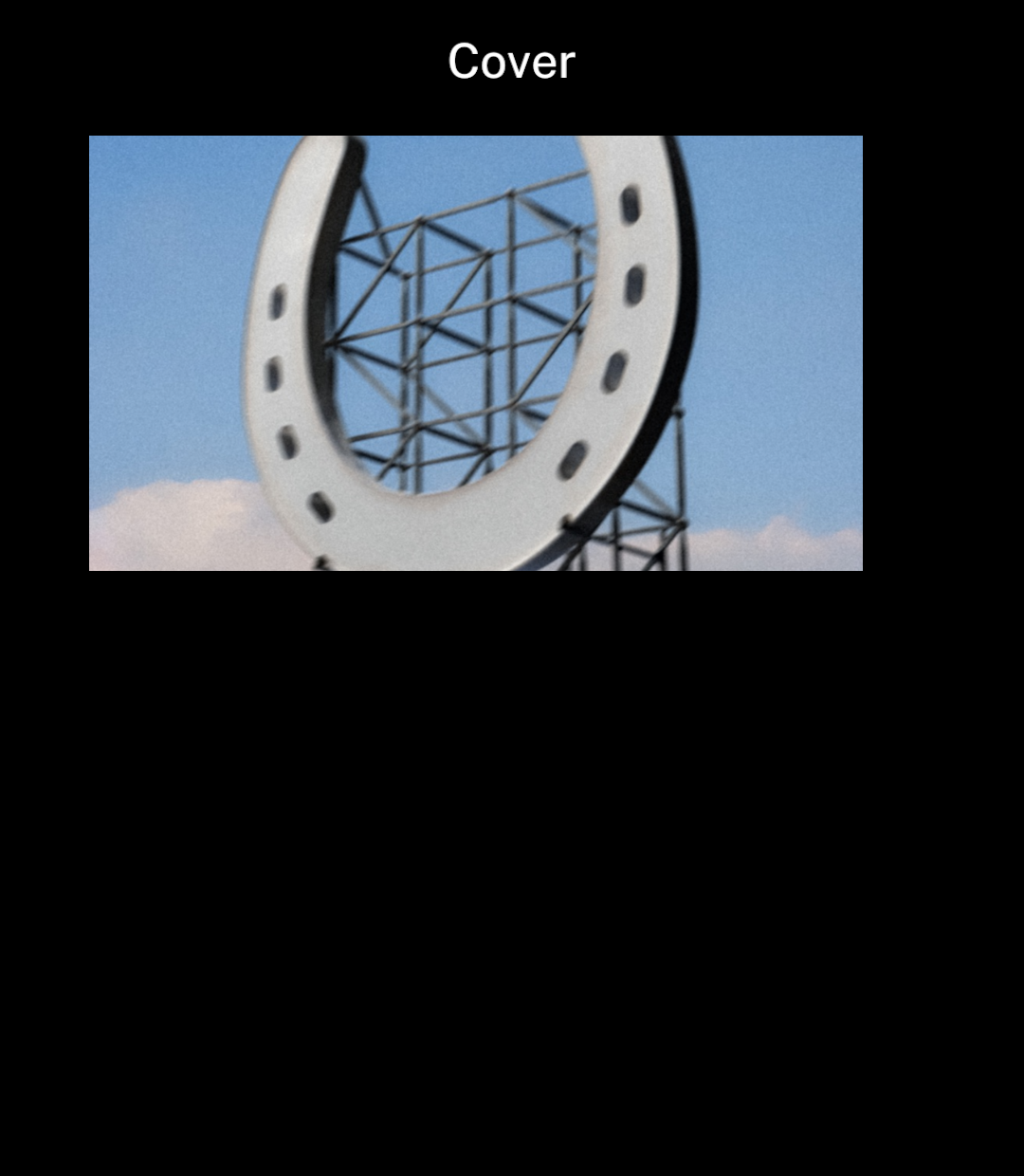
contain shows the whole image. cover crops it to fill the supplied dimensions.
<Image src={artwork} width={320} height={180} fit="cover" />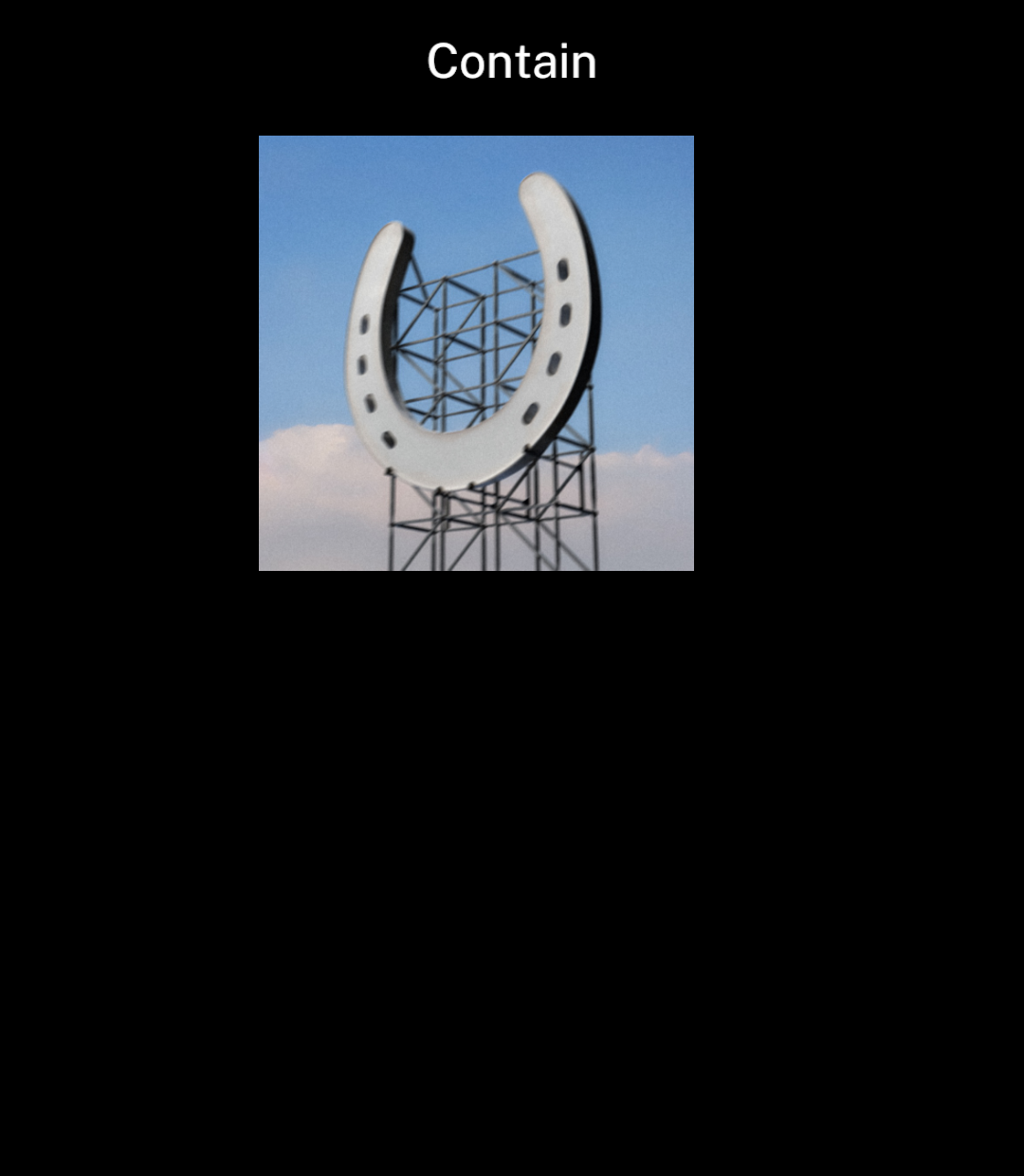
Full width
bleed extends the image to the screen edges.
<Image src={photo} width={320} height={200} fit="cover" bleed />
Full content area
<Screen title="Wallsocket" centered>
  <Image src={artwork} width={349} height={349}
    fit="contain" bleed zoomable />
</Screen>
Zoom
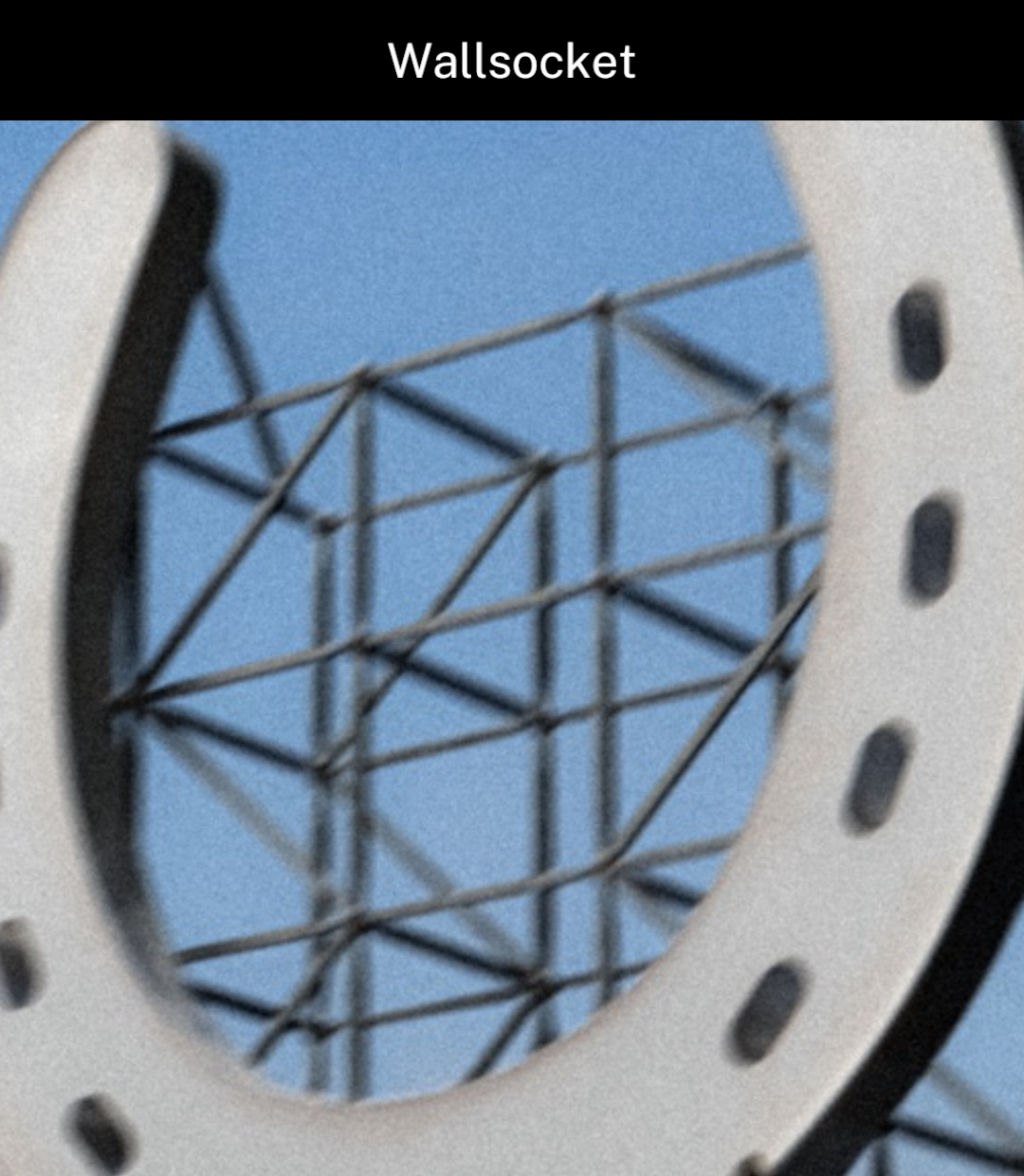
zoomable enables zooming and panning. Double-tap to cycle through zoom levels.
Ink shows loading and error states automatically.
<Screen title="Wallsocket" centered>
  <Image src={artwork} width={349} height={349}
    fit="contain" bleed zoomable />
</Screen>
Sources
src accepts imported assets, HTTPS URLs and Ink-managed image sources from Camera or Files. Arbitrary file:// paths are not supported. Width and height must be positive.
Recently displayed images are cached in memory, so returning to a page can reuse them. Change the URL when remote image content changes.
Animated GIF and WebP images play natively while visible. Imported .gif assets are supported. Image respects the file’s repeat count by default; set loop to repeat continuously. Images in Message and ConversationScreen always loop. Animation pauses when the image is off-screen.