

Request a permission
Check and request permissions.
Permissions
| Access | Used for | Module |
|---|---|---|
| Camera | Photos, videos and barcode scanning. | Camera |
| Microphone | Recording and sound analysis. | Audio |
| Approximate location | A general position. | Location |
| Precise location | A more accurate position. | Location |
| Location and notifications | Background location tracking. | Location |
| Notifications | Reminders and other notifications. | Notifications |
| Exact alarms | Reminders scheduled for an exact time. | Notifications |
| Photos and videos | Browsing the media library. | Files and media |
| Audio files | Reading music from the device media library. | LightOS |
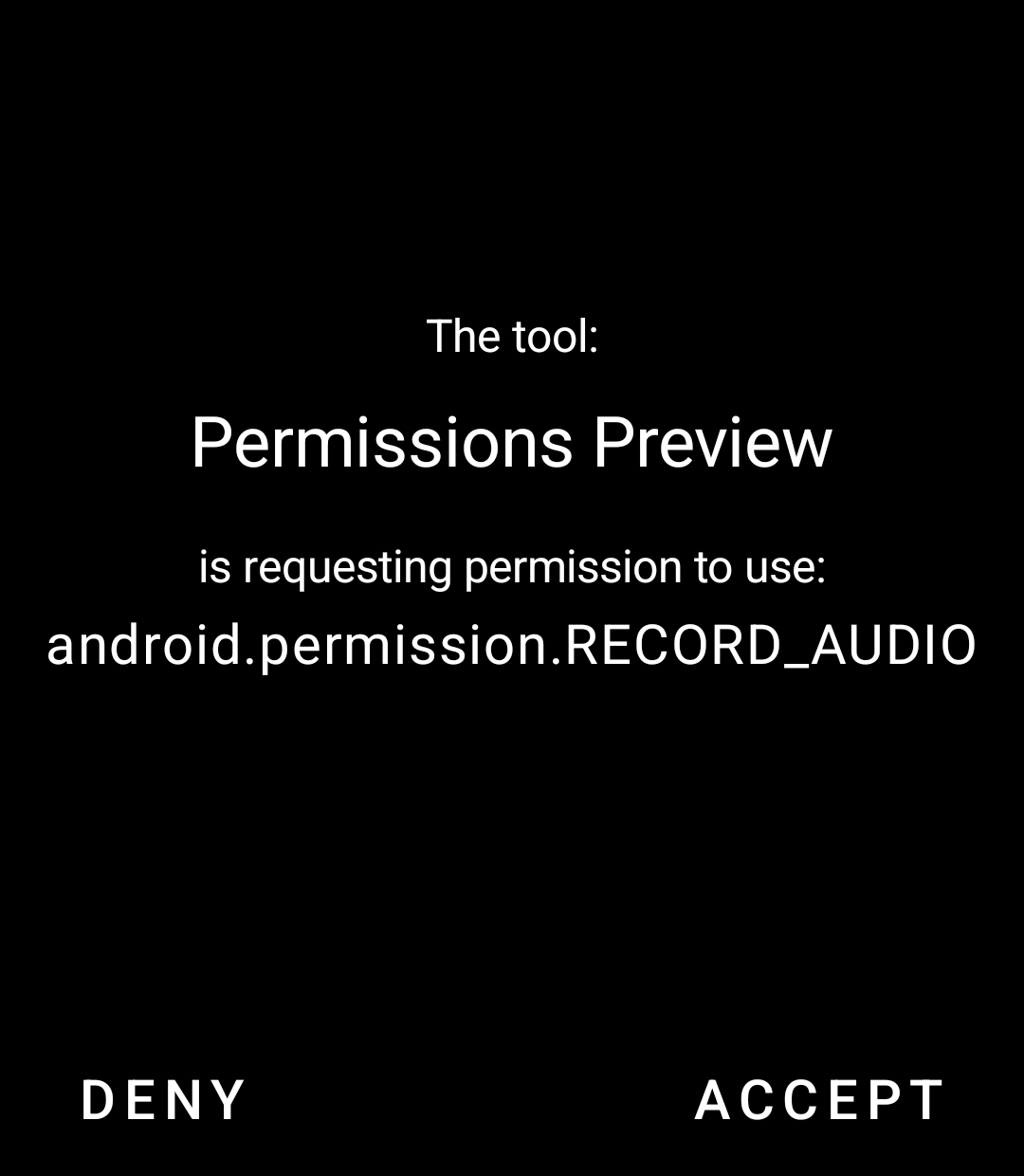
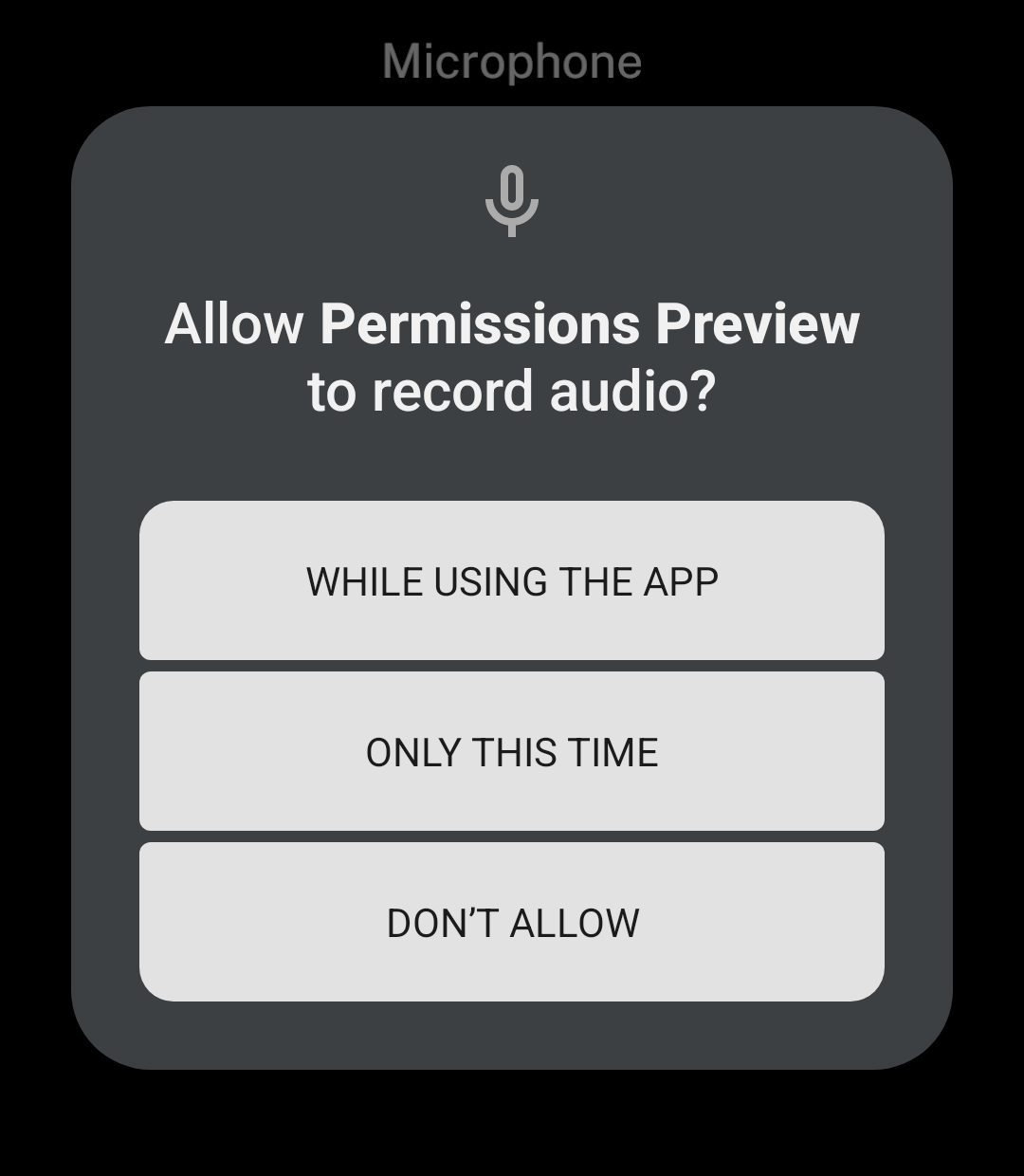
Use lightos from @ink/lightos to check and request access. Ink uses the LightOS permission screen when available, otherwise the Android prompt.
Request access
import { lightos } from "@ink/lightos";

const permission = await lightos.requestPermission("microphone");| Result | Meaning |
|---|---|
granted |
Access is allowed. |
denied |
Access was not granted. You can request it again. |
blocked |
Access is blocked. The user must change it in settings. |
A request rejects if the native service fails, rather than returning a permission status.
Check access
getPermission() returns the same three values without showing a prompt:
const permission = await lightos.getPermission("microphone");Granting permission does not start a sensor or recording.