

Camera
Preview and capture photos.
Use @ink/camera to capture photos with the front or rear camera.
Permissions
| Permission | Required for |
|---|---|
camera |
Camera preview and photo capture. |
import { lightos } from "@ink/lightos";

const permission = await lightos.requestPermission("camera");
Use lightos.getPermission("camera") to check without a prompt. See Request a permission for the returned statuses.
Capture a photo
import { Screen } from "ink";
import { CameraPreview, useCamera } from "@ink/camera";

export function Capture() {
  const camera = useCamera({ facing: "back" });
  return (
    <Screen title="Photo">
      <CameraPreview controller={camera} />
    </Screen>
  );
}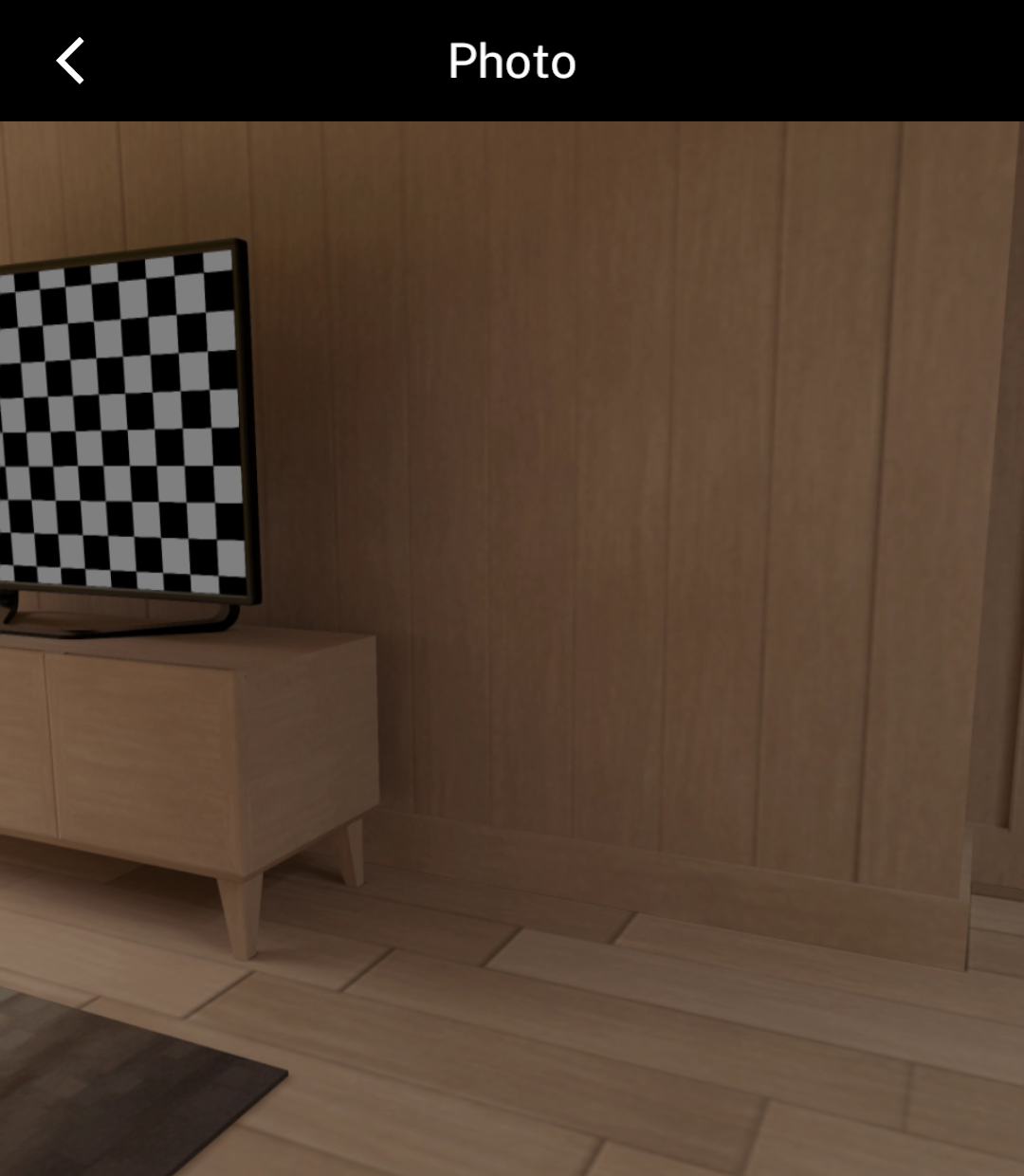
useCamera opens the camera after React commits the visible screen. It does not request permission; handle that before opening the preview.
Tapping the preview captures a photo. The capture flash follows the theme: black in dark mode or white in light mode.
Review the photo
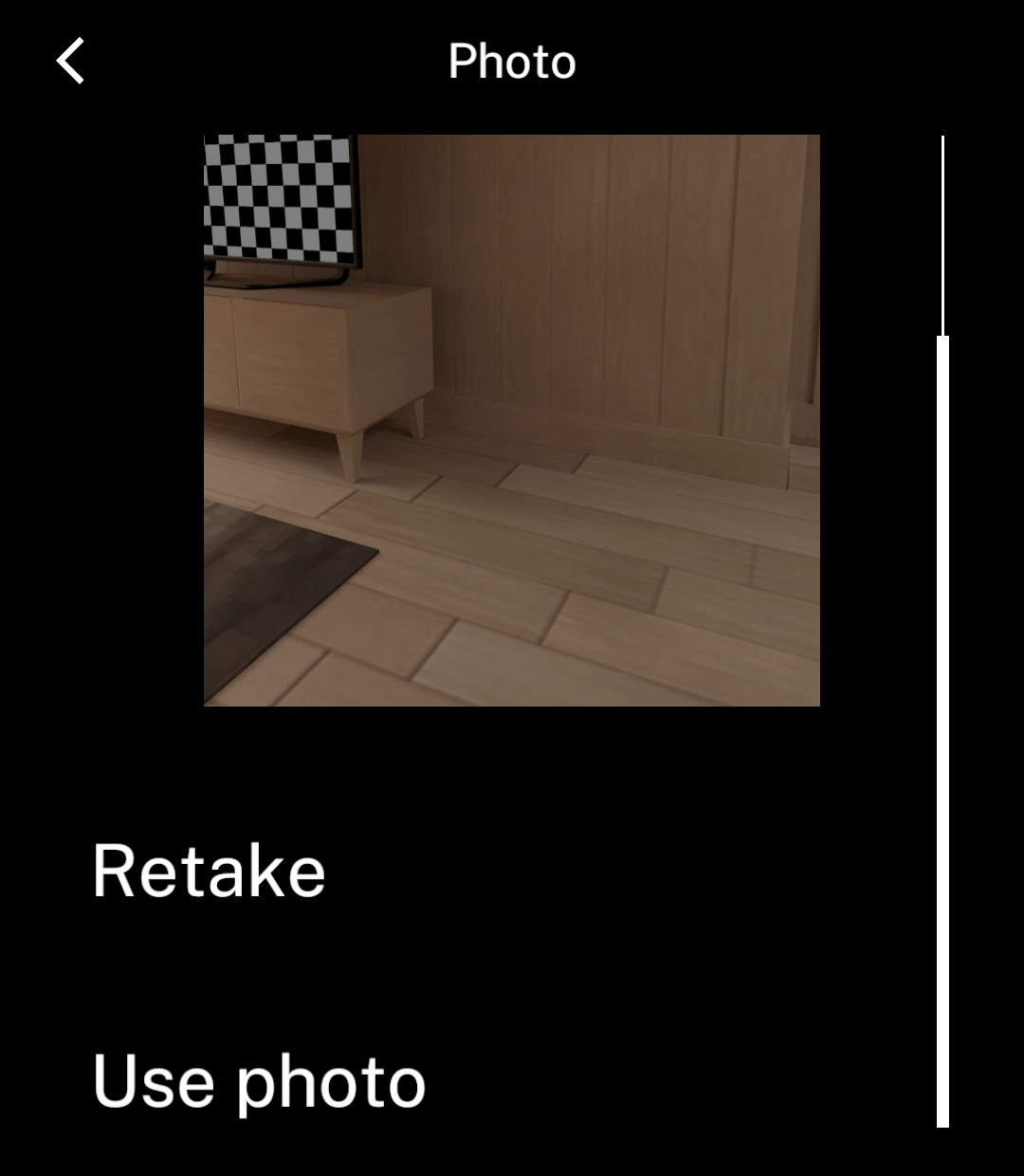
CameraPreview shows the full frame while Ink saves the full-resolution JPEG. During saving, Use photo is disabled and labelled Saving photo. Retake remains available.
The review image stays at screen resolution after saving finishes.
Save the result
After acceptance, camera.state.value contains capturedAt and a FileRef in file. Image dimensions and MIME type are on file.
Save photo.file.id with your app’s data to reopen an accepted photo later. Photos stay in private app storage across app restarts.
Remove accepted photos with files.remove(photo.file.id) from @ink/files. Unaccepted photos are removed when the session closes.
Use photo.file.src to read or display the image. Earlier saved camera URLs still resolve, but new captures expose only the managed file.
Custom capture controls
Capture
Use the camera controller from the example:
await camera.capture();This requires a mounted preview and a ready controller. The promise resolves when the camera accepts the command, before the user accepts the photo.
Accept
if (camera.state.reviewSource && !camera.state.saving) {
  await camera.accept();
}
Disable acceptance until reviewSource exists and saving is false. reviewSource is temporary; read state.value for the accepted photo.
Retake
await camera.retake();Choose a camera
To use the front camera, change the hook in your component:
const camera = useCamera({ facing: "front" });Missing hardware reports an unavailable error; Ink does not substitute another camera.
Leaving the screen
The component releases the camera when covered or backgrounded and reopens it when visible again.
Interrupted capture either rejects or completes for the original request; it cannot update a replacement screen.
Handle permission denial, camera-in-use errors and unavailable hardware separately.
Use Barcode to scan codes or MediaPicker to choose existing photos. @ink/camera does not include the barcode scanner.