

Lists
Display scrolling collections.
Example
import { List, Screen, Text } from "ink";

const items = Array.from({ length: 20 }, (_, index) => ({
  id: String(index),
  name: "Item " + (index + 1),
}));

export default function Items() {
  return <Screen title="Items">
    <List
      items={items}
      keyExtractor={item => item.id}
      renderItem={item => <Text>{item.name}</Text>}
    />
  </Screen>;
}
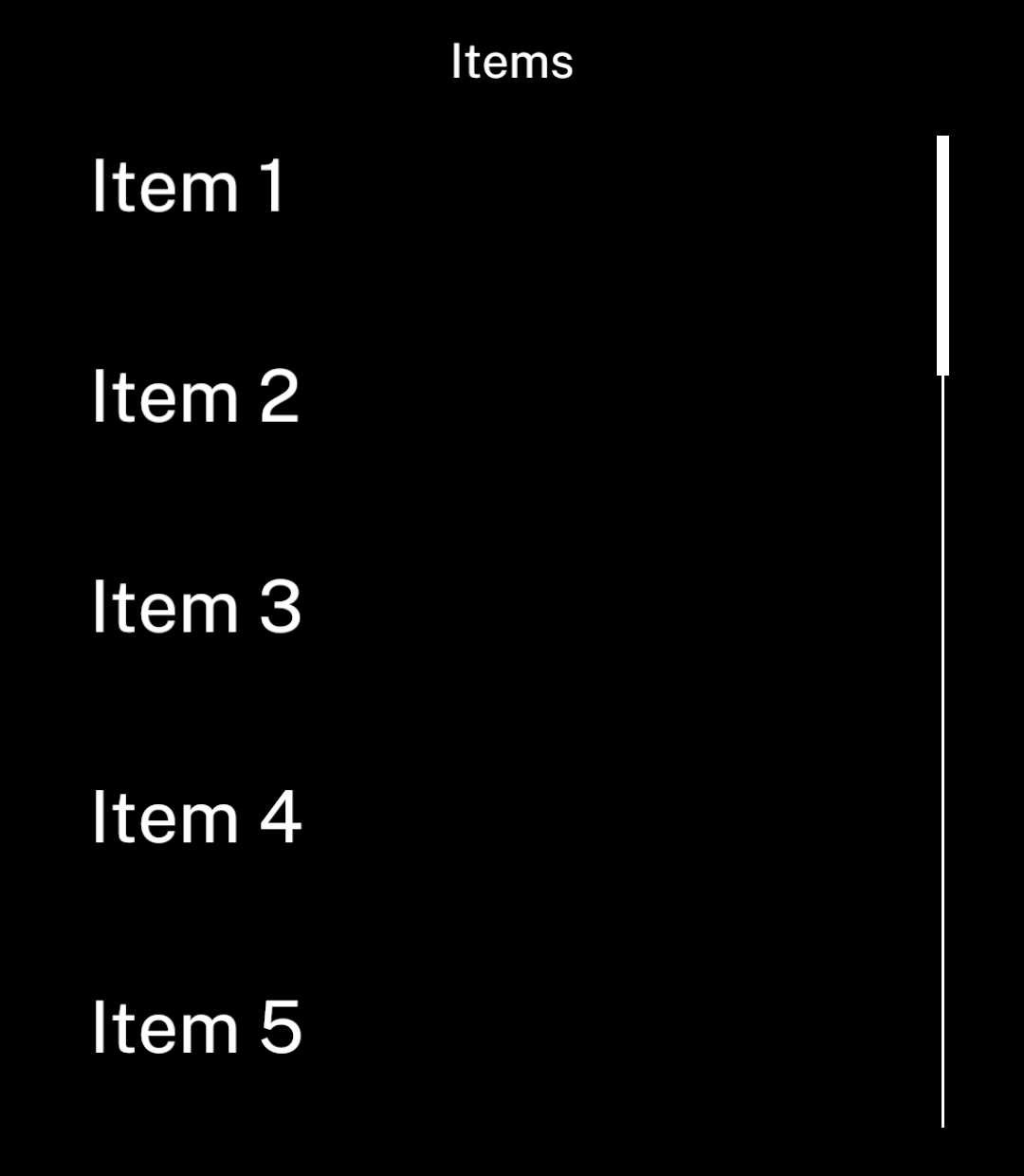
Rows are virtualised and measured automatically. Give each item a unique, stable key.
Scrolling
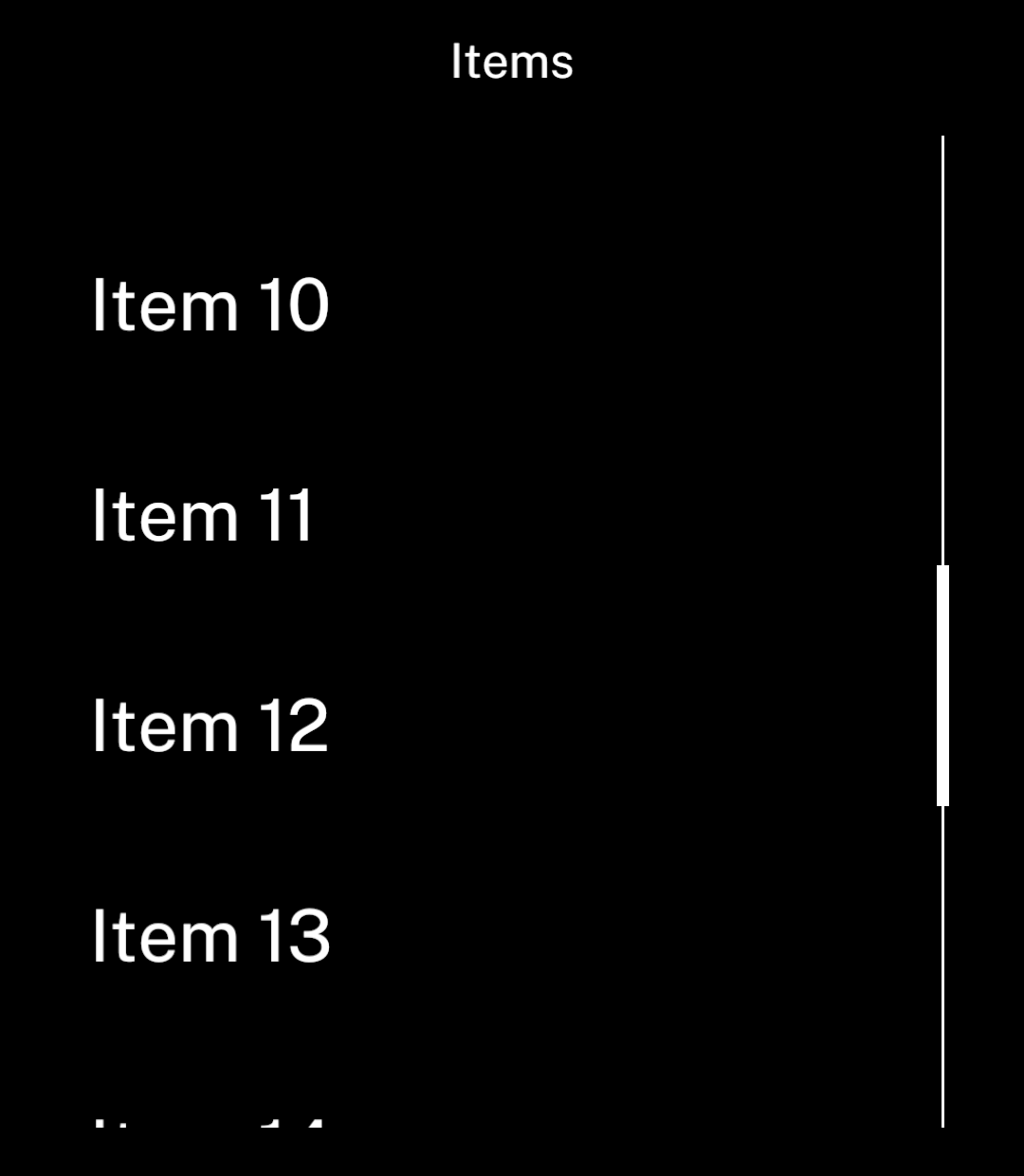
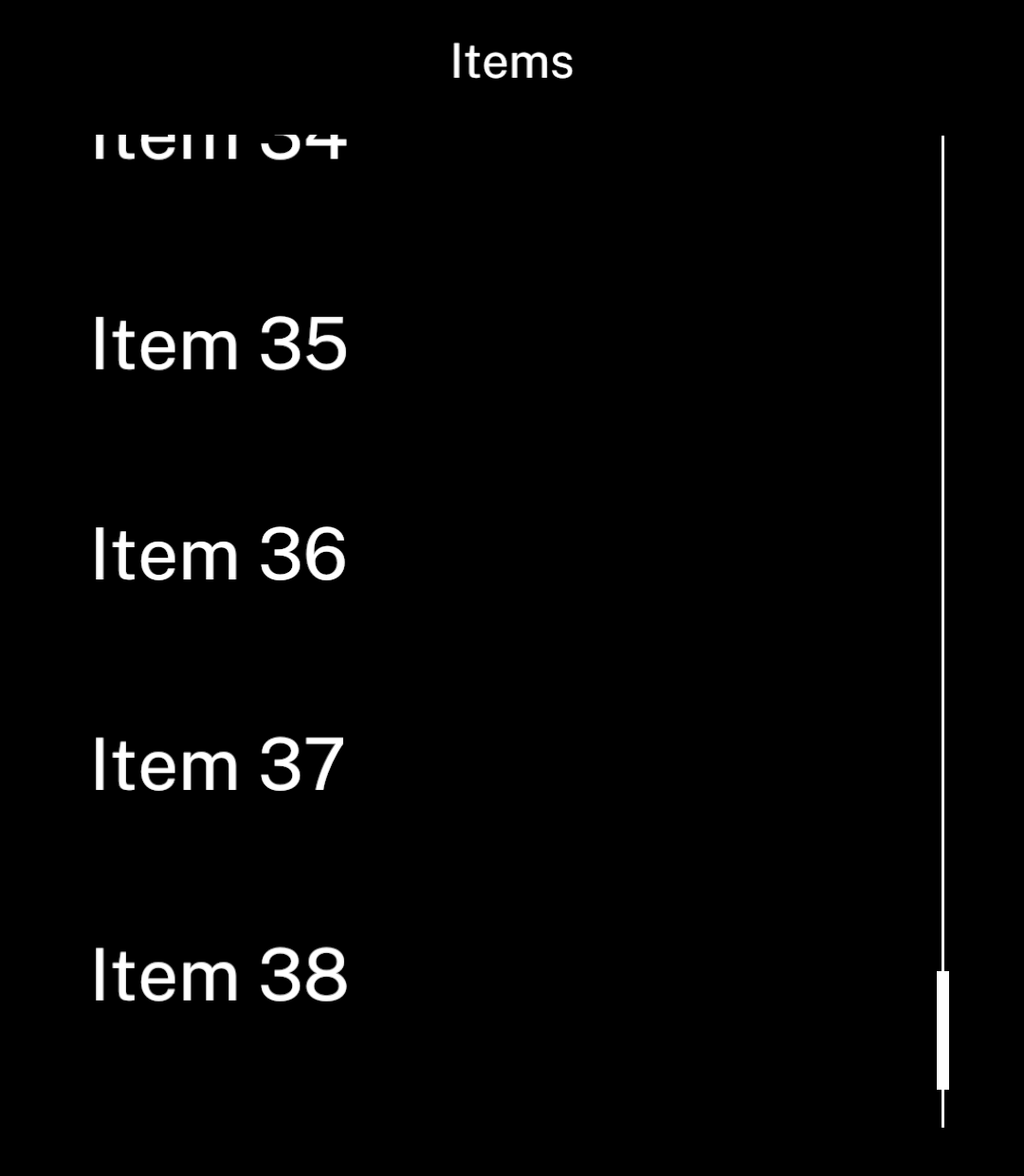
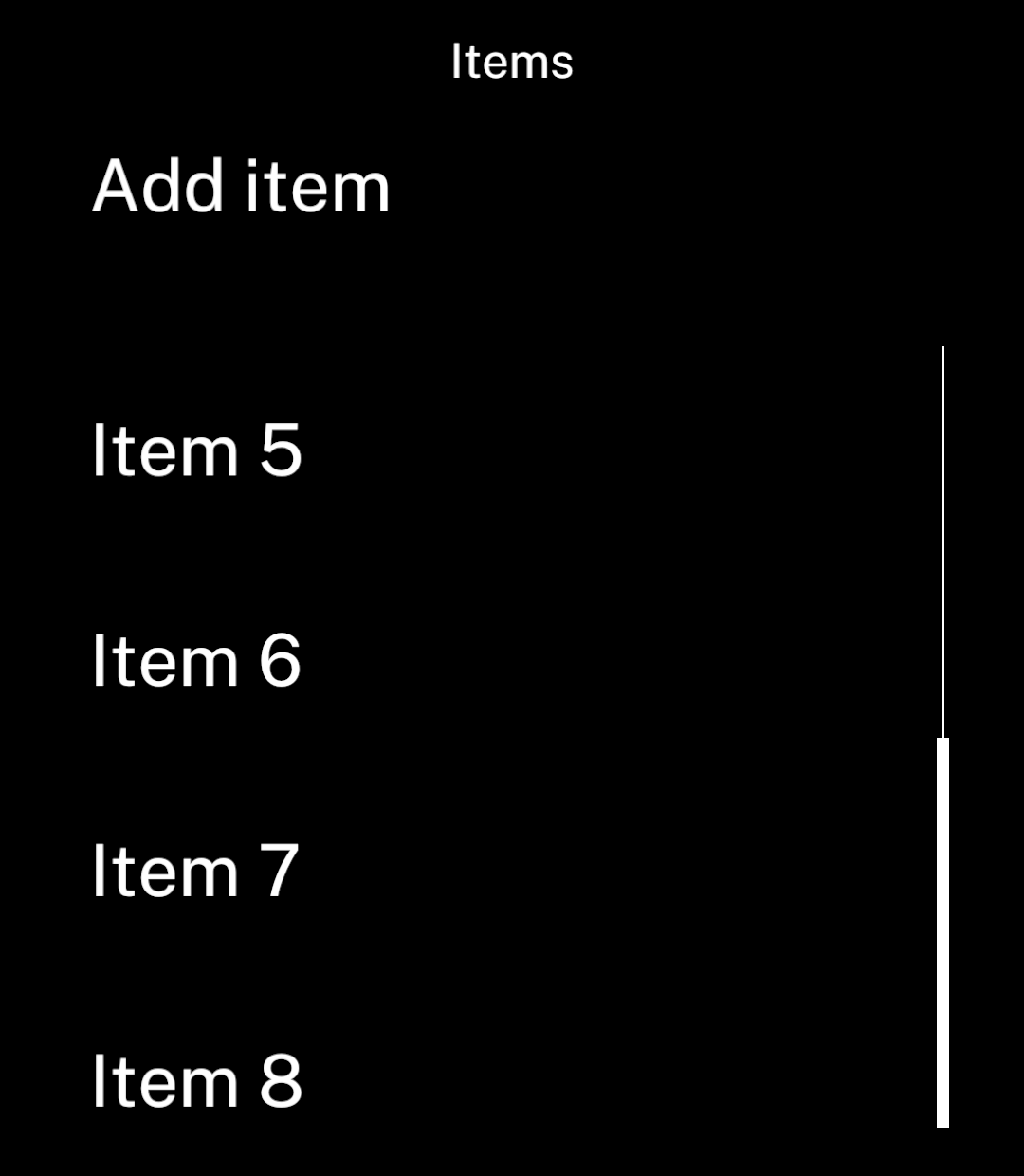
The scrollbar appears when items overflow.
Spacing
Lists use the same spacing as screens. Set gap=0 for compact rows.
<List items={items} gap={0}
  keyExtractor={item => item.id}
  renderItem={item => <Text>{item.name}</Text>} />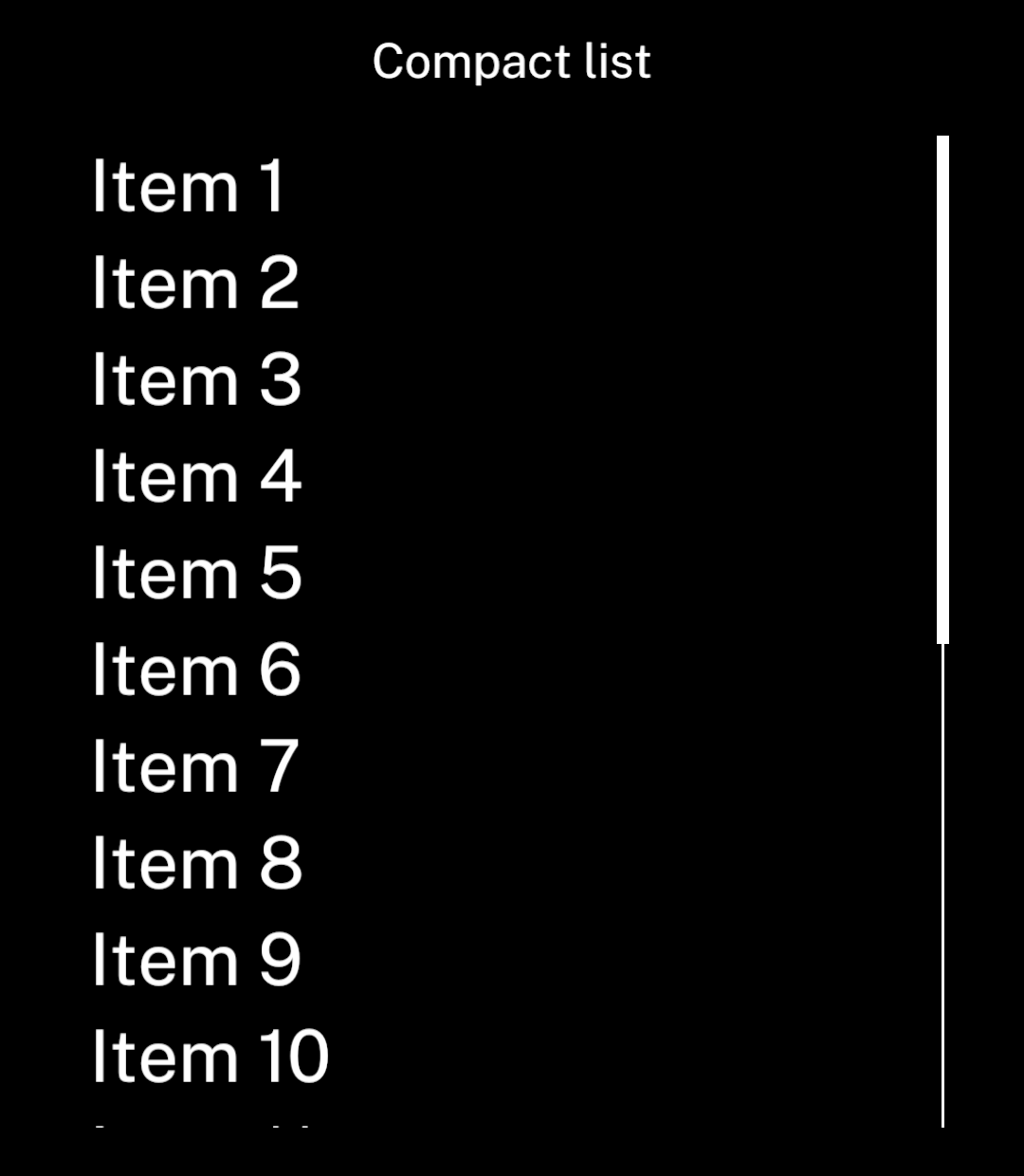
Pagination
onLoadMore runs when roughly one screenful remains before the bottom. Append the returned items and set hasMore to false after the last page.
<List
  items={items}
  keyExtractor={item => item.id}
  renderItem={item => <Text>{item.name}</Text>}
  onLoadMore={loadNextPage}
  hasMore={hasMore}
/>
loadNextPage must return a promise. Set hasMore explicitly: it defaults to false, so a callback alone does not start pagination. Ink allows one request at a time and shows a retry action if it fails.
Follow new items
followEnd follows additions while the reader is near the bottom. It pauses while they read earlier items.
<List items={items} followEnd
  keyExtractor={item => item.id}
  renderItem={item => <Text>{item.name}</Text>} />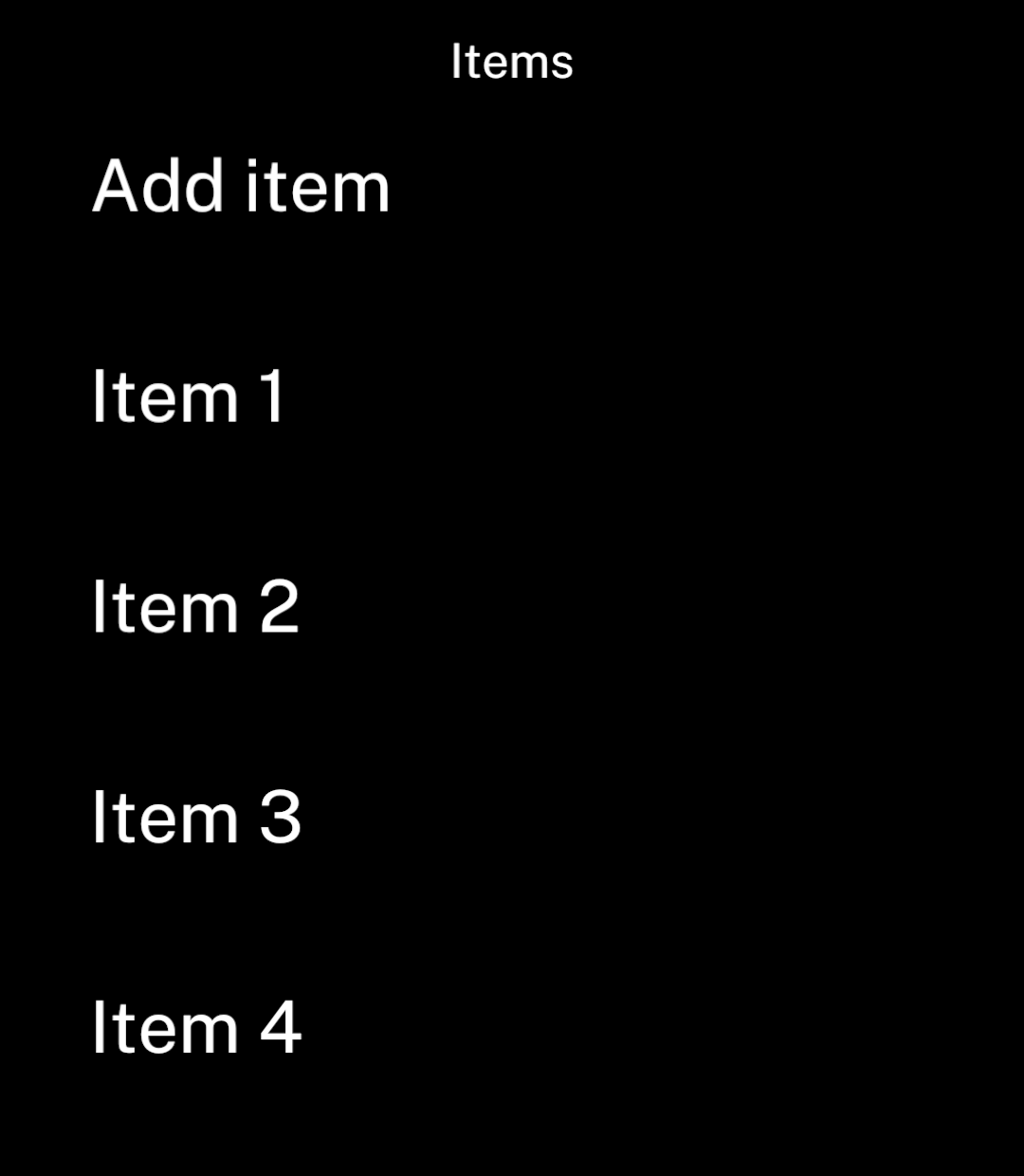
Updating items
Replace arrays and changed items instead of mutating them. Rows outside the visible window unmount, so keep lasting state in the parent or a store. Ink preserves the visible position when earlier rows load or change height.
Use onLoadOlder and hasOlder to prepend history. Both hasMore and hasOlder default to false; set the matching flag to true when a page is available. Conversations handle this for chats.
Set initialPosition="end" to mount the last rows and scroll their containing Screen to the bottom when the list mounts. The default is "start". This also works when the list appears after loading. Changing the prop later does not move the reader; use a new React key to start a different list. Use followEnd separately to follow subsequent additions.
Use measurementKey when a setting changes row layout without changing the items. Give the list a new React key when changing its data source. Keys and content versions have a combined 128 KiB limit; keep keys short and loaded history bounded.