Reordering
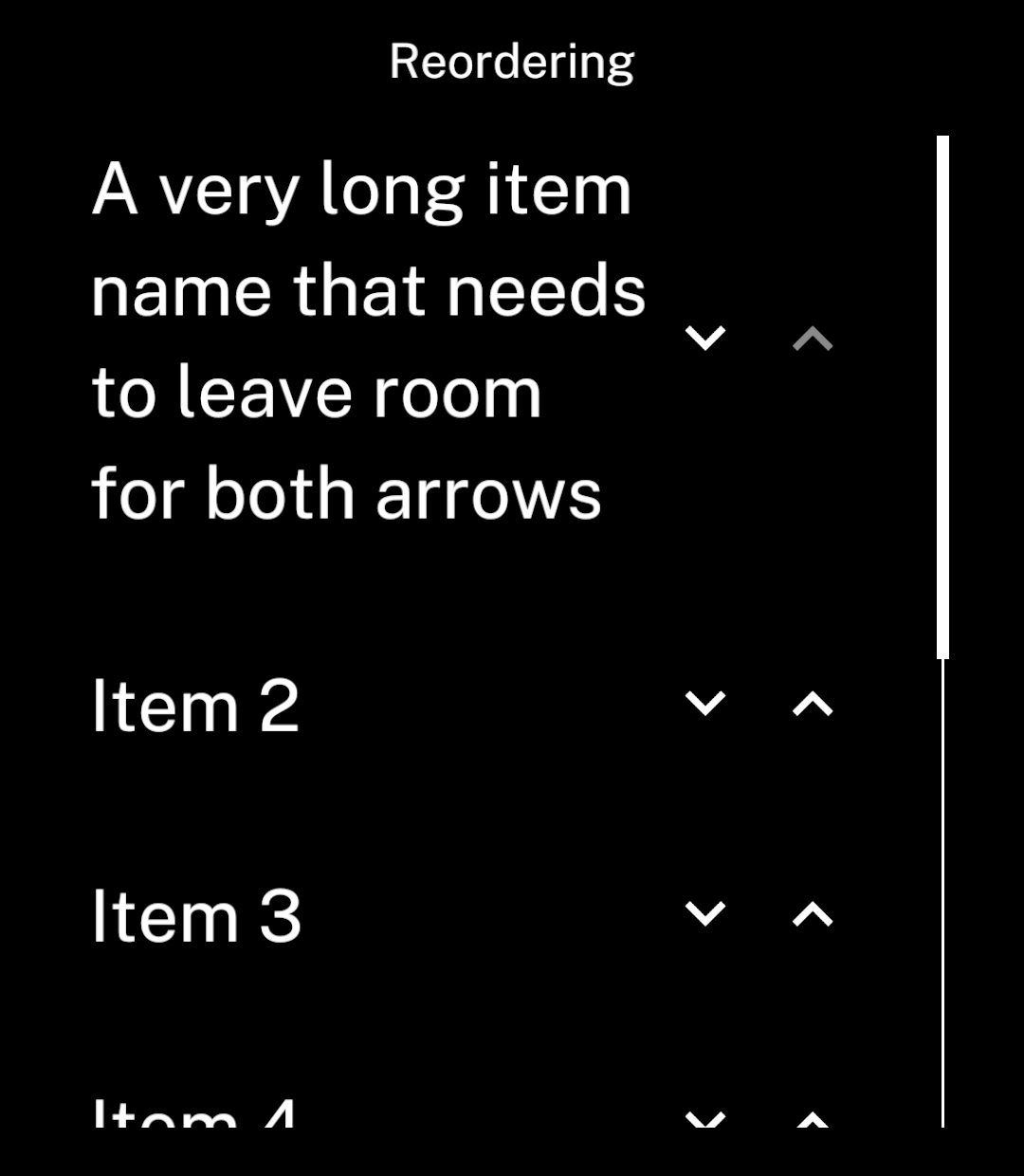
Move items up or down with arrow buttons.
ReorderList displays labels with up and down arrows. It handles spacing, scrolling and moving items.
Example
import { useState } from "react";
import { ReorderList, Screen } from "ink";

export default function Reordering() {
  const [items, setItems] = useState([
    { id: "1", name: "Item 1" },
    { id: "2", name: "Item 2" },
    { id: "3", name: "Item 3" },
    { id: "4", name: "Item 4" },
  ]);

  return <Screen title="Reordering">
    <ReorderList
      items={items}
      keyExtractor={item => item.id}
      getLabel={item => item.name}
      onChange={setItems}
    />
  </Screen>;
}
Use a unique, stable ID for each item. onChange receives a new array in the selected order.
This example keeps the order until the app closes. Use Store to save it between sessions.
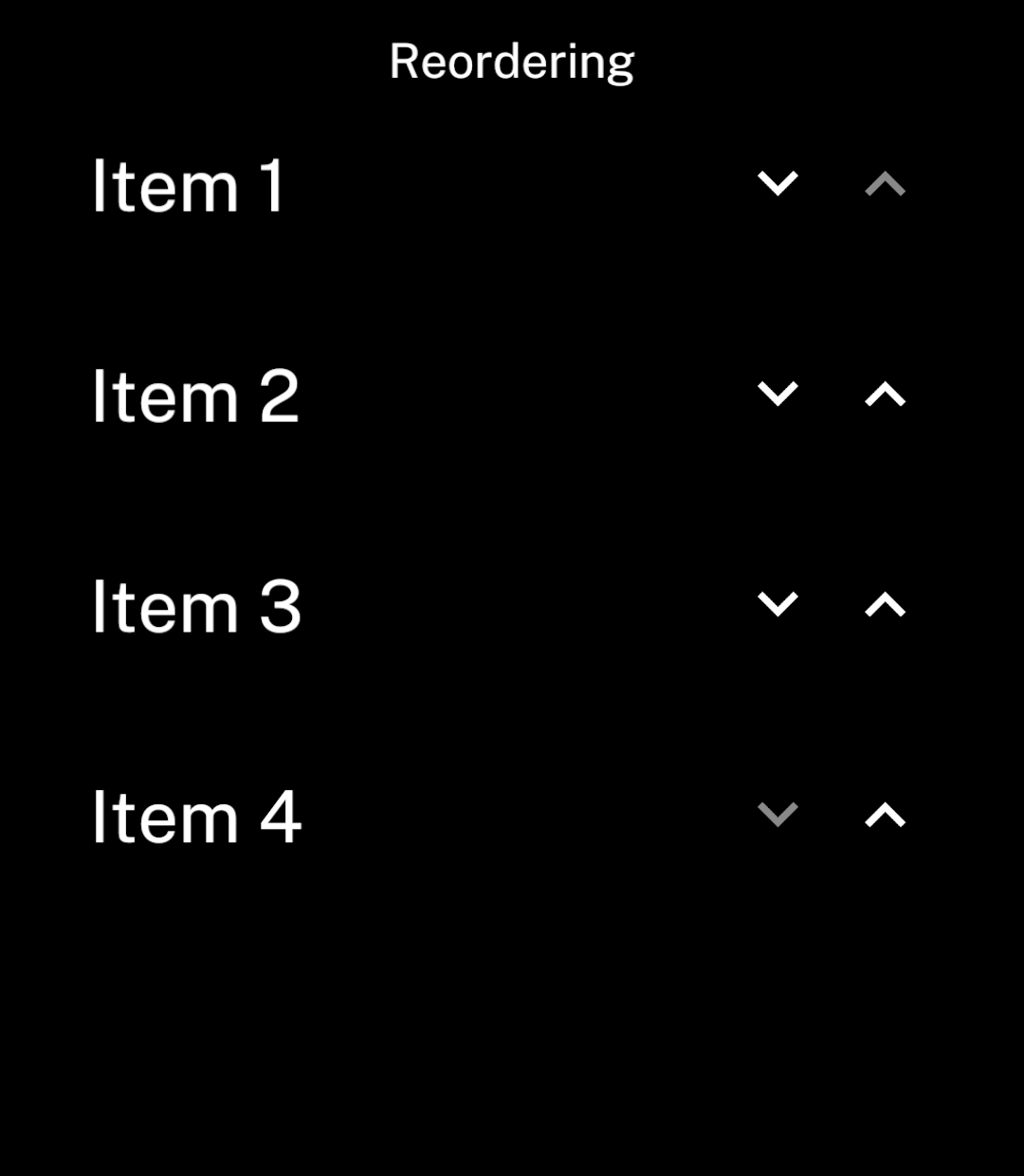
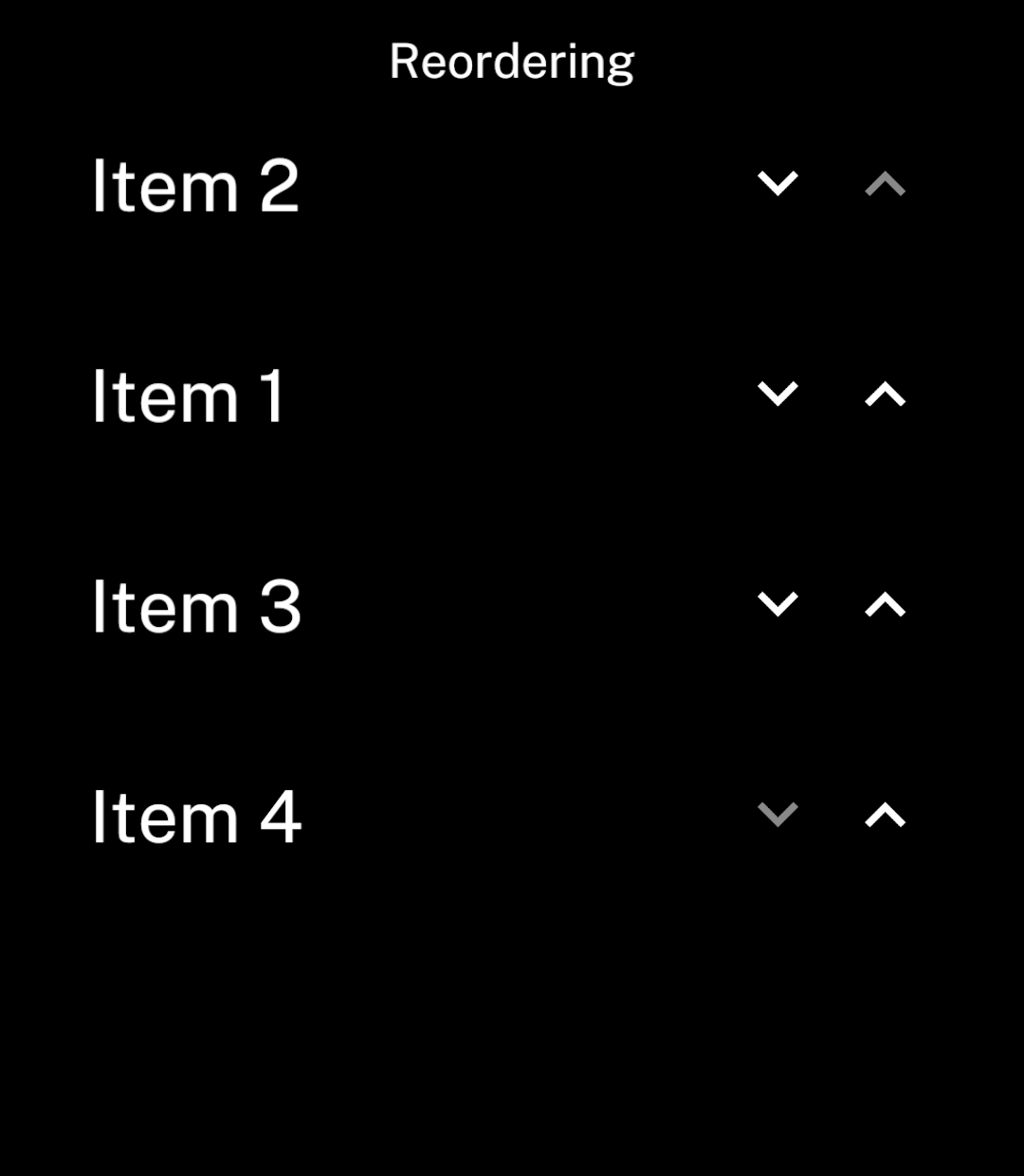
Use gap to set the spacing between rows. It defaults to 47 logical units, matching List.
Scrolling
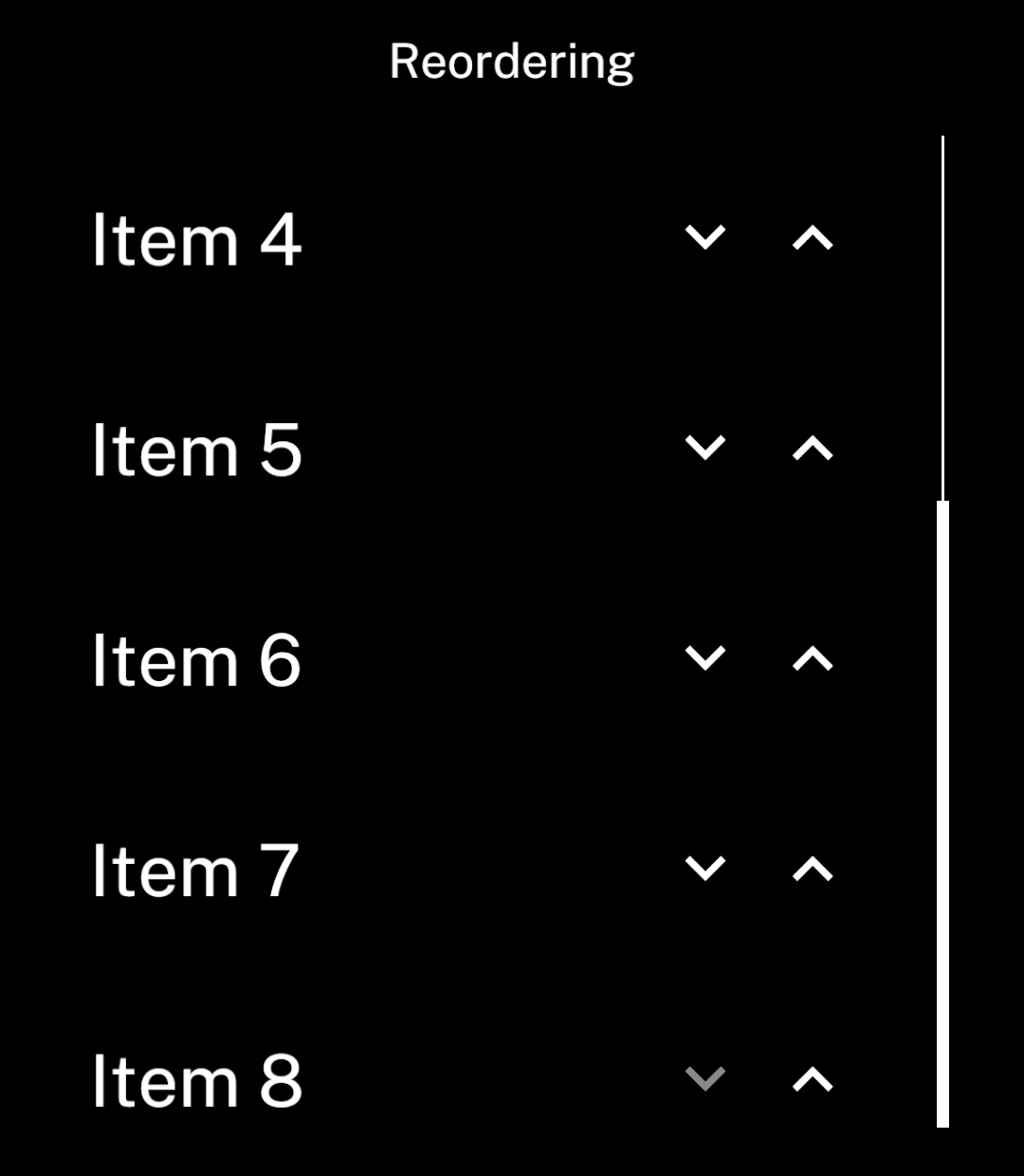
The component automatically shows a scrollbar when items overflow.
Long names
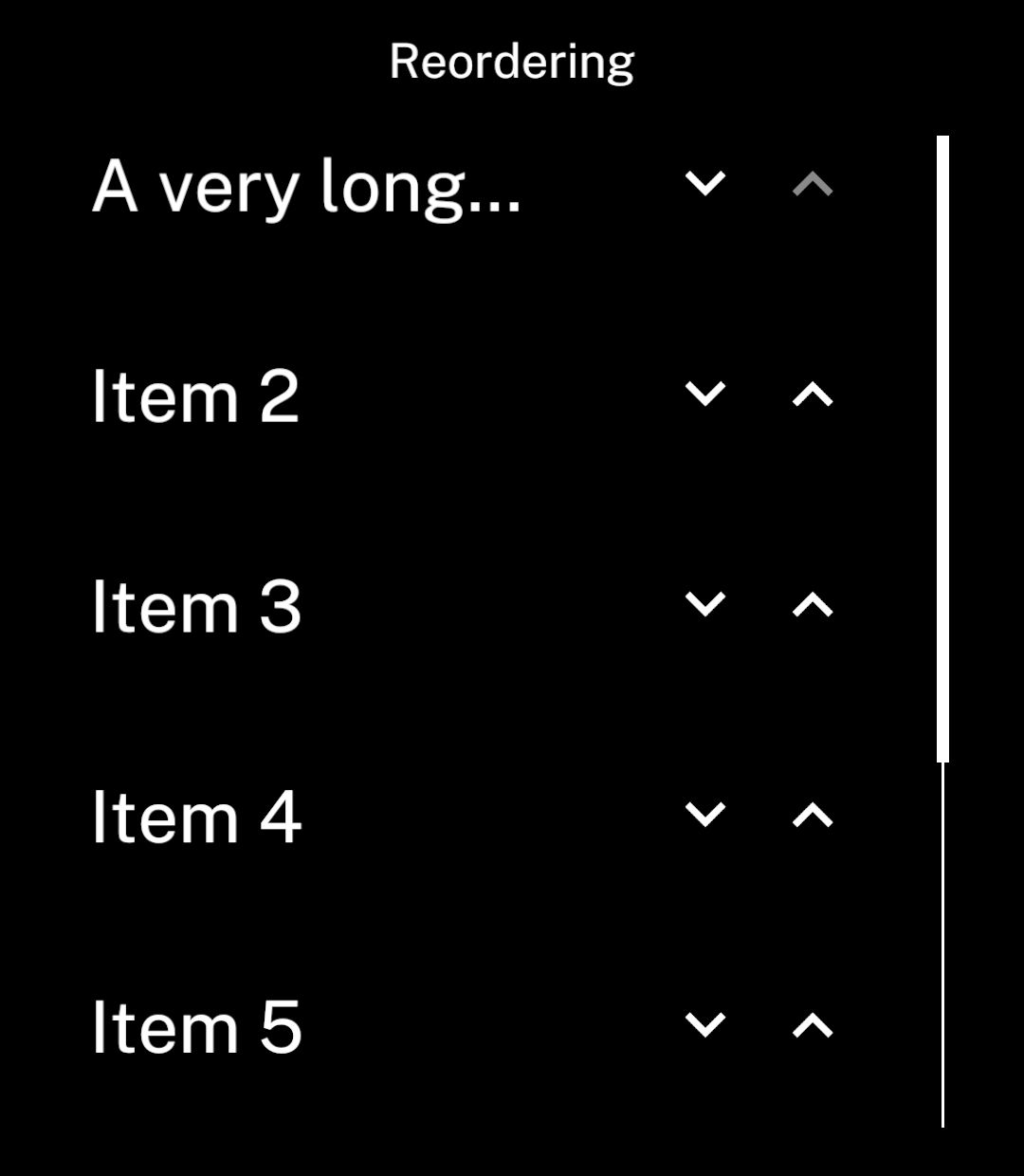
Labels use one line by default. Long names end with an ellipsis, leaving room for both arrows.
Multiline names
Set multiline to show the full label.
<ReorderList
  items={items}
  keyExtractor={item => item.id}
  getLabel={item => item.name}
  onChange={setItems}
  multiline
/>