

Audio
Play audio, record files and analyse microphone input.
Use @ink/audio to play audio and manage queues.
| Import | Use |
|---|---|
@ink/audio |
Playback and native media controls. |
@ink/audio/microphone |
Sound levels and pitch detection. |
@ink/audio/recording |
Record audio files. |
Permissions
| Permission | Required for |
|---|---|
microphone |
Recording, sound levels and pitch detection. |
Playback does not require microphone access.
import { lightos } from "@ink/lightos";

const permission = await lightos.requestPermission("microphone");
Use lightos.getPermission("microphone") to check without a prompt. See Request a permission for the returned statuses.
Granting permission does not start recording or analysis. Wait for the hook’s ready state, then call start().
Playback
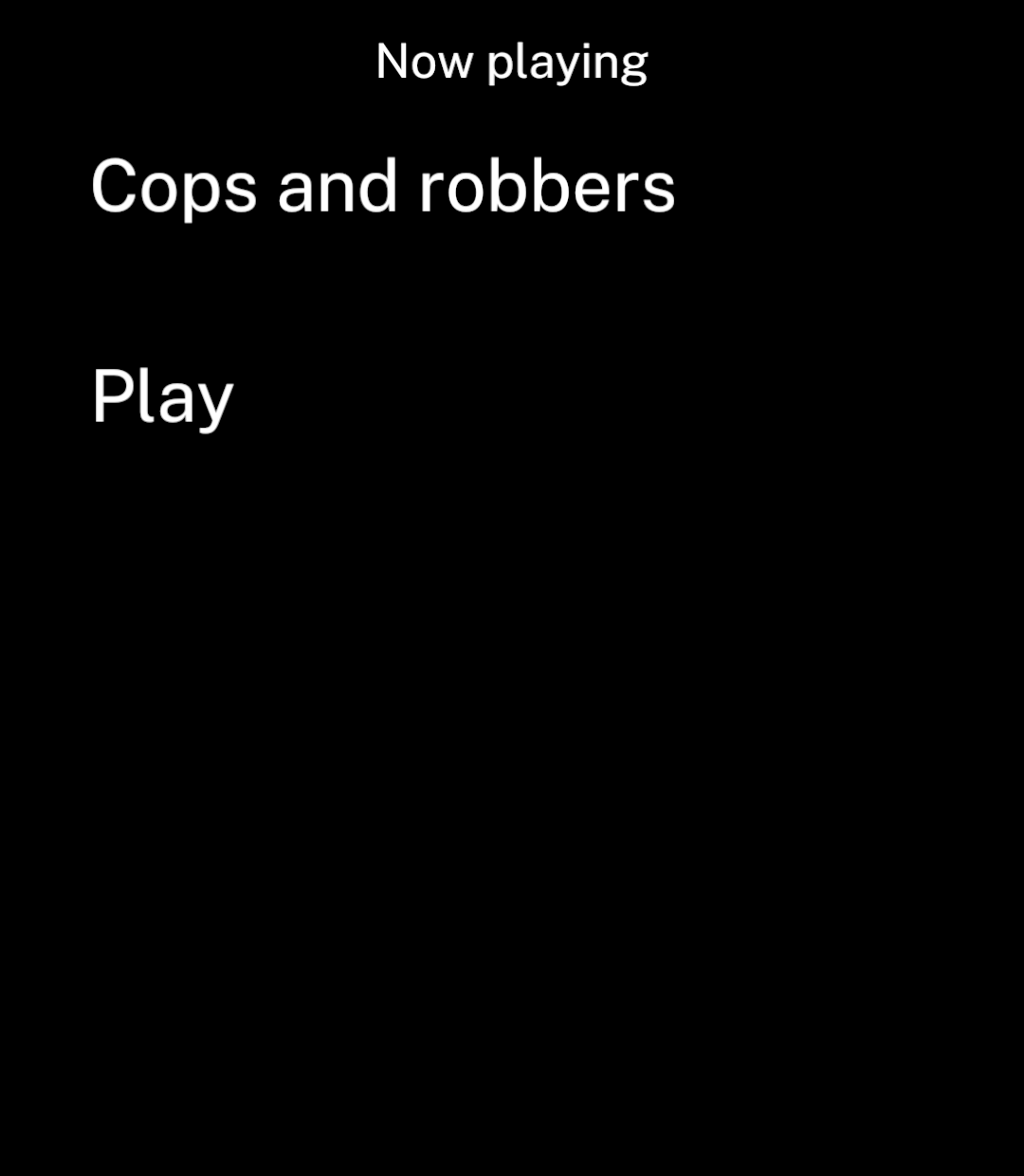
This screen controls an existing queue. Call setQueue with your tracks first; usePlayer does not load them automatically.
import { Button, Screen, Text, useAction } from "ink";
import { usePlayer } from "@ink/audio";

export function NowPlaying() {
  const player = usePlayer({ session: "main", mode: "detached" });
  const toggle = useAction(() => player.toggle());
  return (
    <Screen title="Now playing">
      <Text>{player.state.current?.title ?? "Nothing playing"}</Text>
      <Button onPress={() => toggle.run()} disabled={!player.state.ready}>
        {player.state.playWhenReady ? "Pause" : "Play"}
      </Button>
      {toggle.status === "error" && <Text>{toggle.error.message}</Text>}
    </Screen>
  );
}
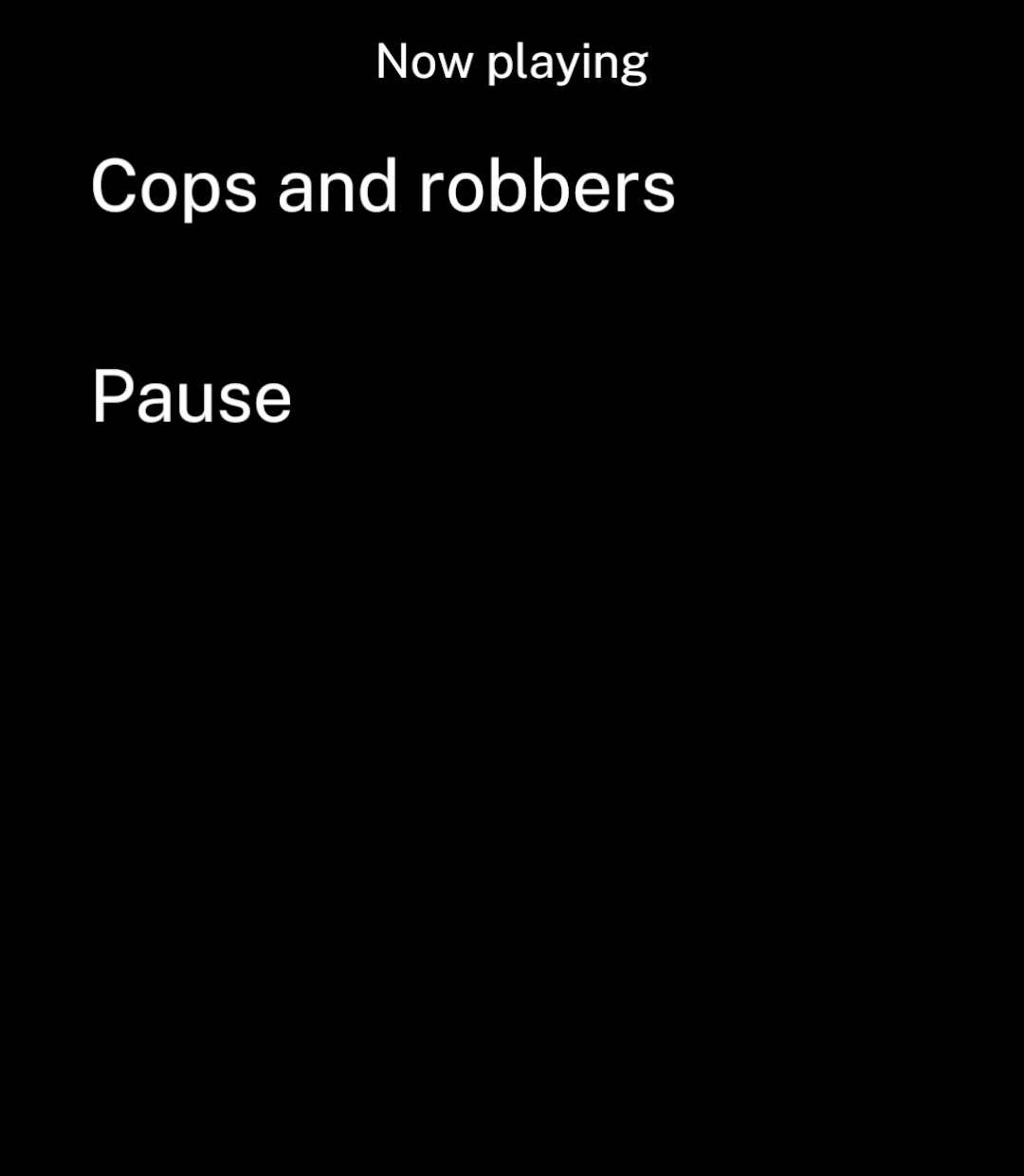
Wait for state.ready before sending commands or reading a restored queue. Commands sent before readiness reject.
Keep playing after leaving a screen
Inside your playback component:
const player = usePlayer({ session: "main", mode: "detached" });Detached playback continues after leaving the screen.
| Option | Behaviour |
|---|---|
mode: "attached" (default) |
Stops when the last screen using the session releases it. |
mode: "detached" |
Keeps playing through a native media service. Call stop() to stop it. |
usage: "music" (default) |
Music playback. |
usage: "speech" |
Spoken audio. |
Android can stop a detached session. Ink restores its queue, index, speed and progress in a paused state when you reconnect.
Queue changes, seeks and pauses save immediately; progress saves every 30 seconds. stop() clears the queue and saved position.
Playback speed
await player.setSpeed(1.25);state.speed contains the current speed. The default is 1; supported values are 0.25 to 4.
Keep visual progress native
Playback progress is native by default. Pass playback={player} to PlayingScreen; it connects the native clock and commands. The bar and elapsed-time label update without periodic React renders.
This component controls an existing queue. Load tracks with setQueue before opening it.
import { usePlayer } from "@ink/audio";
import { ErrorState, PlayingScreen, Screen, useAction } from "ink";

export function NativeNowPlaying() {
  const player = usePlayer({ session: "main", mode: "detached" });
  const command = useAction(async (run: () => Promise<void>) => run());
  const { state } = player;
  const error = state.error ?? (command.status === "error" ? command.error : null);
  if (error) return <Screen title="Playback"><ErrorState message={error.message}
    onRetry={() => command.run(player.play)} /></Screen>;
  return <PlayingScreen
    title={state.current?.title ?? "Nothing playing"} artists={[]}
    playback={player}
  />;
}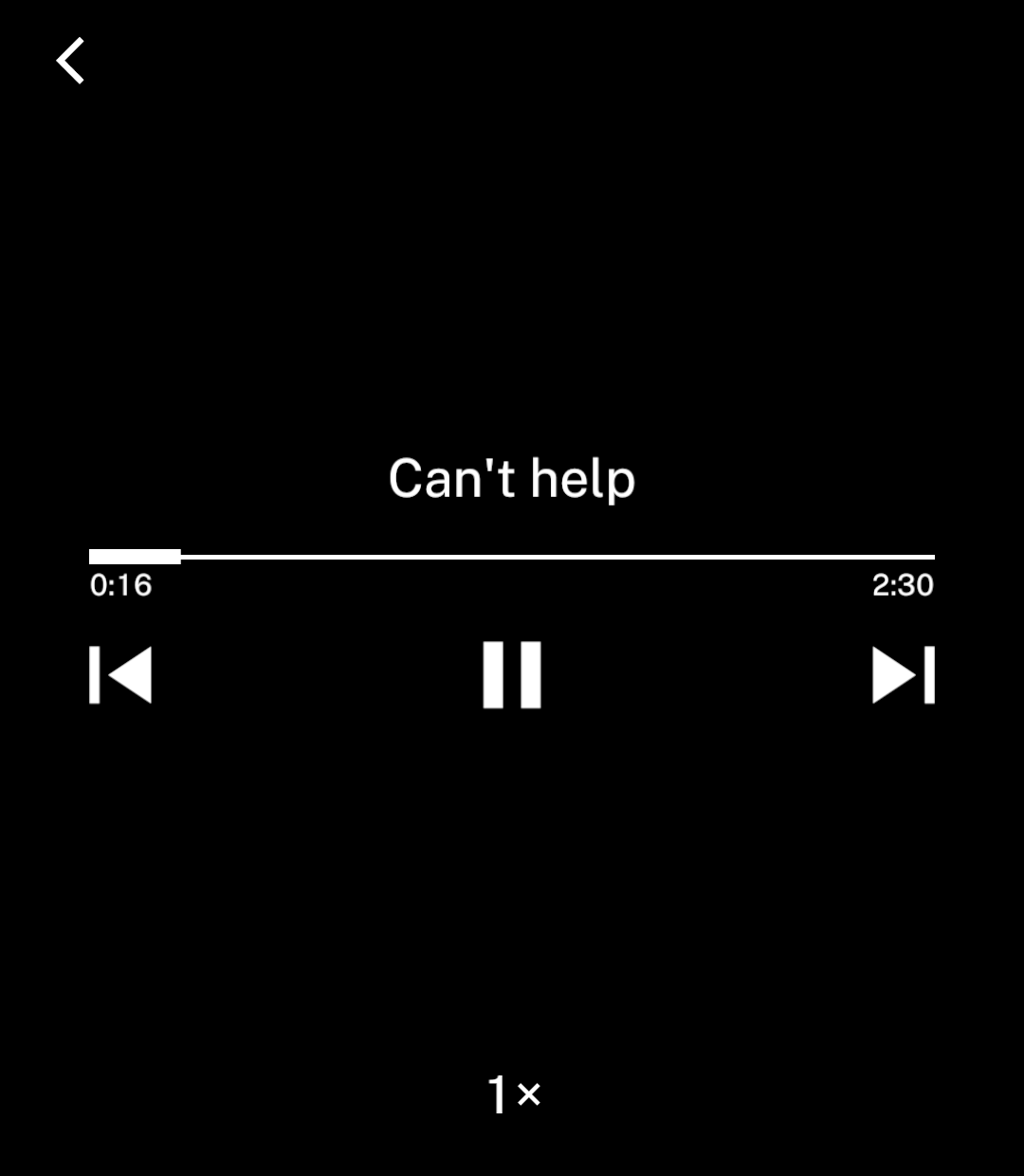
state.position and state.silenceSaved reflect the last status notification, not a live tick. Queue, playback status, seek and speed changes still notify JavaScript. There is no periodic React progress mode.
Use await player.getState() when application logic needs a fresh snapshot, such as saving a bookmark or preserving position while changing sources. This reads native state without notifying React subscribers. Use player.seekBy(offset) for relative skips; the offset is a signed integer in milliseconds and is applied to the current native position. For an application-specific live statistic, refresh a local value only while its screen is visible.
When migrating older apps, replace calculations such as player.seek(player.state.position + 15_000) with player.seekBy(15_000). Replace progress effects driven by periodic state updates with explicit checkpoints and fresh reads on backgrounding. Pass playback={player} to PlayingScreen; remove separate clock, position, duration, speed and transport callback props.
Replace a source without losing progress
Use replaceSource(id, src) to move the current item between streaming and a downloaded file. Ink verifies the current item ID, preserves the queue and reads its position and playback intent natively.
await player.replaceSource(episode.id, downloadedFile.src);To combine a source change with a seek, supply either { position: milliseconds } or { offset: milliseconds }. Both use milliseconds; offsets may be negative. { prepare: false } leaves the replacement stopped and paused, for removing a completed download without starting another request. A changed current item ID rejects rather than replacing a different episode.
Audio effects
Both effects are off by default and saved per session. They work with streamed and local audio at any playback speed.
| Effect | Behaviour |
|---|---|
| Silence trimming | Shortens quiet pauses without changing speech speed. |
| Voice boost | Evens out speech volume and limits peaks. |
await player.setSkipSilence(true);
await player.setVoiceBoost(true);
Read the settings from state.skipSilence and state.voiceBoost. state.silenceSaved is the approximate total time saved in milliseconds, adjusted for playback speed. It survives app restarts and excludes manual seeks.
Connect a toggle with useAction:
const silence = useAction((enabled: boolean) => player.setSkipSilence(enabled));

<Toggle label="Smart speed" value={player.state.skipSilence}
  onChange={silence.run} />
Sessions
Players with the same session name share playback and must use the same mode and usage. Different names keep separate queues. Starting one session pauses the others.
session defaults to main. Names accept 1–64 letters, numbers, dots, underscores or hyphens. Up to eight sessions can be active.
usePlayer disconnects when the screen is hidden and reconnects to the queue when it returns. Background workers cannot use audio controllers.
Manage the queue
Use the player from usePlayer in a button action, after player.state.ready is true:
async function playAlbum() {
  await player.setQueue([
    {
      id: "track-1",
      src: "https://example.com/music/track-1.mp3",
      title: "First track",
      artist: "Artist name",
    },
    {
      id: "track-2",
      src: "https://example.com/music/track-2.mp3",
      title: "Second track",
      artist: "Artist name",
    },
  ], { startIndex: 0 });
  await player.play();
}
setQueue replaces the current queue. Use your own audio URLs or bundled audio for src. Items can also include artwork and a duration in milliseconds to display while loading.
To set a queue without loading audio until playback or seeking, pass prepare: false:
await player.setQueue(tracks, { prepare: false });Pass startPosition (milliseconds) to setQueue to resume without a separate seek.
await player.setQueue(episodes, { startIndex: 0, startPosition: 33 * 60_000 });Seek
Positions are in milliseconds:
await player.seek(30_000);Player commands return promises.
Playback state
| Field | Meaning |
|---|---|
ready |
The player is connected and accepts commands. |
current |
The current item, or null for an empty queue. |
playing |
Audio is advancing. |
playWhenReady |
Playback is requested, including while buffering. Use this for play/pause controls. |
loading |
The current item is buffering before it first becomes ready. |
buffering |
Audio is buffering, including during a seek. |
ended |
Playback has reached the end of the queue. |
position, duration |
Times in milliseconds. |
error |
The playback error, or null. |
Hardware keys, media controls and interruptions update state automatically. Playing screen uses these fields directly.
Playback errors identify source, unsupported-media and output failures. Ink does not automatically skip a failed item.
Recording and analysis
@ink/audio/microphone exports useLevelMeter, usePitchDetector and PitchIndicator. @ink/audio/recording exports useRecorder.
Each hook returns ready, state and commands that return promises. Wait for ready before enabling controls.
Display measurements natively
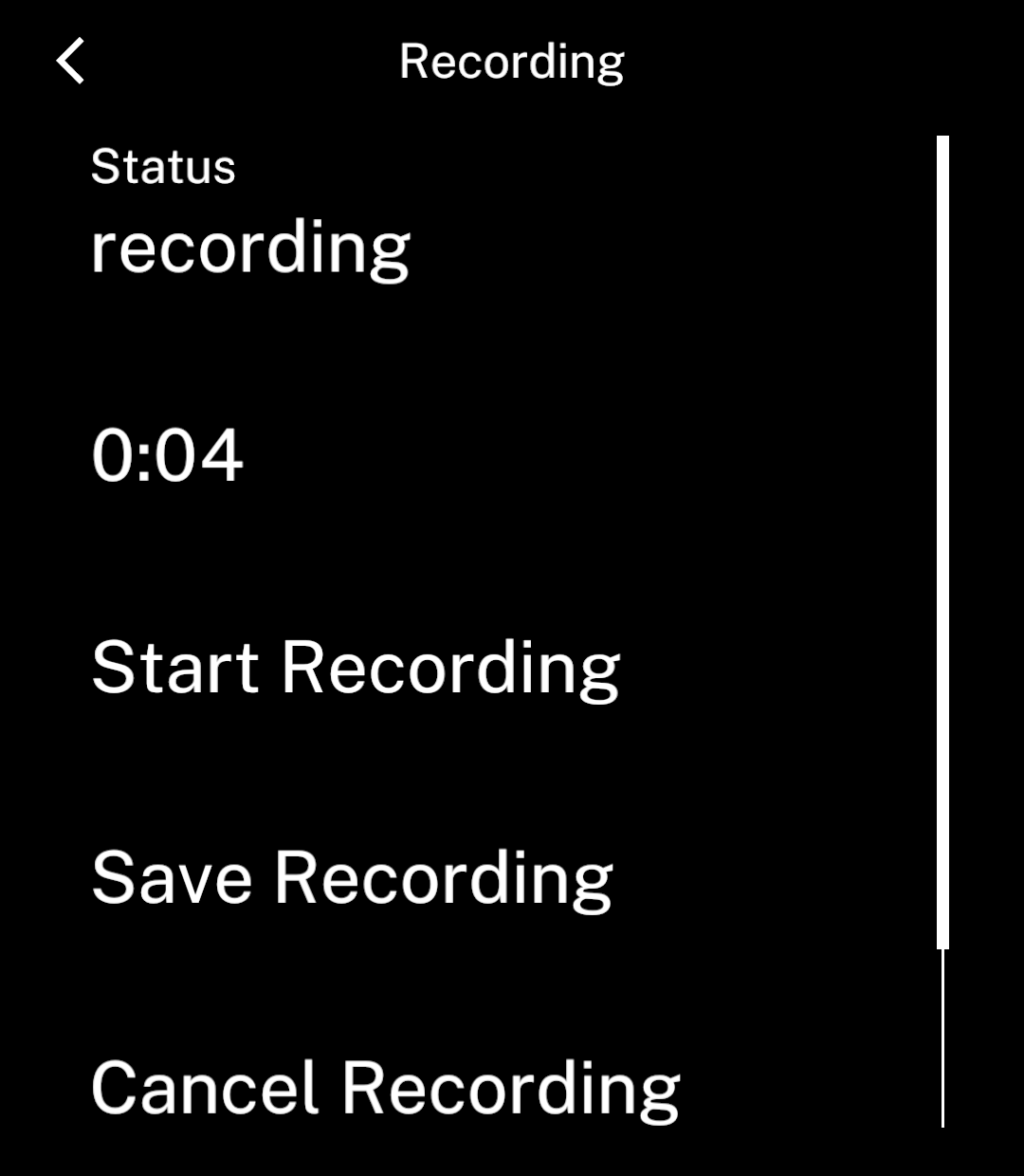
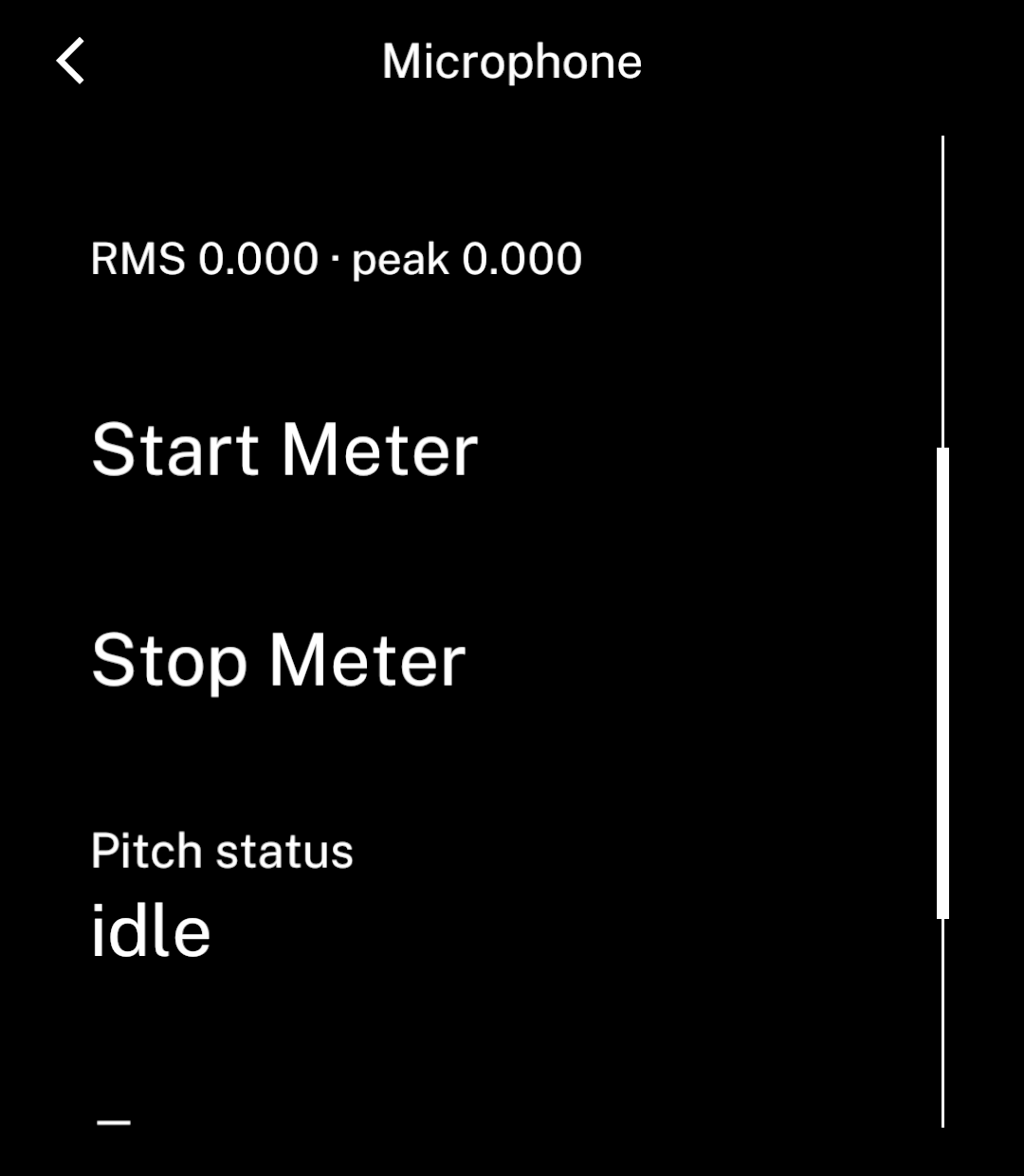
RecordingDuration, LevelReadout and PitchReadout display changing measurements without React updates. Capture hooks expose lifecycle status and errors in state; native readouts update automatically.
After granting microphone permission, a recording page can display elapsed time with this binding:
import { RecordingDuration, useRecorder } from "@ink/audio/recording";
import { Button, Field, Screen, useAction } from "ink";

export default function Recording() {
  const recorder = useRecorder();
  const command = useAction((run: () => Promise<unknown>) => run());
  return <Screen title="Recording">
    <RecordingDuration recorder={recorder} />
    <Button disabled={!recorder.ready} onPress={() => command.run(recorder.start)}>Start</Button>
    <Button disabled={!recorder.ready || recorder.state.status !== "recording"} onPress={() => command.run(recorder.stop)}>Save</Button>
    {command.status === "error" && <Field label="Error">{command.error.message}</Field>}
  </Screen>;
}| Component | Source | Display |
|---|---|---|
RecordingDuration from @ink/audio/recording |
recorder returned by useRecorder |
Elapsed minutes and seconds. |
LevelReadout from @ink/audio/microphone |
meter returned by useLevelMeter |
RMS and peak signal levels. |
PitchReadout from @ink/audio/microphone |
detector returned by usePitchDetector |
Note, octave, frequency and cents, or a dash when no note is detected. |
The template’s recording page uses the native elapsed label; its microphone page uses the level and pitch readouts.
Read live measurements
Subscribe to measurements only when your component calculates or draws a custom reading:
import { usePitchDetector } from "@ink/audio/microphone";
import { useSnapshot } from "ink";

const detector = usePitchDetector();
const measurement = useSnapshot(detector.measurements);
const frequency = measurement.status === "ready" ? measurement.data.frequency : null;
This component still needs microphone permission and must call detector.start(). The source is stable across renders. Ink enables measurement delivery while subscribed and stops it when the last subscriber leaves, without restarting capture. state continues to provide status and errors. Completed recordings include their final duration in state.recording and the result of stop().
When migrating, remove updates options. Replace reads of live state.frequency, state.rms, state.cents or recording state.duration with a measurements subscription. Native readouts need no subscription.
Record audio
Inside your component:
import { useAction } from "ink";
import { useRecorder } from "@ink/audio/recording";

const recorder = useRecorder();
const start = useAction(() => recorder.start());
Call start.run() from a button after permission is granted and recorder.ready is true. Stop it from a separate action:
const recording = await recorder.stop();Detect pitch
Inside your component:
import { usePitchDetector } from "@ink/audio/microphone";

const detector = usePitchDetector({ referenceHz: 440 });
Call its start() and stop() commands from actions, following the same permission and readiness checks.
| Hook | Commands | State |
|---|---|---|
useRecorder() |
start(), stop(), cancel(), delete() |
Status, error and the saved recording when available. Live duration is in measurements. |
useLevelMeter() |
start(), stop() |
Status and error. measurements includes RMS and peak signal levels, not calibrated sound-pressure measurements. |
usePitchDetector({ referenceHz }) |
start(), stop() |
Status and error. measurements includes frequency in Hz, note, octave, cents and confidence. Reference defaults to 440 Hz. |
Tuning indicator
Pass measurement.data.cents from a ready, active measurement snapshot to PitchIndicator, or null when no note is detected. Its 25-tick scale spans −50 to +50 cents: flat on the left, sharp on the right. Readings within ±5 cents settle on the taller centre tick. The indicator follows Ink’s colour scheme and is not interactive.
Saved recordings
Recorder status is idle, recording, stopping, ready or error. stop() resolves with the saved recording after the file has been finalised. It rejects if no recording is in progress. The completed file also appears in state, including when recording stops as the app backgrounds.
The recording is a FileRef with a duration in milliseconds. Use its src with usePlayer or fetch.
cancel() discards unfinished capture. delete() removes the current saved recording.
Earlier recordings remain available. Save their IDs and reopen them with files.open(id). They remain until removed with files.remove(id) or app data is cleared.
Leaving the app
Pitch and level analysis pause in the background and resume when the app returns. Calling stop() or removing the hook prevents resumption.
Recordings stop in the background and do not resume automatically. Removing a capture hook releases the microphone.
Recording and analysis cannot use the microphone at the same time. Each import includes only its input engine. Playback includes neither engine nor microphone permission.
Providers and offline media
Direct audio files and podcast URLs work with this player. Music services may require their own SDK or playback engine, especially for protected or offline content.
Use Downloads to save audio files. Reopen the file by ID before playback and handle missing files or expired provider access.