

Photo and video picker
Select photos and videos.
Example
Request access through lightos before displaying the picker:
import { lightos } from "@ink/lightos";

const permission = await lightos.requestPermission("photos-and-videos");
The picker checks access without opening a permission prompt. See Files and media for image-only and video-only permissions.
Install @ink/files and put the picker on its own page.
import { MediaPicker } from "@ink/files/media";

{permission === "granted" && <MediaPicker onSelect={saveAttachments} />}
saveAttachments receives an array of managed files. Save their IDs, then navigate back. See Files and media for storage and uploads.
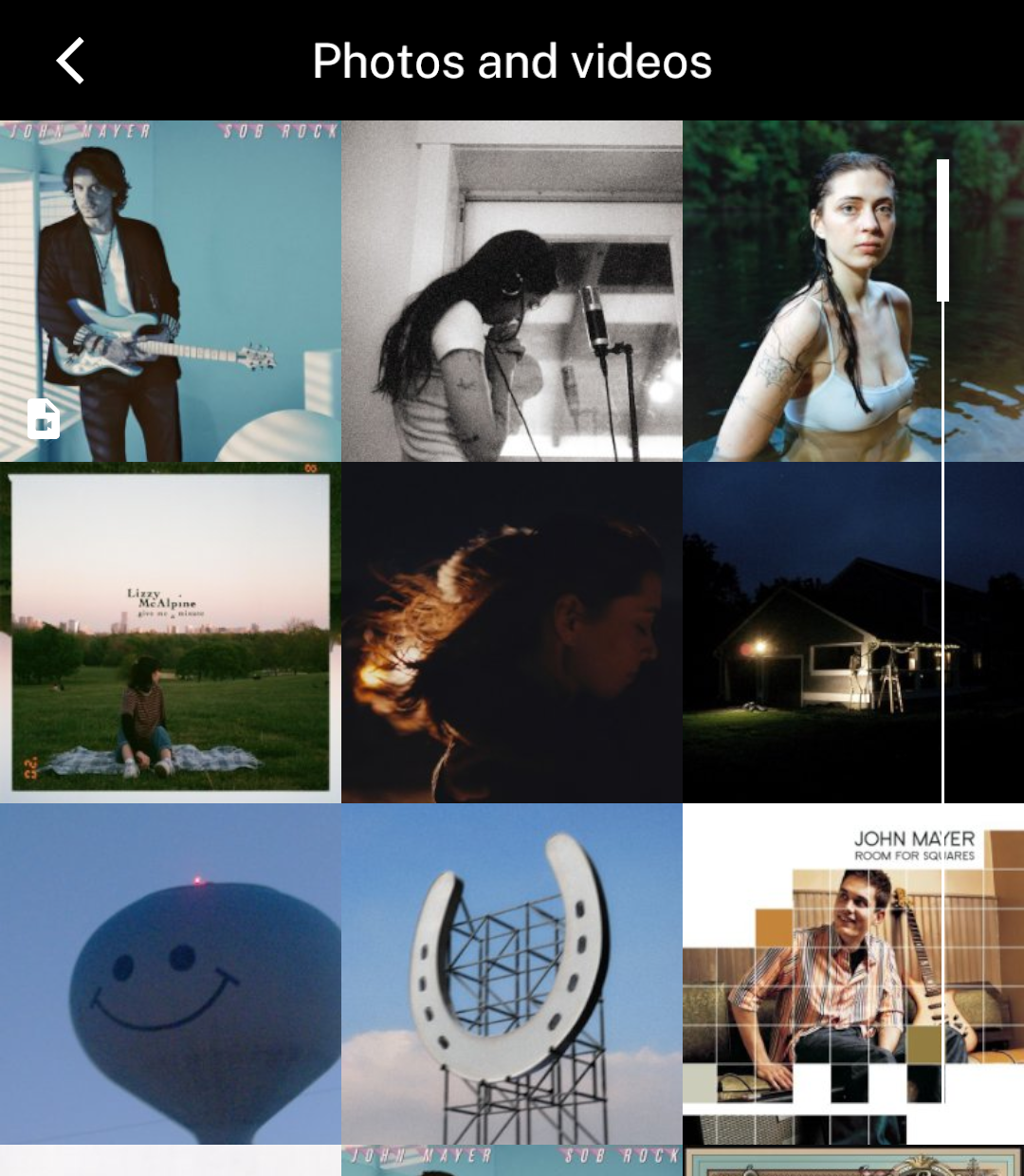
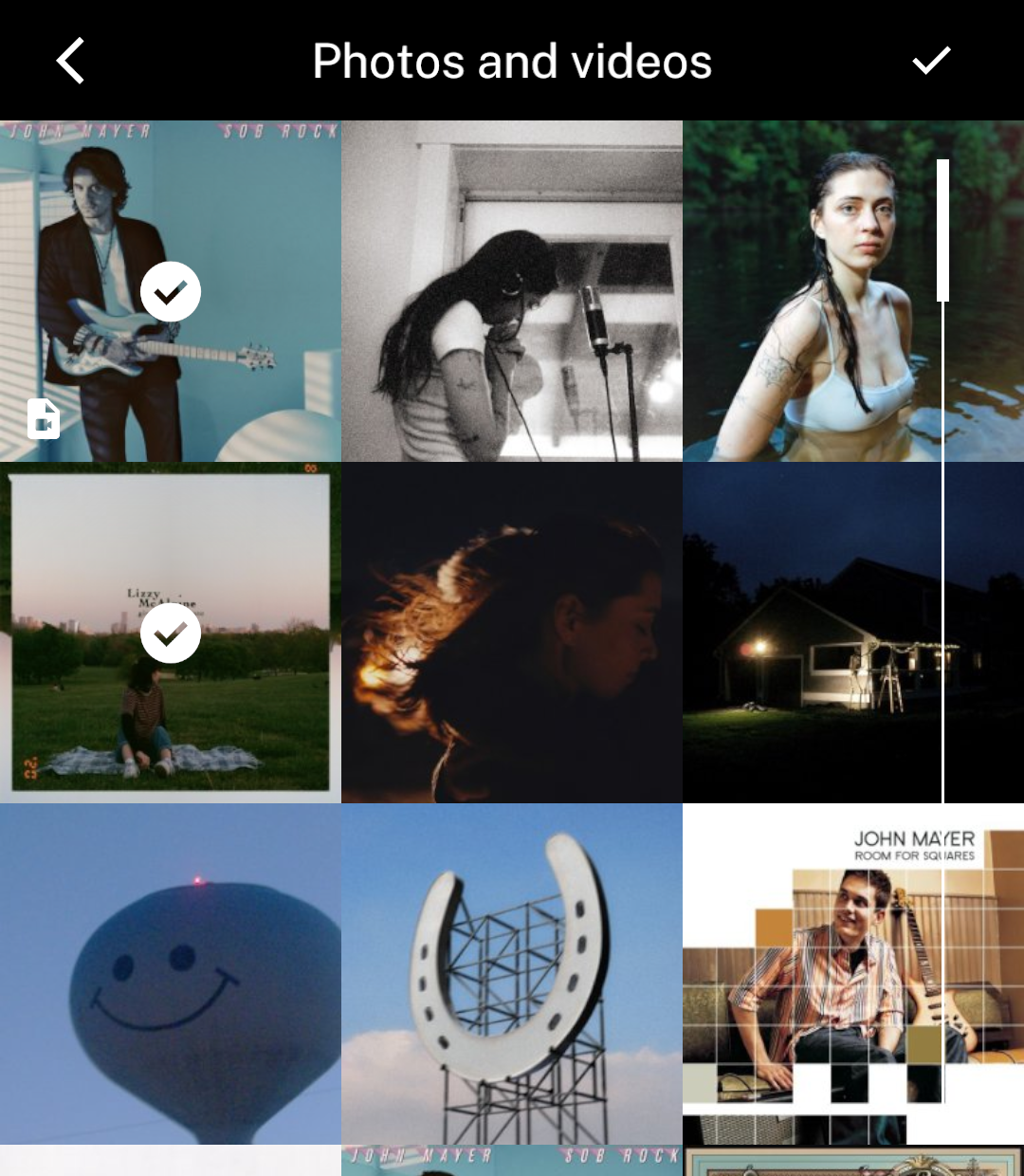
Selection
Tap items to select them, then use the header tick.
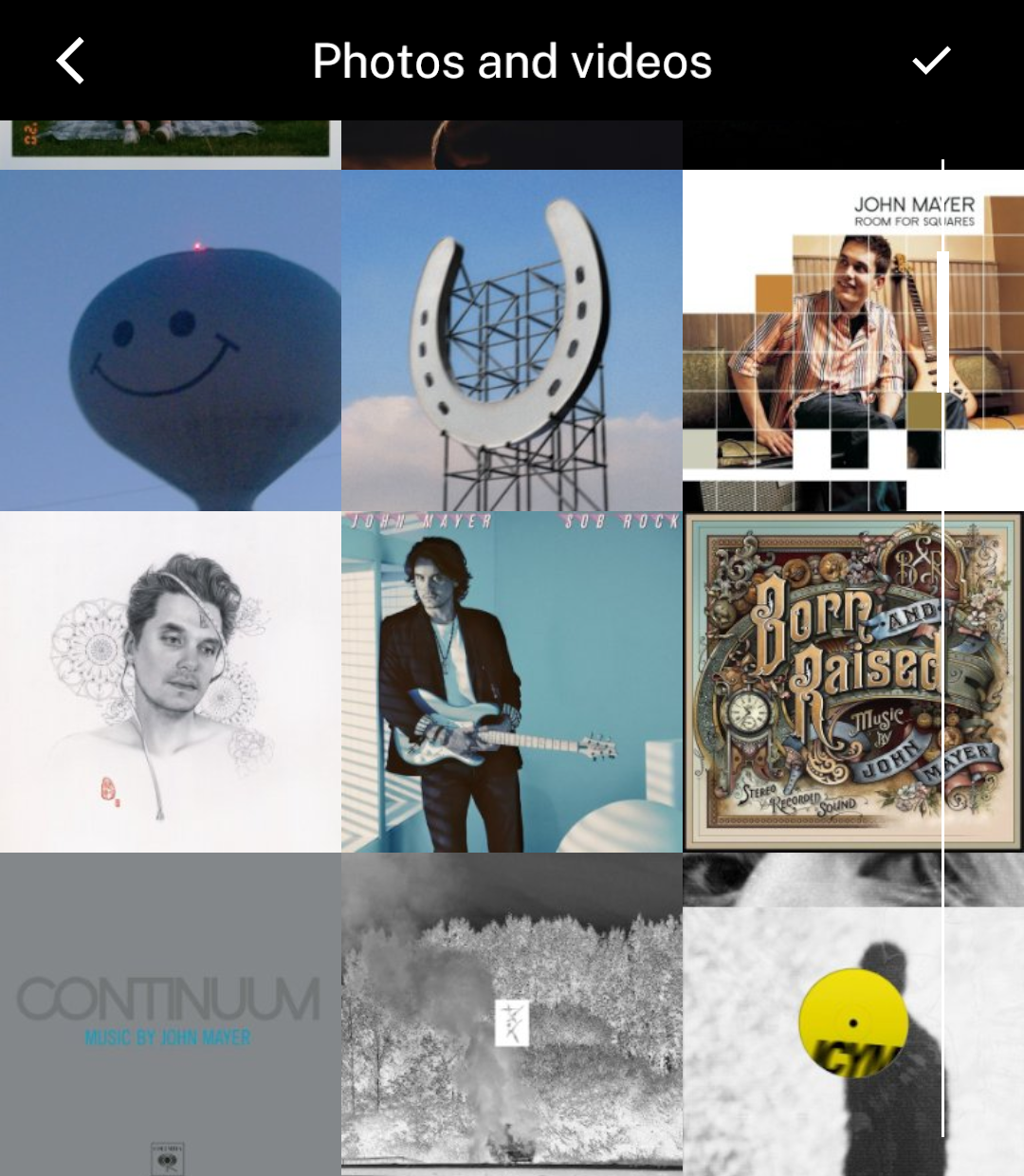
Scrolling
More photos and thumbnails load automatically as the gallery scrolls.
Photos or videos only
Use kind="image" or kind="video". The default shows both. title changes the header.
The picker requires full access for the selected media kind. Selected-photo access alone is not enough. Without access, it displays a message without requesting permission or opening settings.
Selected items are copied into app-owned storage before onSelect runs. Back cancels selection. The callback may return a promise and decides when to leave the page. Picking a video does not add video playback.