

Codes
Display QR codes and barcodes.
Example
Install @ink/barcode.
import { Screen } from "ink";
import { Barcode } from "@ink/barcode";

export default function Code() {
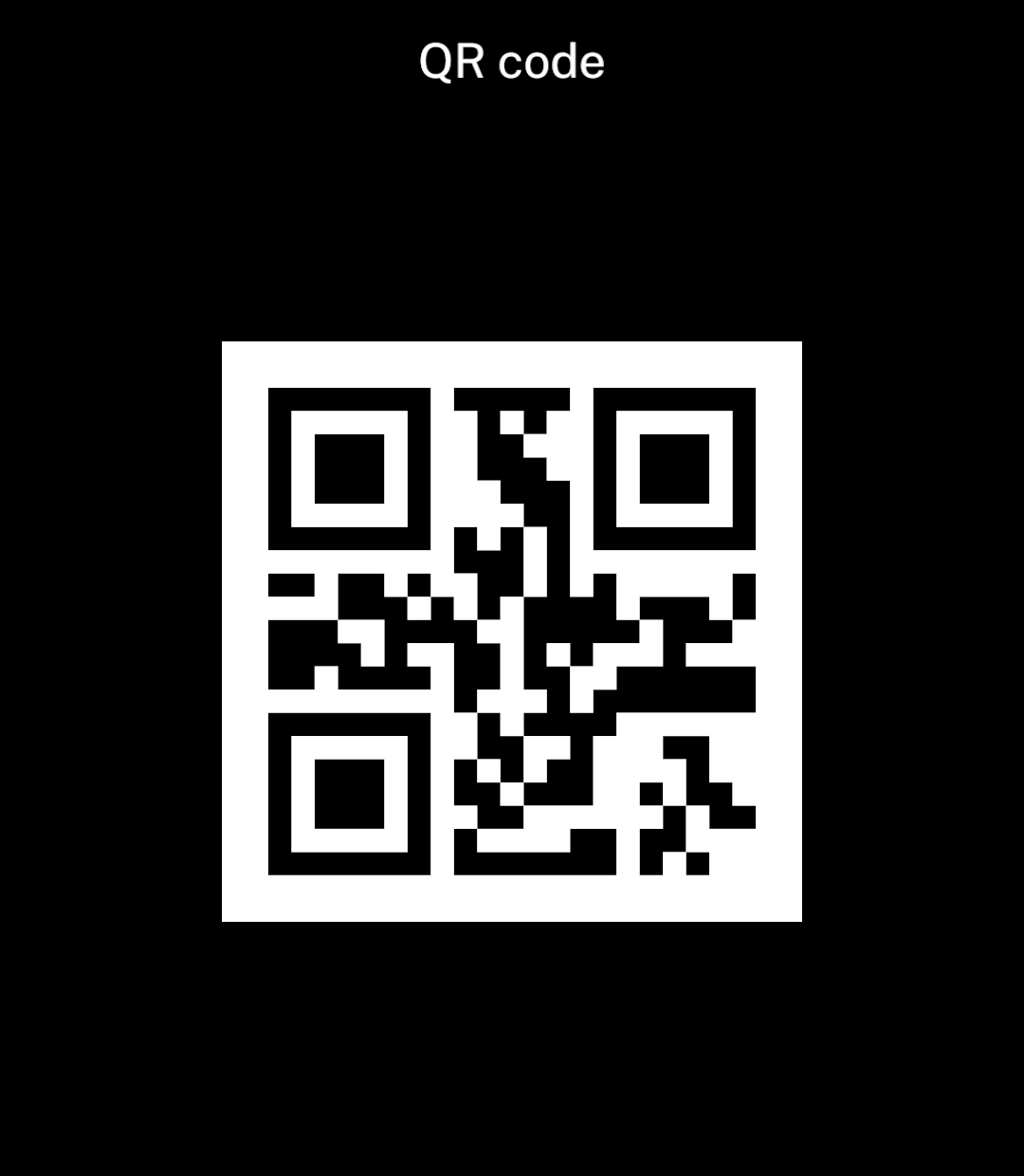
  return <Screen title="QR code" centered>
    <Barcode format="qr" value="Hello World!" size={240} />
  </Screen>;
}
Formats
format chooses the code type. size sets its width; the height follows the format.
<Barcode format="pdf417" value="Hello World!" size={240} />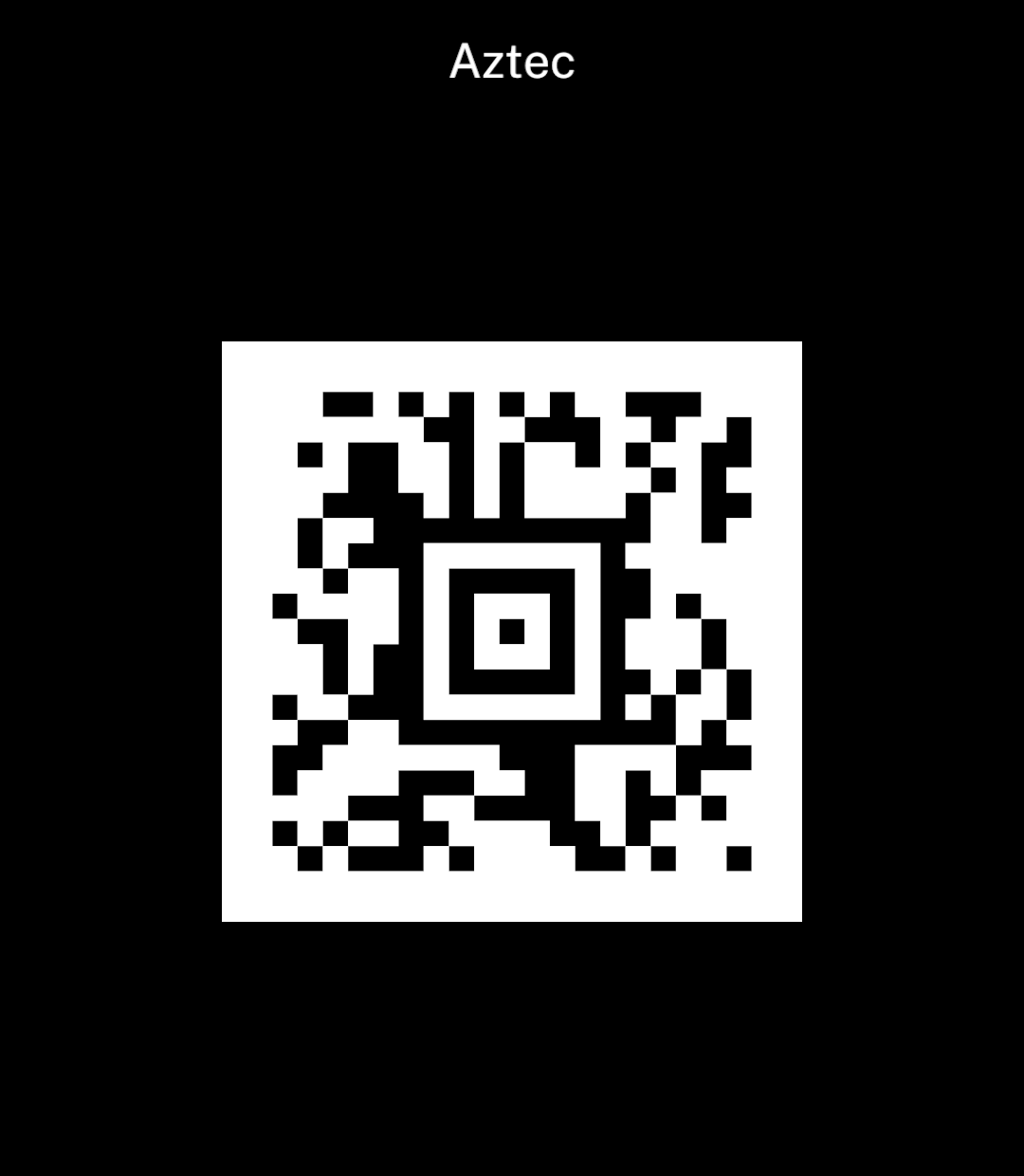
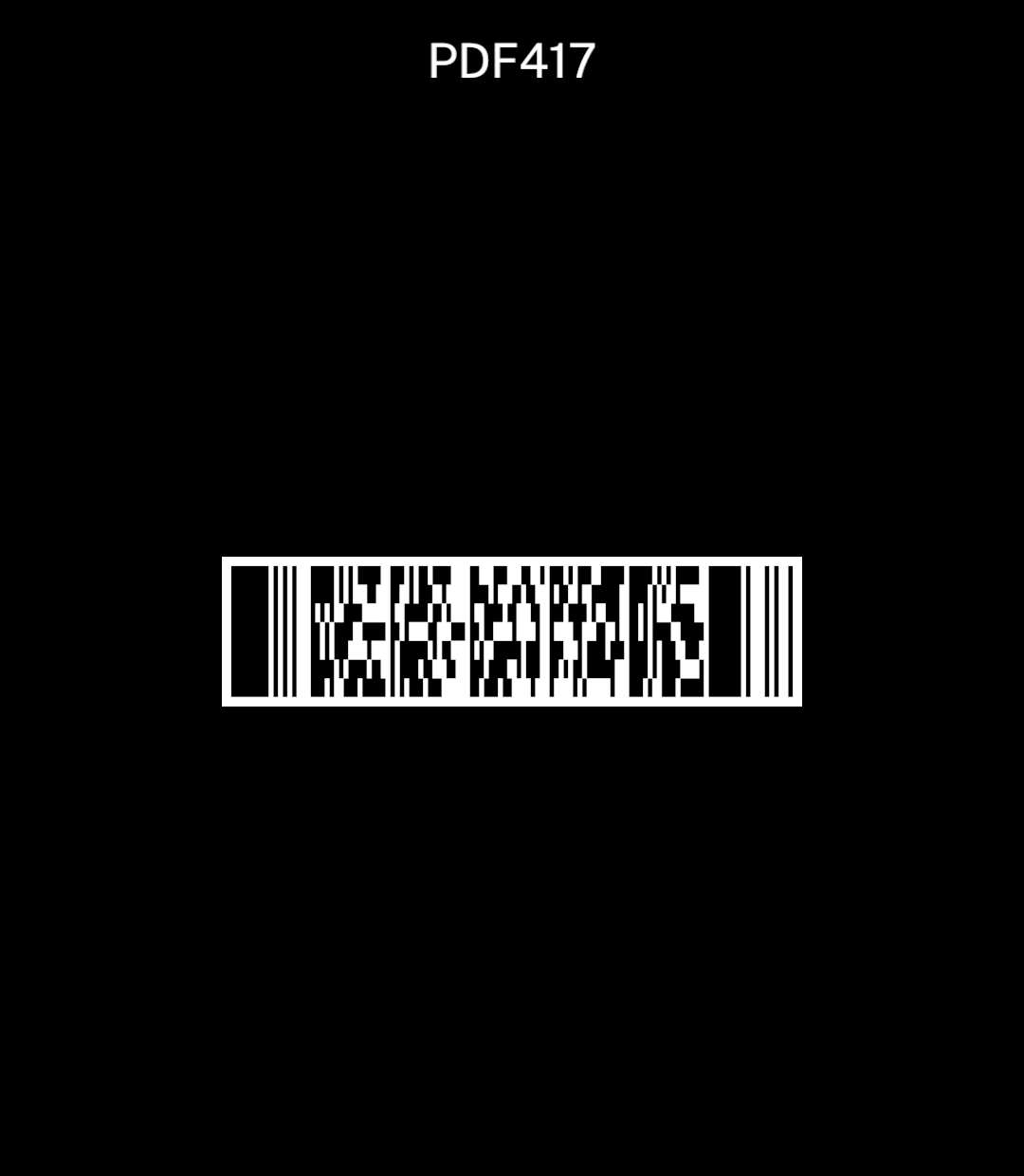
Supported formats: qr, aztec, data-matrix, pdf417, ean-13, ean-8, upc-a, upc-e, code-39, code-93, code-128, itf and codabar.
Preserve the payload exactly, including leading zeros and letter case. Ink generates the code natively and includes its white border. See Barcodes and passes for scanning.
Barcode values
Use showValue to print the value beneath a linear barcode. QR and other two-dimensional codes remain unchanged.
<Barcode format="code-128" value="001234567890" size={320} showValue />