

Resources and actions
Load data, reuse it across screens and save changes.
Use resource for data shared across screens. Use useAction for commands such as saving a setting or sending a message.
Load data
Define a resource outside the component. useSnapshot loads its data and updates the screen when it changes.
getForecast(placeId) must return a promise with a temperature value. Import @ink/network in that module if it uses fetch.
import { resource, useSnapshot, Screen, Text, LoadingState, ErrorState } from "ink";
import { getForecast } from "../lib/api";

const forecast = resource({
  key: (placeId: string) => [placeId],
  load: getForecast,
  staleTime: 60_000,
});

export default function Forecast() {
  const source = forecast("london");
  const result = useSnapshot(source);

  if (result.status === "loading") {
    return <Screen title="Forecast"><LoadingState /></Screen>;
  }
  if (result.status === "error") {
    return <Screen title="Forecast">
      <ErrorState message={result.error.message} onRetry={source.refresh} />
    </Screen>;
  }
  return <Screen title="Forecast">
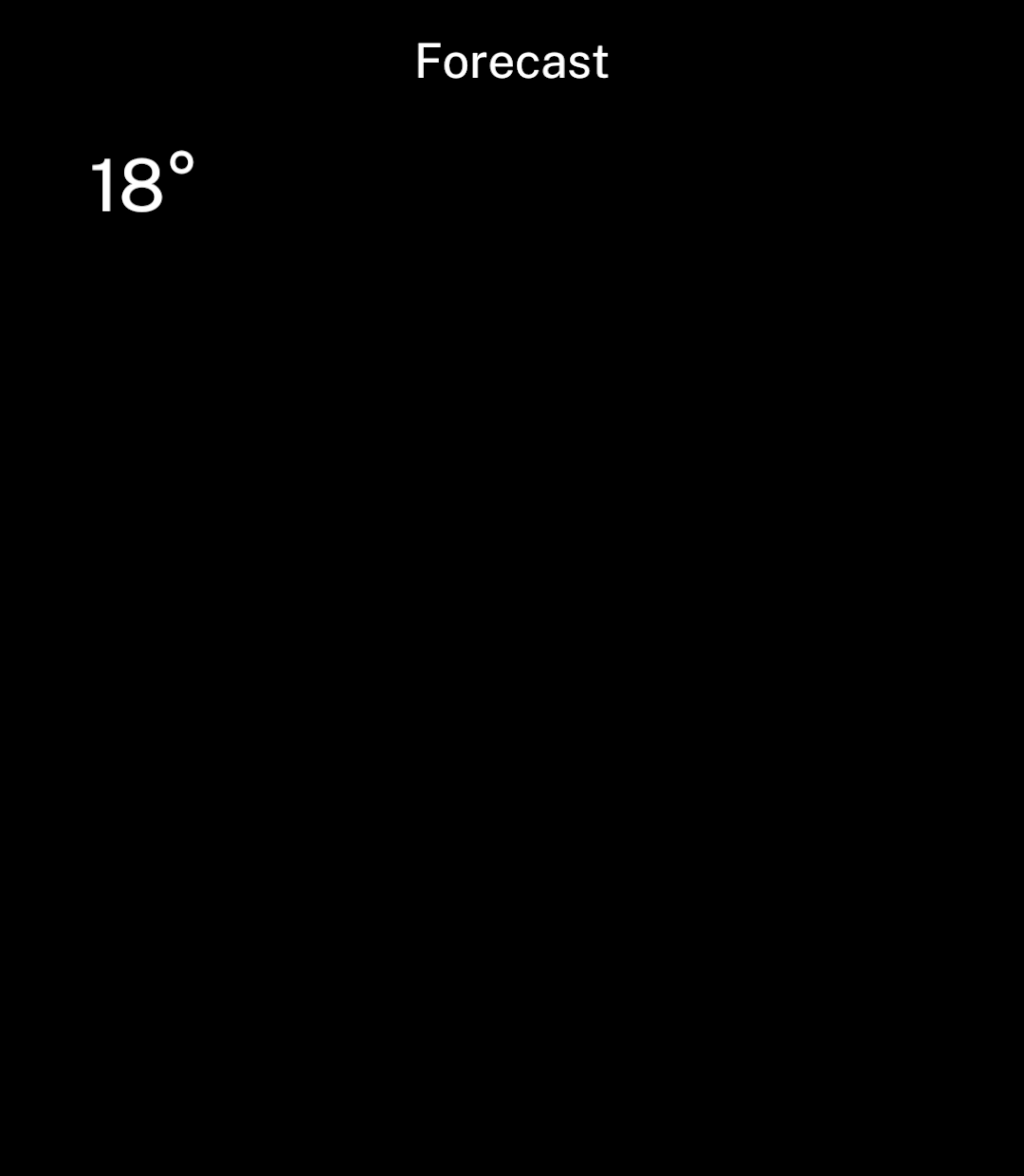
    <Text>{result.data.temperature}°</Text>
  </Screen>;
}
The key identifies the cached result. Include every value that changes the response, such as location and units. Keys contain strings, finite numbers, booleans or null. Each resource has its own cache.
Refresh data
| Option | Behaviour |
|---|---|
staleTime |
How long data stays fresh, in milliseconds. Defaults to 0. |
refreshInterval |
Reloads data periodically while a screen uses it. Omit to disable. |
Both intervals start after a successful load. Opening a screen with stale data starts a refresh and keeps the previous result visible.
Call source.refresh() to refresh immediately. It reuses any pending request and resolves when that request finishes. Read errors from the snapshot.
Refresh errors
A failed refresh keeps the existing data and sets refreshError. Inside the loaded screen, offer a retry without replacing its content:
{result.refreshError && <>
  <Text>{result.refreshError.message}</Text>
  <Button onPress={source.refresh}>Try again</Button>
</>}
Import Button from ink. result.refreshing indicates an active refresh. Failures stop periodic refreshes and delay automatic retries for one minute; source.refresh() bypasses that delay.
Save and send actions
useAction tracks a command’s progress and catches errors. Call it inside a component, then pass run to the relevant handler.
This example uses a Store named preferences with a units setting:
import { back, useAction, Screen, SettingsChoices, Text } from "ink";
import { preferences } from "../lib/preferences";

export default function Units({ value }: { value: string }) {
  const save = useAction(async (units: string) => {
    await preferences.update(current => ({ ...current, units }));
    back();
  });

  return <Screen title="Units">
    <SettingsChoices
      options={[
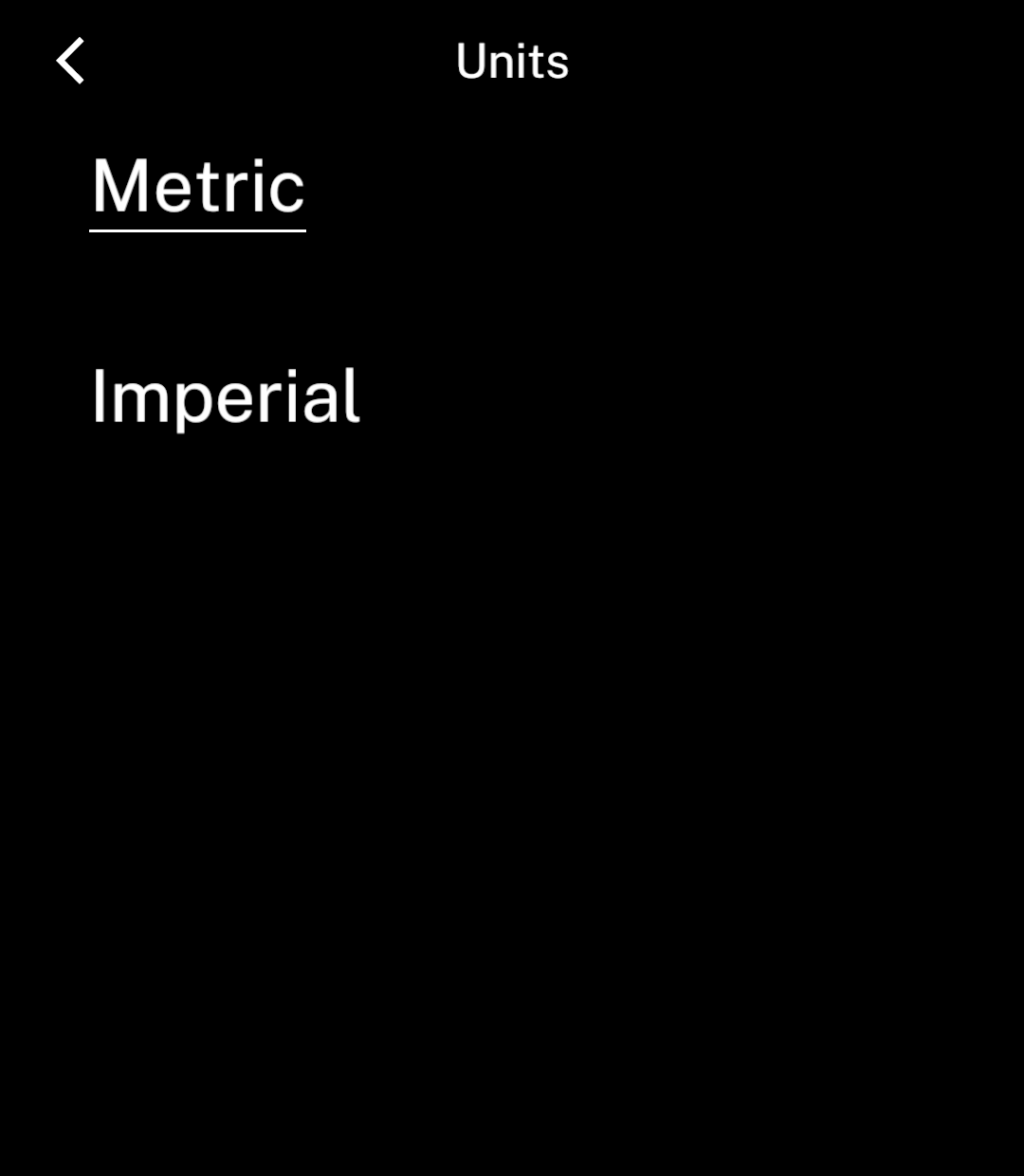
        { value: "metric", label: "Metric" },
        { value: "imperial", label: "Imperial" },
      ]}
      value={value}
      onChange={save.run}
      disabled={save.status === "pending"}
    />
    {save.status === "error" && <Text>{save.error.message}</Text>}
  </Screen>;
}
Pass the saved value to this component. Await the save before back() so the previous page shows the change when it returns.
An action’s status is idle, pending, success or error. Repeated calls while pending are ignored. Successful results are available as data; failures as error. Call run with the same arguments to retry. Keep inputs visible while saving, with errors underneath.
Cache lifetime
Hidden screens stop using their resources. Periodic refreshes stop when no subscribers remain, but pending requests finish. Unused data expires after five minutes, counted from the end of any pending request.
The cache clears when the app restarts. Use Store for data that must persist.
Putting the app in the background does not unsubscribe its screen. Use Background work for scheduled jobs; resource refreshes do not guarantee background execution.