

Conversations
Display messages, replies and a composer.
Example
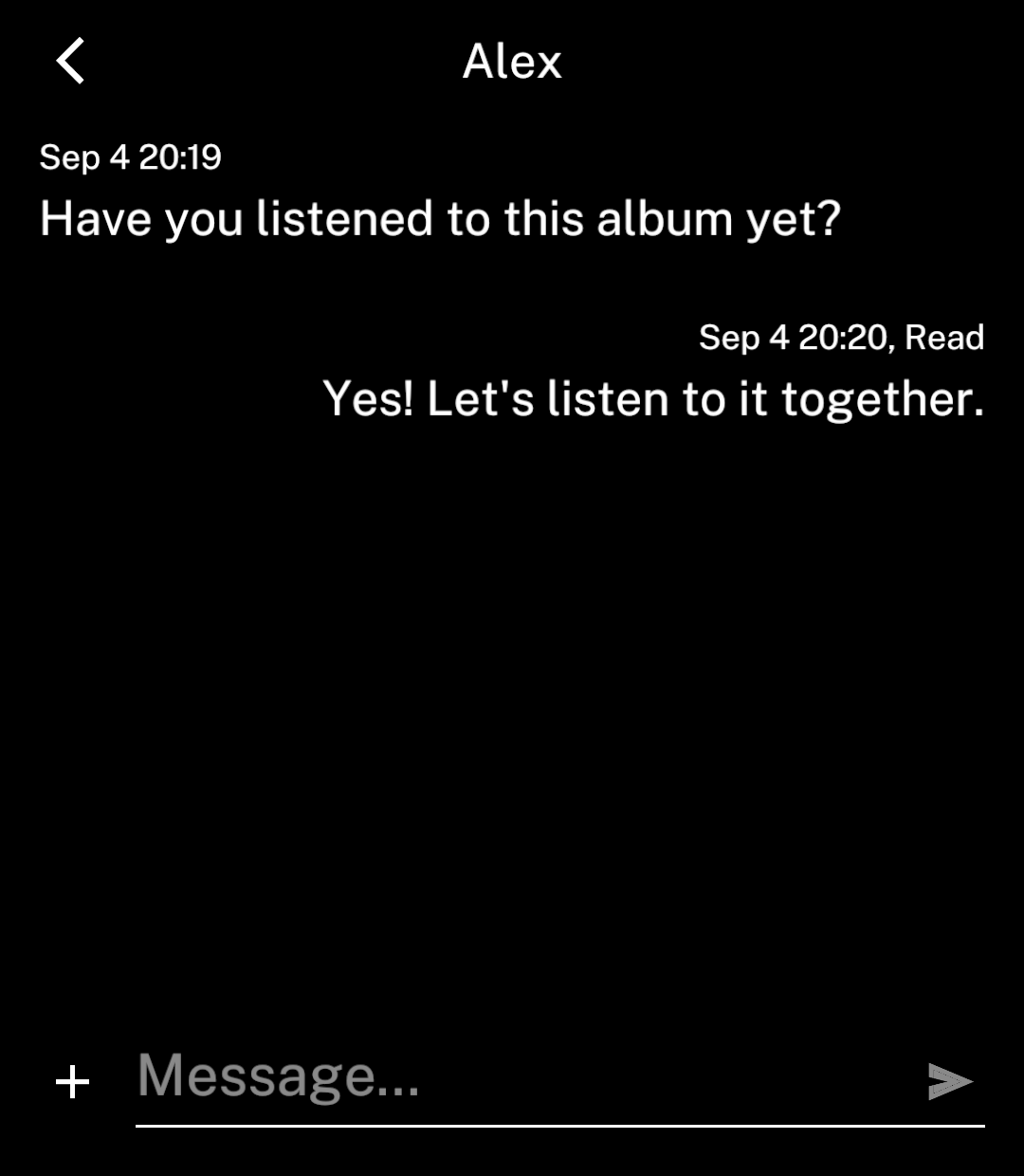
ConversationScreen provides the message list, composer and actions page.
import { useState } from "react";
import { ConversationScreen, type ConversationMessage } from "ink";

export default function Chat() {
  const [messages, setMessages] = useState<ConversationMessage[]>([
    { id: "1", text: "Have you listened to this album yet?",
      timestamp: Date.now() },
  ]);
  const [draft, setDraft] = useState("");

  return <ConversationScreen
    title="Alex"
    messages={messages}
    draft={draft}
    onDraftChange={setDraft}
    onSend={({ text, replyTo }) => {
      setMessages(current => [...current, {
        id: String(Date.now()), text, timestamp: Date.now(),
        outgoing: true,
        reply: replyTo ? {
          author: replyTo.outgoing ? "You" : "Alex",
          text: replyTo.text || "Photo",
        } : undefined,
      }]);
      setDraft("");
    }}
  />;
}
This example adds messages locally. Connect onSend to your messaging service to send them.
Group chats
Set group and include author on incoming messages. Outgoing messages omit the author.
<ConversationScreen group title="Music club"
  messages={messages} draft={draft}
  onDraftChange={setDraft} onSend={send} />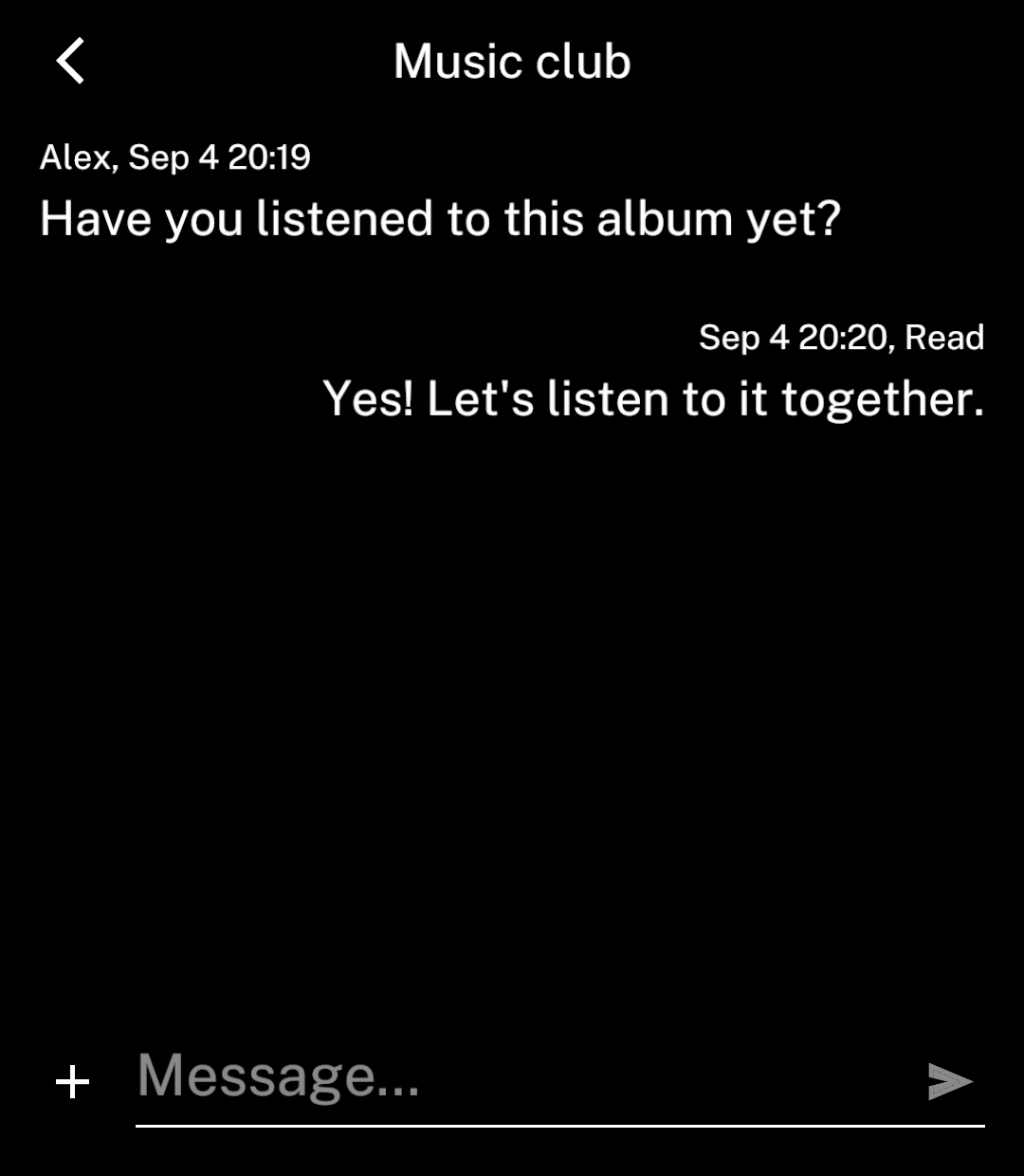
Replies
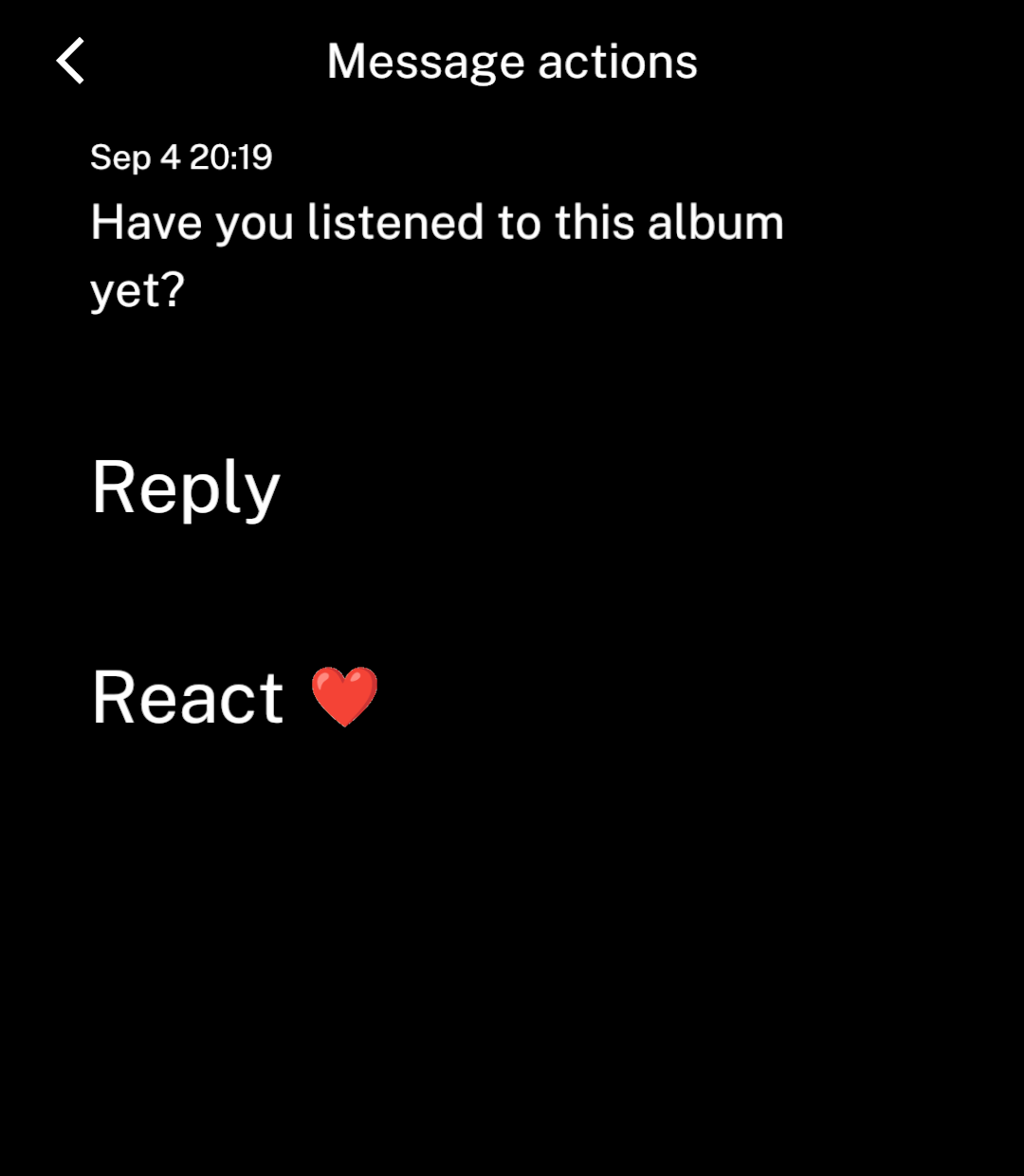
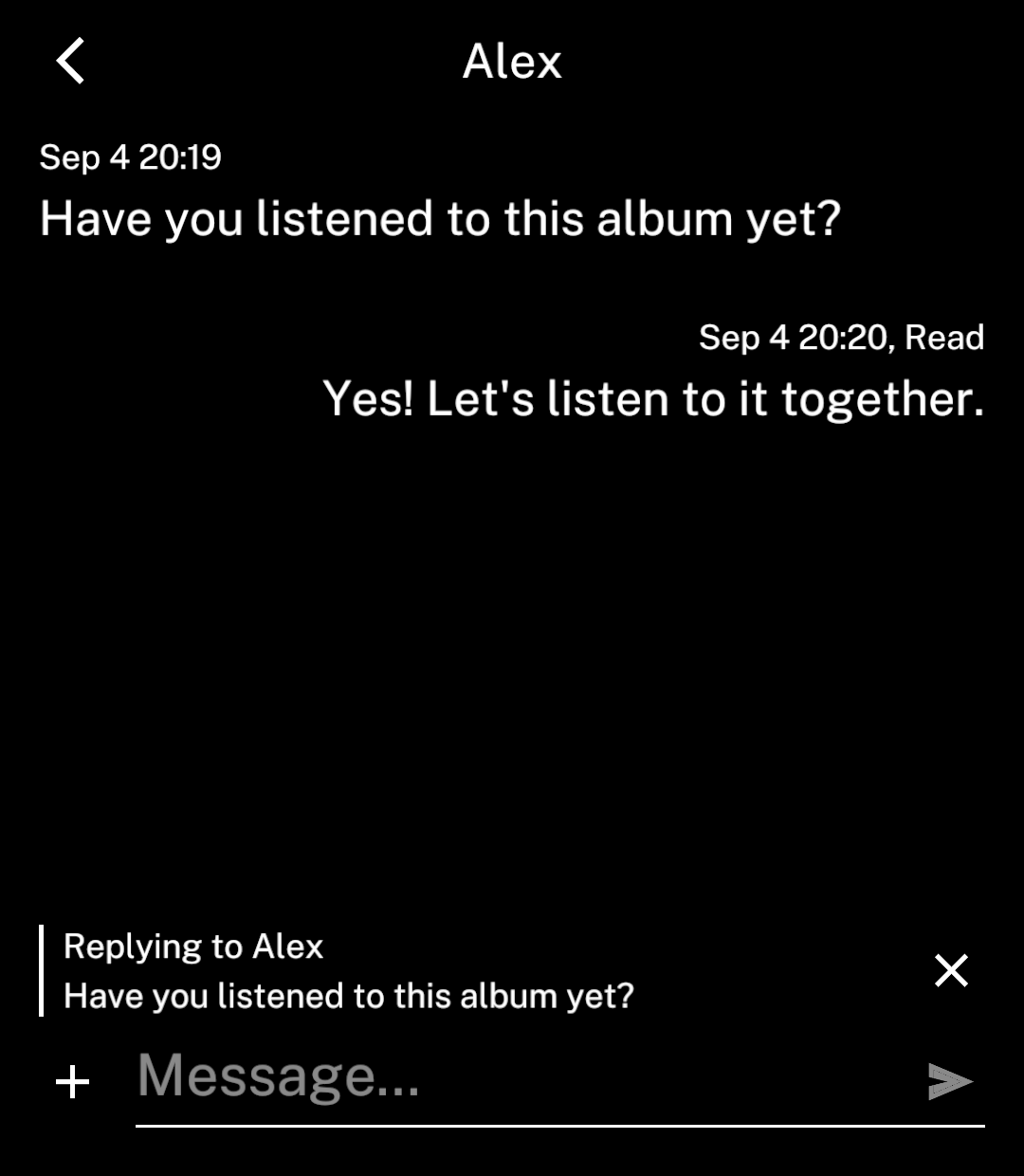
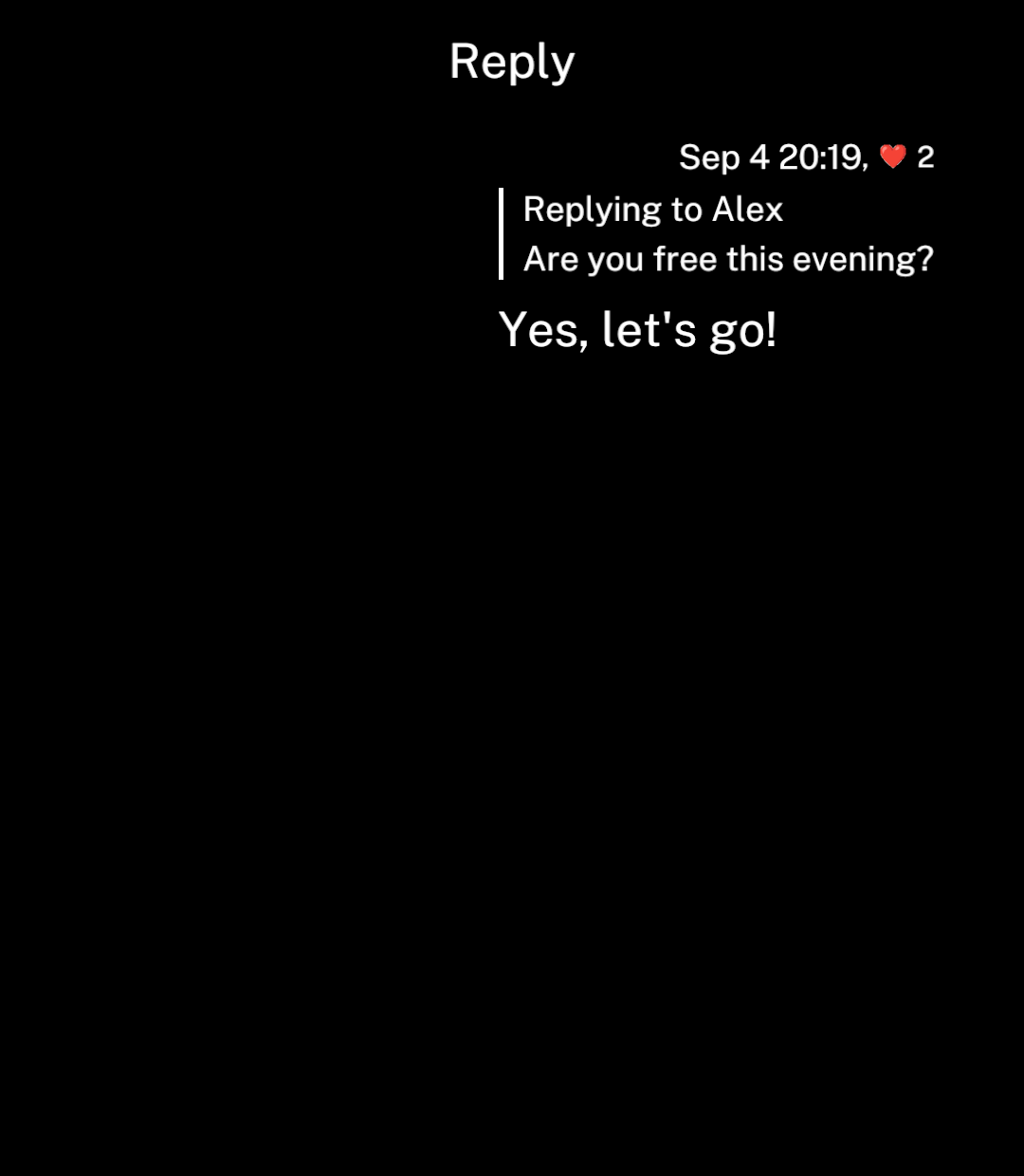
Long-press a message or image, then choose Reply. Ink returns to the conversation and shows a reply banner.
onSend receives { text, replyTo }. Add the outgoing message, save its reply preview and clear the draft. Ink keeps the keyboard open and scrolls to the bottom.
Images
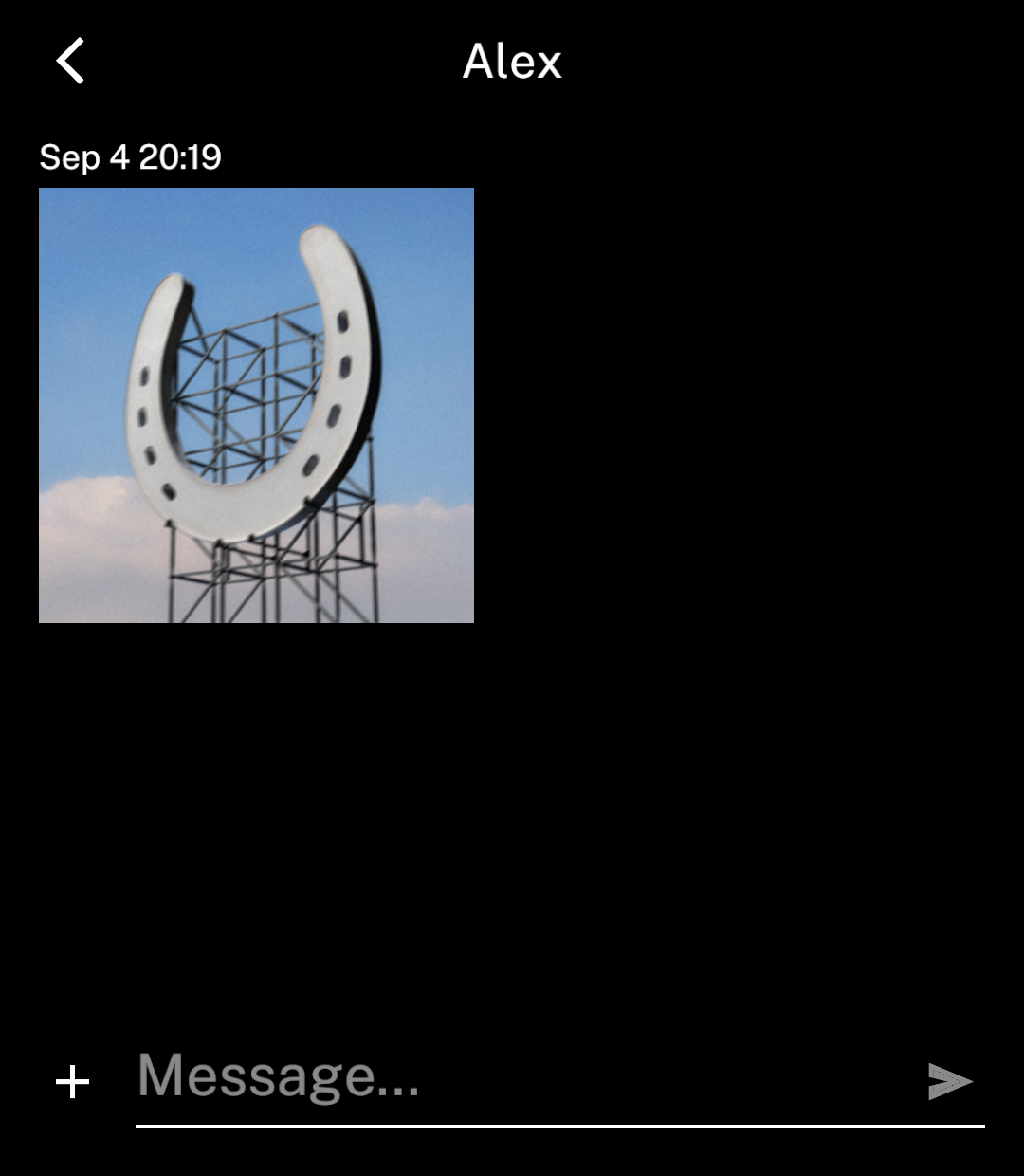
Add image with a source and dimensions. Text is optional.
Tap an image to open it in the full content area with zoom. Back returns to the conversation at the same scroll position. Set onImagePress to replace this behaviour.
{
  id: "photo",
  timestamp: Date.now(),
  image: { src: artwork, width: 180, height: 180 },
}
Message status
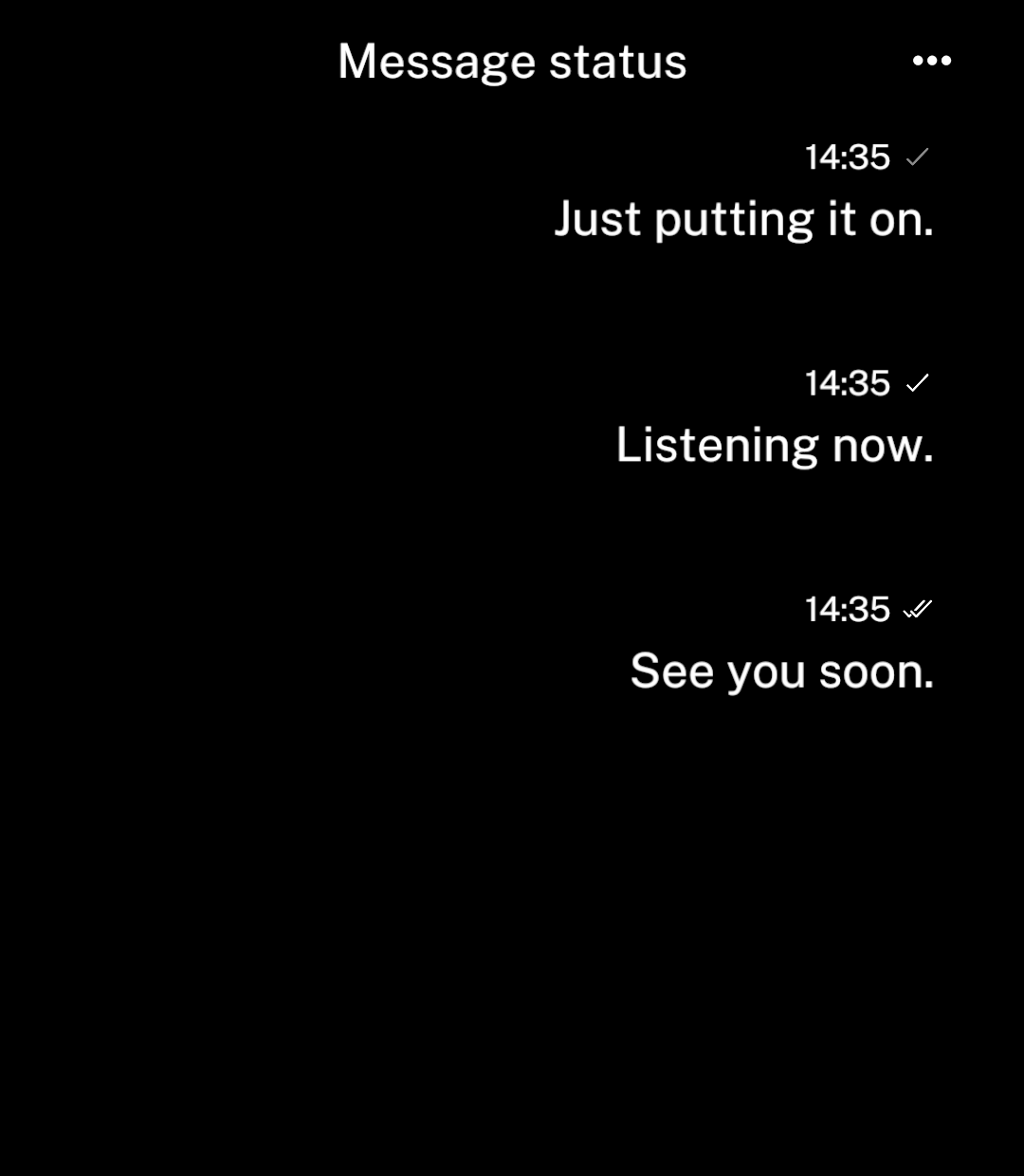
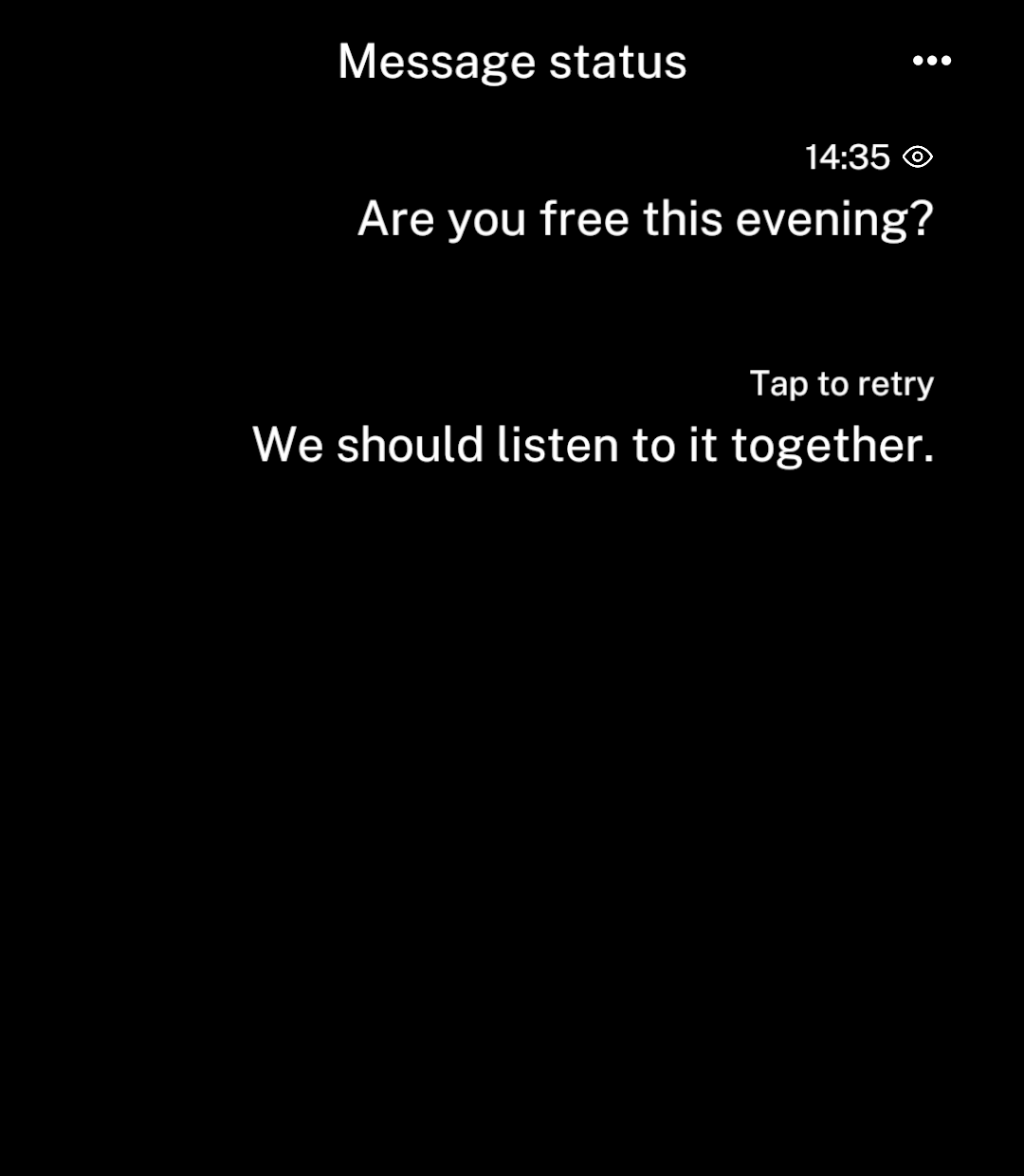
Set status on outgoing messages.
| Status | Display |
|---|---|
sending |
Single tick in inactive grey |
sent |
Single tick |
delivered |
Double tick |
read |
Eye |
failed |
“Tap to retry” when onRetry is supplied; otherwise “Could not send” |
<Message text="See you soon" timestamp={Date.now()}
  outgoing status="delivered" />
Failure text replaces the timestamp. Failed messages have no icon.
Message details
Every message needs a stable id and a timestamp in milliseconds since the Unix epoch. Ink shows local time for today and adds the month and day for older messages. reactions adds text to the same information line.
Use actions(message) for extra message actions, onAttach for the plus button, and onDoubleTap for double taps. Ink returns to the chat before running a custom action.
Set rightAction={{ icon, onPress }} to add a header action, as with Screen.
onLoadOlder returns a promise and prepends older messages; hasOlder says whether more remain. Ink loads history and nearby images ahead of view, preserving scroll position and momentum.
loading shows initial loading content; sending disables the send action.
Message is also available separately for custom screens.
Links
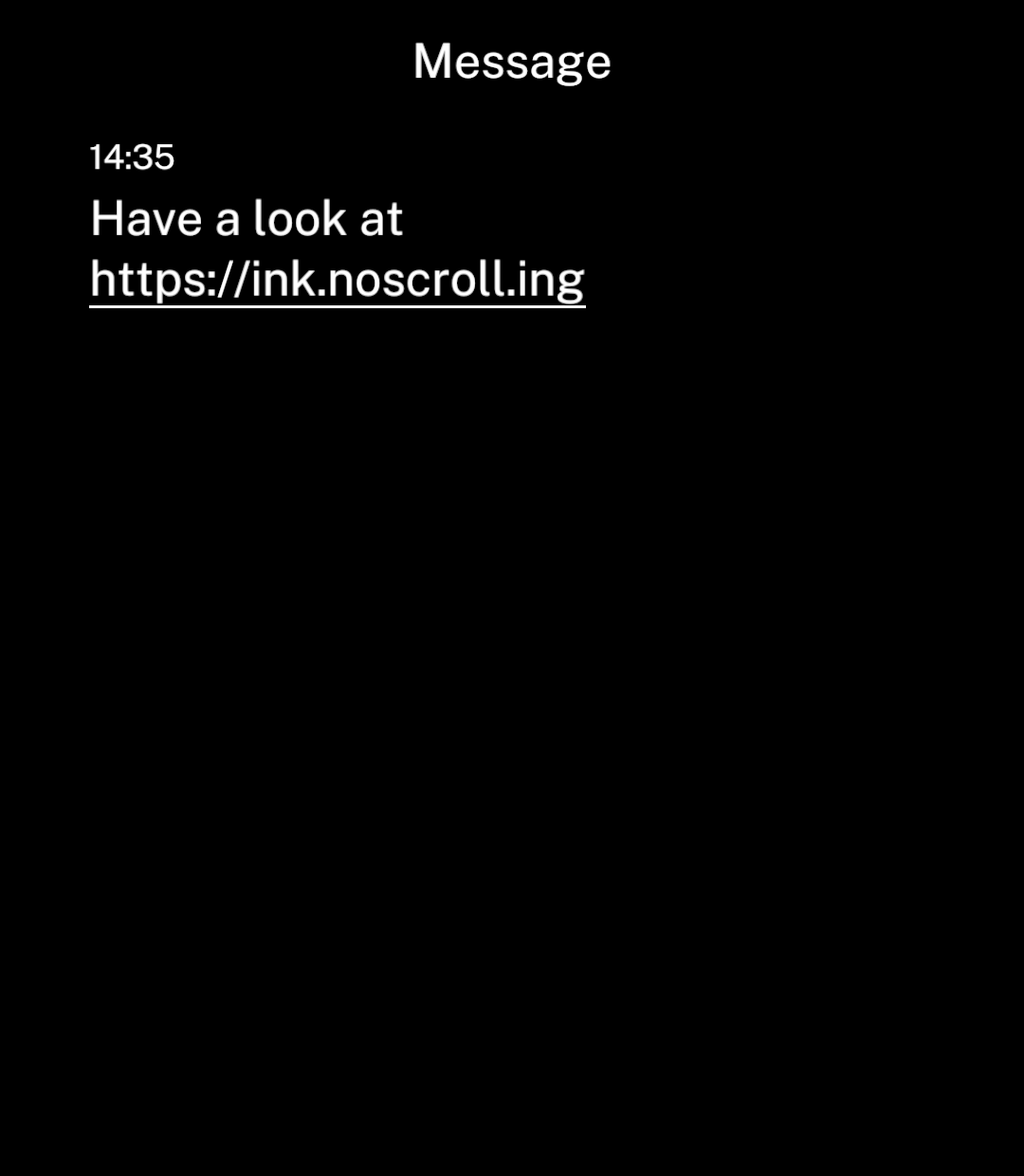
Messages detect and underline links automatically. Tapping opens the in-app browser, or the default browser if unavailable. Set onLinkPress to override this behaviour.
import { Message } from "ink";

<Message
  text="Have a look at https://ink.noscroll.ing"
  timestamp={Date.now()}
/>
Link previews
Tapping a card opens its URL. Use onPress for a custom action. Supply the title and image yourself; Ink does not fetch page metadata.
import { LinkPreview } from "ink";

<LinkPreview
  url="https://www.youtube.com/watch?v=-zjJpFYtx9s"
  title="Arson as a Christmas Tradition: The Gävle Goat"
  image={{
    src: "https://i.ytimg.com/vi/-zjJpFYtx9s/hqdefault.jpg",
    width: 480,
    height: 360,
  }}
/>
Use icon={favicon} to add a site icon.
In a conversation, pass the same data as the message’s linkPreview. The card replaces its URL in the displayed text. Tapping uses onLinkPress if supplied; long-pressing opens message actions.